

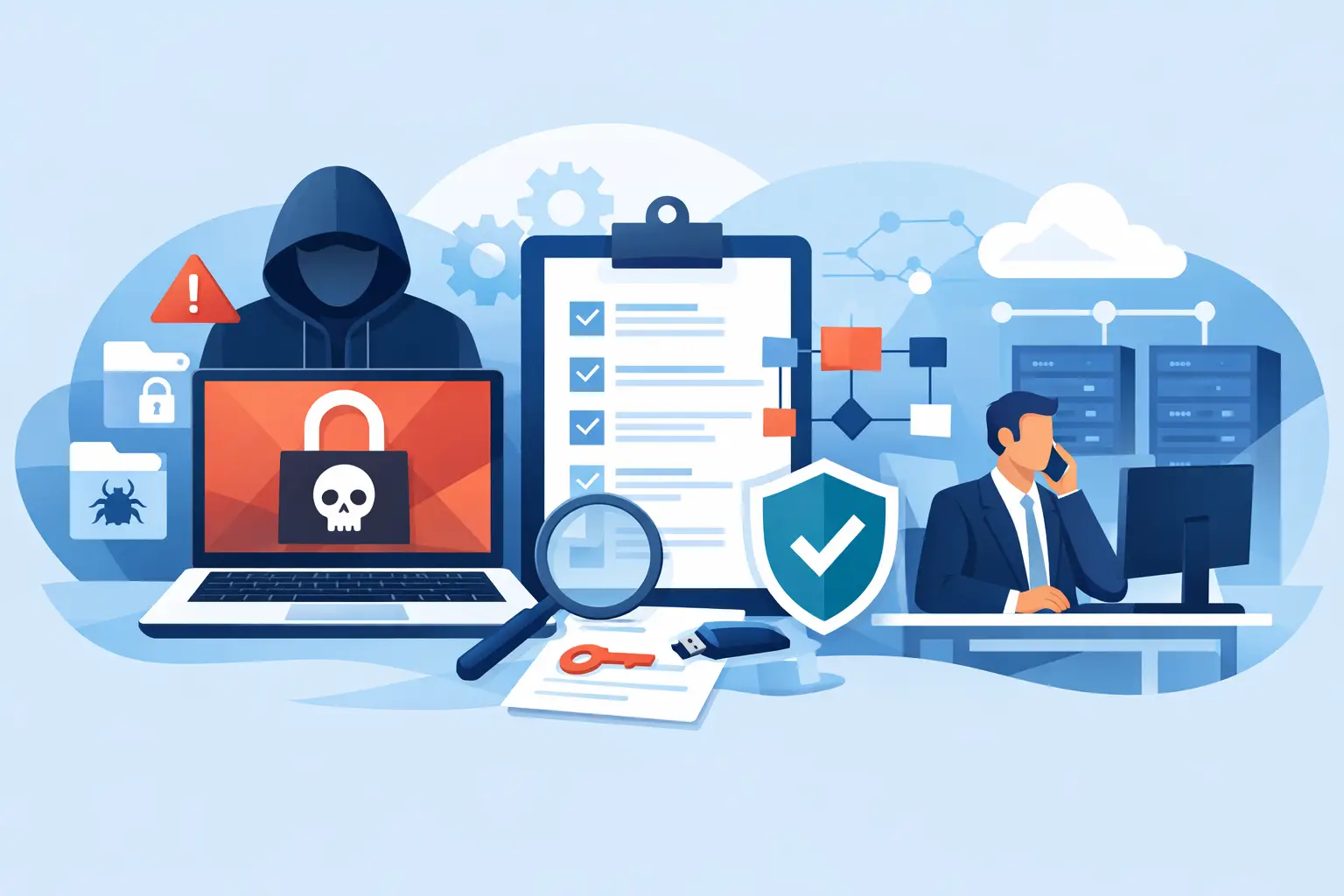
A ransomware incident does not begin when a ransom note appears on a screen. It begins when a criminal gains access, moves through your network, and finds the systems your business cannot afford to lose. A ransomware response playbook guide gives your team a clear path through those first high-pressure hours, when the wrong decision can turn a contained issue into a company-wide outage.
For small and mid-sized businesses in Miami and South Florida, ransomware can interrupt much more than email. It can take down phones, accounting platforms, shared files, surveillance access, customer records, and the systems employees need to serve clients. A practical response plan protects business continuity by assigning decisions before an emergency forces everyone to improvise.
What a ransomware response playbook must accomplish
A useful playbook is not a technical document that sits untouched in a folder. It is an operational plan that tells leaders, employees, and IT support what to do, who has authority, and how to communicate without relying on compromised systems.
Its first purpose is containment. The team must stop the attacker’s access and prevent encryption or data theft from spreading. Its second purpose is recovery: restoring clean systems and verified data in an order that gets the business operating again. The third is evidence preservation, which supports cyber insurance, legal obligations, and a proper investigation.
The plan should also reflect your actual environment. A law firm, medical practice, logistics company, hotel, or event operation will have different priorities. If your VoIP platform, internet connection, cloud applications, cameras, or line-of-business software are essential to daily operations, identify their recovery order in advance.
The first hour: contain the damage without destroying evidence
When ransomware is suspected, speed matters. So does discipline. An employee who sees encrypted files, unusual login prompts, or a ransom message should know exactly how to report it. They should not keep clicking, try to delete the message, or reconnect a device that has been removed from the network.
Isolate affected devices and accounts
Disconnect suspected computers and servers from wired and wireless networks. Do not power them off unless directed by your incident response provider or law enforcement, since active systems may contain valuable forensic evidence. Isolation means removing their ability to communicate, not immediately erasing what happened.
Your IT team should quickly assess whether the incident is limited to one device or involves shared storage, servers, cloud accounts, remote access tools, network equipment, or backup systems. Disable compromised user accounts, reset exposed credentials, and revoke active sessions where possible. If remote access may be involved, restrict it until the source is understood.
Avoid the temptation to disconnect every system without a plan. Broad shutdowns may be necessary in a fast-moving attack, but they can also disrupt clean systems and make recovery harder. The decision depends on the scope of the incident, how rapidly encryption is spreading, and whether the attacker still has access.
Activate the incident leadership team
The playbook should name a small decision-making group: an executive sponsor, operations leader, internal IT contact, managed IT provider, legal counsel, insurance contact, and communications lead. Not every person needs to solve the technical problem. Each person needs to know their responsibility.
Use an out-of-band method for communications, such as personal mobile phones or a prearranged external collaboration channel. Do not assume company email, chat, shared drives, or business phone systems are safe until they have been reviewed.
Document actions as they occur. Record the time the issue was discovered, who reported it, affected devices, suspicious accounts, containment steps, and major decisions. This timeline reduces confusion later and helps preserve the facts for insurers, investigators, and leadership.
Protect backups before beginning restoration
Backups are only valuable if they are clean, available, and separate from the systems under attack. Ransomware operators often look for backup consoles, network shares, and administrator credentials before they reveal themselves. A backup that is online but accessible with a compromised account may already be at risk.
Immediately verify whether backup systems have been touched. Restrict access to backup management tools, preserve backup logs, and identify the last known good recovery point. Do not start restoring files simply because a backup exists. Restoring infected data or reconnecting a compromised system can restart the incident.
A sound recovery plan separates priorities into tiers. Tier one typically includes identity services, firewall and network infrastructure, core communications, and critical business applications. Tier two may include departmental file shares, printing, specialized systems, and nonessential workstations. This order changes by business, but it should be decided before an outage.
For South Florida organizations, recovery planning should also account for local operational realities. A business may need alternative connectivity for a temporary workspace, a way to keep customer calls flowing, or onsite technical assistance when systems cannot be managed remotely. Recovery is not only about bringing servers back. It is about restoring the ability to work.
Investigate before trusting the environment again
The visible encryption event may be the last stage of an attack, not the first. Modern ransomware groups frequently steal data before locking systems, then threaten to publish it if payment is not made. That possibility changes how a business should handle notifications, legal review, and customer communications.
Your incident response team should determine how the attacker entered, how long they had access, which accounts were used, whether information was removed, and whether persistence remains in the environment. Common entry points include phishing, stolen passwords, unpatched remote access services, exposed remote desktop tools, and insecure third-party access.
Do not treat a successful restore as proof that the incident is over. If the initial access path remains open, the attacker may return quickly. Clean recovery requires removing malicious tools, patching vulnerabilities, rebuilding compromised systems when appropriate, rotating credentials, and reviewing administrative privileges.
The decision to pay a ransom carries serious legal, financial, and operational considerations. Payment does not guarantee a working decryption tool, full data recovery, or deletion of stolen information. It may also create compliance concerns depending on the parties involved. Work with legal counsel, cyber insurance representatives, and qualified incident response professionals rather than making that decision under pressure from a ransom note.
Communicate clearly with employees, customers, and partners
Silence can create rumors, but premature statements can create unnecessary risk. Your playbook should include approved communication paths for employees, customers, vendors, regulators, and media if needed. The right message depends on what is known, what services are affected, and whether data exposure has been confirmed.
Employees need practical direction first. Tell them which systems are unavailable, where to report suspicious activity, how to continue critical work, and what not to do. For example, they may need to use a temporary contact number, avoid reconnecting company devices, or stop using a particular application.
Customer communication should be factual and measured. Explain service impacts where necessary, avoid speculation, and provide a point of contact. If a breach notification is required, timing and content should be reviewed with counsel and guided by applicable obligations. A prepared communications template saves valuable time, but it should never replace fact-based review during a real incident.
Build the playbook before ransomware tests it
The best ransomware response playbook guide is tested, owned, and updated. Schedule tabletop exercises that walk leadership through realistic scenarios: a single infected laptop, a compromised Microsoft 365 account, encrypted servers, stolen customer data, or an outage during a major event. These exercises reveal gaps that a written policy will not.
Review the basics that reduce both the likelihood and the impact of an attack. Multifactor authentication should protect email, remote access, cloud administration, and privileged accounts. Endpoint protection, patch management, network segmentation, and secure backup practices should be monitored continuously. Employees also need short, recurring training that makes phishing and suspicious requests easier to recognize.
A local technology partner can add value when internal teams are stretched thin. CompuSOURCE helps businesses bring managed support, backup and recovery, network oversight, communications, and emergency technical assistance into a coordinated operating model. That coordination matters during an incident because recovery decisions affect every connected part of the business.
Your goal is not to create a binder full of procedures. It is to give your people confidence that, when a serious disruption occurs, they know who to call, what to protect, and how to bring the business back safely.
Comments are closed