

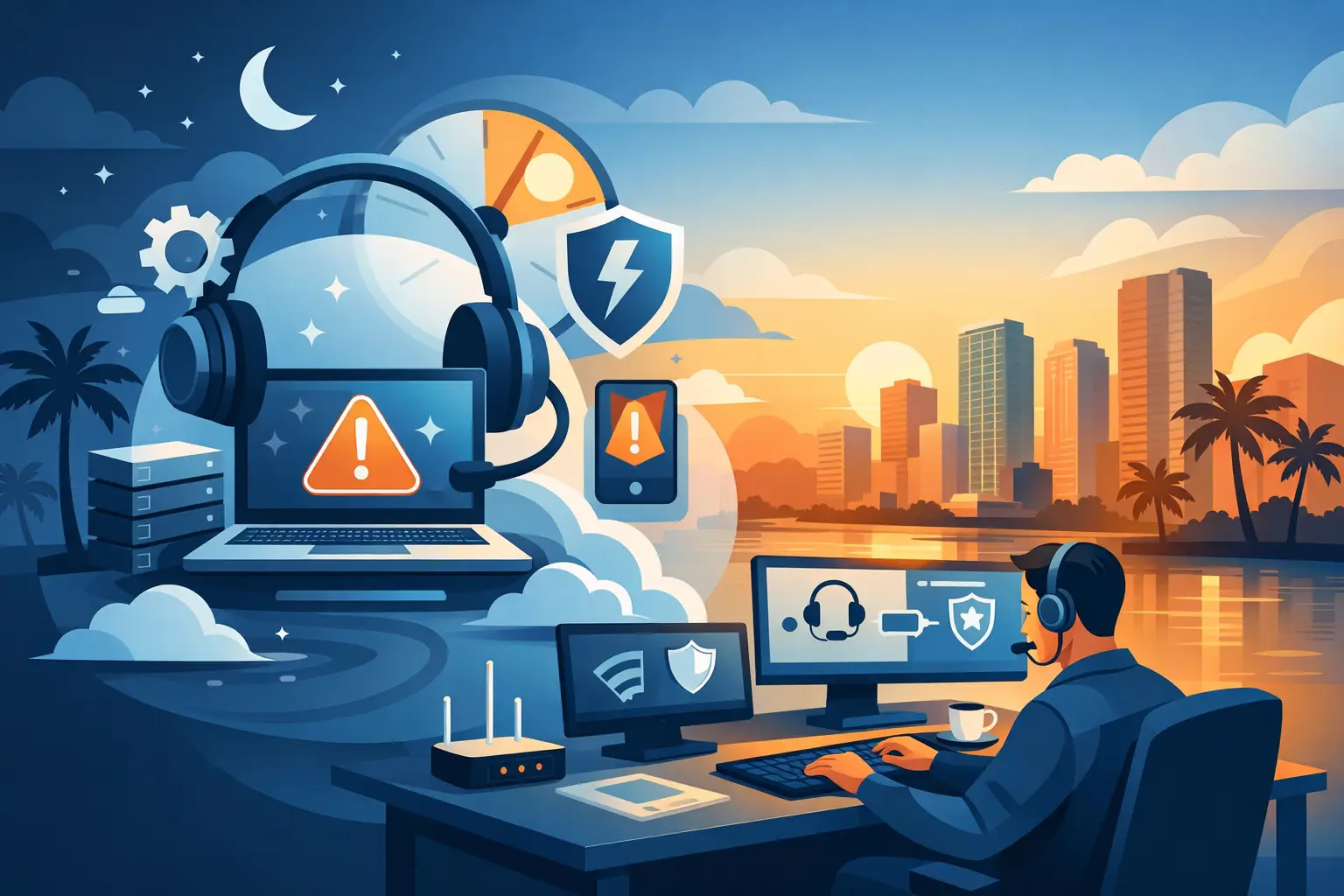
A frozen point-of-sale system at closing time, a ransomware alert before the workday begins, or phones going down during a major client call can stop a business without warning. 24/7 emergency IT support gives Miami businesses a clear path from disruption to recovery, with a qualified technician ready to take ownership when critical technology cannot wait until morning.
For organizations that rely on internet access, cloud applications, VoIP phones, servers, surveillance, and connected devices, an IT emergency is not just a technical inconvenience. It can delay revenue, interrupt customer service, expose sensitive data, and create uncertainty for employees. The right response is not simply finding someone who can reset equipment. It is having an accountable technology partner that can diagnose the issue, protect what matters, and restore operations with urgency.
What Counts as an IT Emergency?
Not every support request needs an immediate after-hours response. A new employee needing software access or a printer issue in one office can usually be handled during normal service hours. An emergency is a technology event that materially affects business continuity, security, revenue, or safety.
A complete internet outage at a medical office, law firm, retail location, or warehouse is a common example. So is a VoIP phone system failure that prevents customers and staff from communicating. Server failures, inaccessible cloud data, suspected ransomware, failed backups, compromised email accounts, and surveillance systems going offline can also require immediate attention.
The business impact determines the priority. A single user problem may be manageable for a short time. A network outage affecting an entire team, customer-facing operation, or event requires a faster and more coordinated response. This distinction helps technicians focus resources where downtime has the highest cost.
Why 24/7 Emergency IT Support Matters in South Florida
Miami businesses operate beyond a traditional 9-to-5 schedule. Hospitality venues, professional offices with remote teams, retail locations, logistics operations, property managers, and event professionals may depend on technology late at night, early in the morning, and over weekends. A support plan limited to business hours can leave a company exposed during the moments when a fast decision matters most.
South Florida also presents practical continuity concerns. Severe weather, power interruptions, connectivity issues, and equipment damage can affect local operations quickly. Businesses need more than a remote help desk reading from a script. They need support that can assess the full environment, including internet service, network equipment, power protection, phones, cloud access, backup systems, and onsite hardware.
Local availability has real value when a problem cannot be solved remotely. A technician who can arrive onsite, work with an internet provider, replace failed equipment, or verify a physical connection can reduce the time between identifying an issue and getting the business back on track.
What an Effective Emergency Response Looks Like
Fast response is essential, but speed without process can create additional risk. An effective emergency IT response starts by confirming the scope of the issue. Is the problem isolated to one device, one location, a specific application, or the entire organization? Is there evidence of a security incident? Are phones, internet, and core systems all affected?
Once the impact is understood, the immediate goal is stabilization. That may mean isolating a compromised device, switching to a backup internet connection, restoring communication through a temporary workaround, or failing over to a recovery system. During this phase, clear communication is just as important as technical action. Business leaders should know what happened, what is being done, what employees should avoid doing, and when to expect the next update.
After stabilization comes root-cause investigation and permanent remediation. A quick reboot may restore service, but it does not explain why a firewall failed, why a server ran out of storage, or how an account became compromised. The right partner documents the incident, resolves the underlying cause where possible, and recommends improvements that reduce the chance of a repeat event.
The Systems That Need After-Hours Coverage
Emergency support is most valuable when it covers the systems that keep business operations moving. For many organizations, that starts with the network and internet connection. Without reliable connectivity, cloud software, email, payment systems, remote access, and VoIP communications may all be affected at once.
Business phone systems deserve equal attention. When inbound calls fail, customers may assume the business is unavailable. When internal calling is interrupted, teams lose coordination during an already stressful incident. A provider with experience managing business communications can troubleshoot not only handsets but also the network, routing, configuration, and service components behind the calls.
Security incidents require a different level of care. If employees report suspicious login activity, unusual pop-ups, locked files, or unauthorized email messages, the priority is containment. Continuing to use affected systems or attempting uncoordinated fixes can make an incident worse. Emergency technicians should help isolate risk, preserve recovery options, and guide the organization through the next steps without unnecessary delay.
Backups and recovery also determine whether a hardware failure becomes a short interruption or a prolonged crisis. A backup is only useful if it is current, accessible, and capable of restoring the data and systems the business actually needs. Routine testing matters because recovery procedures should not be discovered for the first time during an outage.
Proactive Support Reduces Emergency Calls
Emergency assistance is a critical safety net, but it should not be the entire IT strategy. The strongest technology environments combine responsive support with proactive monitoring, maintenance, security controls, and documented recovery plans.
Monitoring can identify failing hard drives, overloaded servers, unusual network activity, storage limitations, and backup failures before employees experience a full outage. Regular patching and security review can close vulnerabilities before they become an urgent incident. Network documentation helps a technician act faster because they do not have to map the environment from scratch while operations are down.
There is a practical trade-off here. Businesses can choose a lower-cost, reactive approach and call for help only when something breaks. That may work for a very small, low-risk environment, but the cost of downtime can quickly outweigh the apparent savings. Managed support creates more predictable operations by addressing many issues before they interrupt work.
For organizations with multiple offices, remote employees, public WiFi, security cameras, or event connectivity needs, proactive management is especially valuable. More connected systems create more possible points of failure. A single accountable provider can coordinate those systems instead of leaving the business to sort through separate vendors during an emergency.
Questions to Ask Before Choosing an Emergency IT Partner
A business should not wait for a serious outage to learn how a support provider responds. Ask what qualifies as an emergency, how after-hours requests are handled, and whether support includes remote troubleshooting, onsite dispatch, or both. Response expectations should be clear rather than assumed.
It is also worth asking who owns the problem when outside vendors are involved. Internet providers, cloud platforms, phone carriers, and hardware manufacturers can all be part of a solution, but business leaders should not have to spend hours coordinating them alone. A capable IT partner acts as the technical point of contact, escalates appropriately, and keeps the business informed.
Finally, evaluate the provider’s ability to support the complete environment. A company that can manage networks but not phones, security, backups, or onsite hardware may leave gaps at the worst possible time. CompuSOURCE supports Miami and South Florida organizations with hands-on managed IT, communications, connectivity, security infrastructure, and emergency technical assistance under one accountable relationship.
Prepare Your Business Before the Next Outage
The best time to prepare for an emergency is when systems are working normally. Business leaders should know which applications and devices are mission-critical, who can authorize emergency decisions, and how employees will communicate if email or phones are unavailable. Those answers do not need to be complicated, but they should be documented and accessible.
Keep an updated list of key vendors, internet circuit details, equipment locations, administrative contacts, and recovery priorities. Confirm that backups are monitored and tested. Review whether critical staff have secure remote access and whether temporary internet or communication alternatives are available if a primary service fails.
Technology emergencies are stressful because they create pressure, uncertainty, and a visible impact on customers and employees. With prepared systems and dependable 24/7 support behind them, Miami businesses can respond with control instead of scrambling for answers.
Comments are closed