

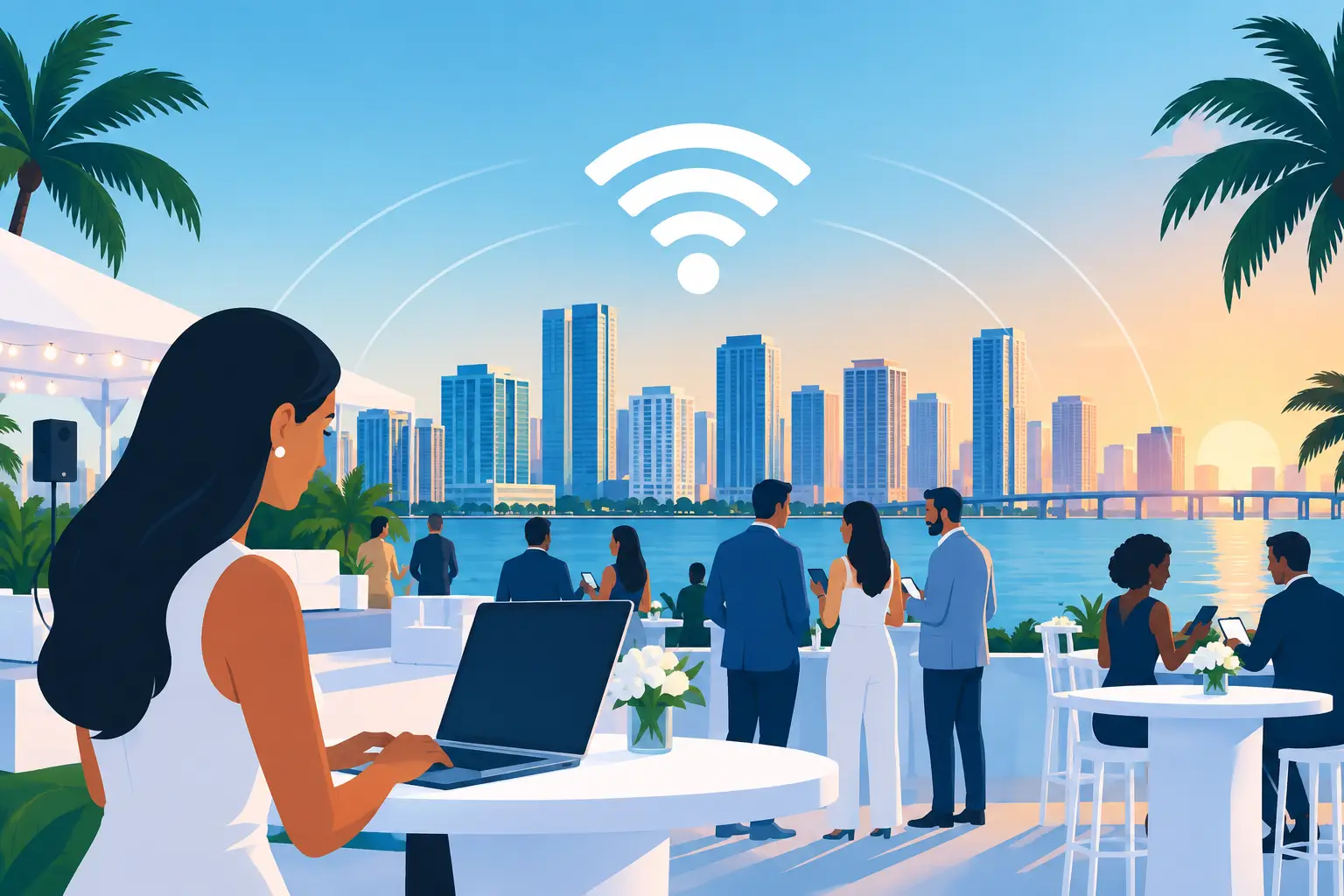
A stalled payment terminal, a speaker unable to load a presentation, and exhibitors burning through mobile data can change the tone of an event quickly. Event WiFi is not a convenience for modern gatherings. It is working infrastructure that supports registration, point-of-sale systems, production teams, vendors, staff communications, and the guest experience.
For Miami and South Florida event planners, the challenge is rarely just getting an internet signal into a venue. The real work is designing connectivity around the number of people, devices, applications, venue conditions, and business-critical activities happening at once. A network that appears adequate during setup can fail when hundreds of attendees arrive, open social apps, scan QR codes, and begin streaming.
Event WiFi Is a Business Operation, Not an Add-On
A temporary network has to perform under concentrated demand. At a corporate conference, attendees may connect phones, laptops, tablets, and smartwatches. A trade show adds exhibitor equipment, payment terminals, lead-capture tools, printers, digital displays, and live demonstrations. A private event may require separate access for audiovisual crews, catering, security, and guests.
Those devices do not all need the same level of access or bandwidth. A guest checking email has different requirements than a production team sending video feeds or a merchant processing card transactions. Treating every device as equal on one open network creates avoidable congestion and introduces security concerns.
The goal is not simply to advertise free WiFi. The goal is to provide dependable internet access for the functions that keep the event moving, while giving attendees a connection they can actually use.
Start With How the Event Will Use the Network
Planning should begin with the event workflow, not a device count alone. A 300-person breakfast meeting and a 300-person product launch can place very different demands on the network. The first may need stable access for check-in and presentations. The second may include media uploads, live streaming, interactive displays, and attendees sharing high-resolution content throughout the day.
Ask what must continue working if the guest network becomes busy. Registration, payment processing, event management platforms, speaker communications, and audiovisual operations are usually at the top of the list. These services should be identified early so they can receive appropriate bandwidth priority and network separation.
It also helps to distinguish between expected attendance and expected connections. Most attendees arrive with more than one connected device. Event staff, vendors, and exhibitors often bring several more. Estimating total connections gives the technical team a more realistic starting point for access point placement, bandwidth planning, and network capacity.
Consider the venue before promising connectivity
Hotels, ballrooms, convention spaces, outdoor venues, warehouses, yachts, and temporary structures each introduce different constraints. Concrete walls, metal fixtures, elevator shafts, dense exhibit booths, and even large crowds can weaken wireless coverage. Outdoor events must account for weather exposure, power distribution, distance, and physical security for equipment.
A site survey helps expose these issues before event day. It allows the provider to inspect available internet service, evaluate where equipment can be placed, identify coverage challenges, and plan cable routes safely. When a venue’s existing connection is not sufficient or cannot be relied upon, a temporary dedicated connection may be the better option.
Separate Networks Protect the Work That Matters
One of the most effective event WiFi decisions is creating distinct networks for distinct users. This helps prevent guest activity from interfering with critical operations and gives organizers better control over who can access what.
A practical configuration may include a secure staff network, a separate network for vendors or exhibitors, a guest WiFi network, and a dedicated connection for production equipment or payment systems. Each network can be assigned access rules and bandwidth expectations based on its purpose.
For example, guest traffic can be limited to internet access while staff devices can reach approved event tools. Payment devices should not share a network with unknown guest devices. Production teams may need dedicated wired connections where reliability and low latency matter more than mobility.
This structure also makes troubleshooting faster. If exhibitors report trouble accessing a portal, technicians can investigate that specific network without disrupting registration or guest access. Clear separation turns a confusing event-wide outage into a manageable, targeted issue.
Bandwidth Alone Does Not Solve the Problem
More bandwidth is useful, but it is not the entire answer. Wireless performance also depends on the number and placement of access points, the capacity of the network equipment, radio frequency conditions, and the way traffic is managed.
Putting one powerful access point in the center of a ballroom may look simple, but it can create an overloaded connection point. Multiple properly placed access points are often a better choice, especially for larger rooms, exhibit floors, and high-density areas. The network should be designed to distribute devices rather than encourage everyone to compete for the same signal.
Bandwidth management also matters. Nonessential activities such as large downloads, automatic cloud backups, or high-definition personal streaming can consume capacity needed for event operations. Policies can prioritize essential applications without making the guest experience frustrating. The right balance depends on the event’s purpose, audience, and service expectations.
Plan for Redundancy When Downtime Has a Cost
A single internet connection creates a single point of failure. If the connection drops during registration, a keynote stream, or a high-volume sales period, the consequences can be immediate.
For events where connectivity directly affects revenue, public perception, or safety, a backup connection should be part of the plan. That could involve a secondary wired circuit, wireless backup service, or another appropriate contingency based on the venue and timeline. The best option depends on what connectivity is available and how much interruption the event can tolerate.
Redundancy should also extend to power where practical. Networking equipment, internet handoffs, and critical workstations need a plan for power interruptions. A provider can identify which components require battery backup and how long they need to remain operational.
This is not about overengineering a small meeting. It is about matching the level of protection to the business impact of an outage. A two-hour internal workshop may have different needs than a multi-day conference with sponsors, ticket holders, and broadcast commitments.
Security Must Be Built Into Temporary Networks
Temporary does not mean low risk. Events bring unfamiliar devices onto the network, sometimes in large numbers, and that creates opportunities for unauthorized access or misuse.
A professionally managed setup can use separate networks, strong authentication for internal users, encrypted connections where appropriate, controlled access for staff, and monitoring during the event. Guest networks should be isolated from operational systems. If an event collects attendee information through registration tools or processes payments, keeping those systems properly separated is especially important.
Organizers should also decide who is authorized to request network changes during the event. A simple escalation process prevents last-minute adjustments from creating unexpected outages. The technical team needs a clear point of contact who understands event priorities and can approve changes quickly when required.
Onsite Support Changes the Event-Day Experience
Even the best plan can face surprises. A speaker may need a hardwired connection, an exhibitor may arrive with an unplanned device, or a venue layout may change after the network has been installed. Remote support can help in some cases, but events often benefit from an experienced technician who can assess and resolve issues in person.
Onsite support is particularly valuable for large events, complex production schedules, and venues with limited internal IT resources. The technician can monitor network performance, respond to access issues, coordinate with venue staff, and adjust coverage if conditions change. That allows event organizers to focus on guests and programming instead of troubleshooting internet access.
CompuSOURCE provides temporary event internet and WiFi support for organizations that need a local technology partner to take ownership of planning, deployment, monitoring, and event-day response across Miami and South Florida.
Give Connectivity the Same Attention as Power and Production
Event WiFi works best when it is planned early, tested before doors open, and supported by people who understand what is at stake. Treat connectivity as a core event utility, not a last-minute venue request. When the network is designed around your operations, attendees notice the experience for the right reasons: everything simply keeps moving.
Comments are closed