

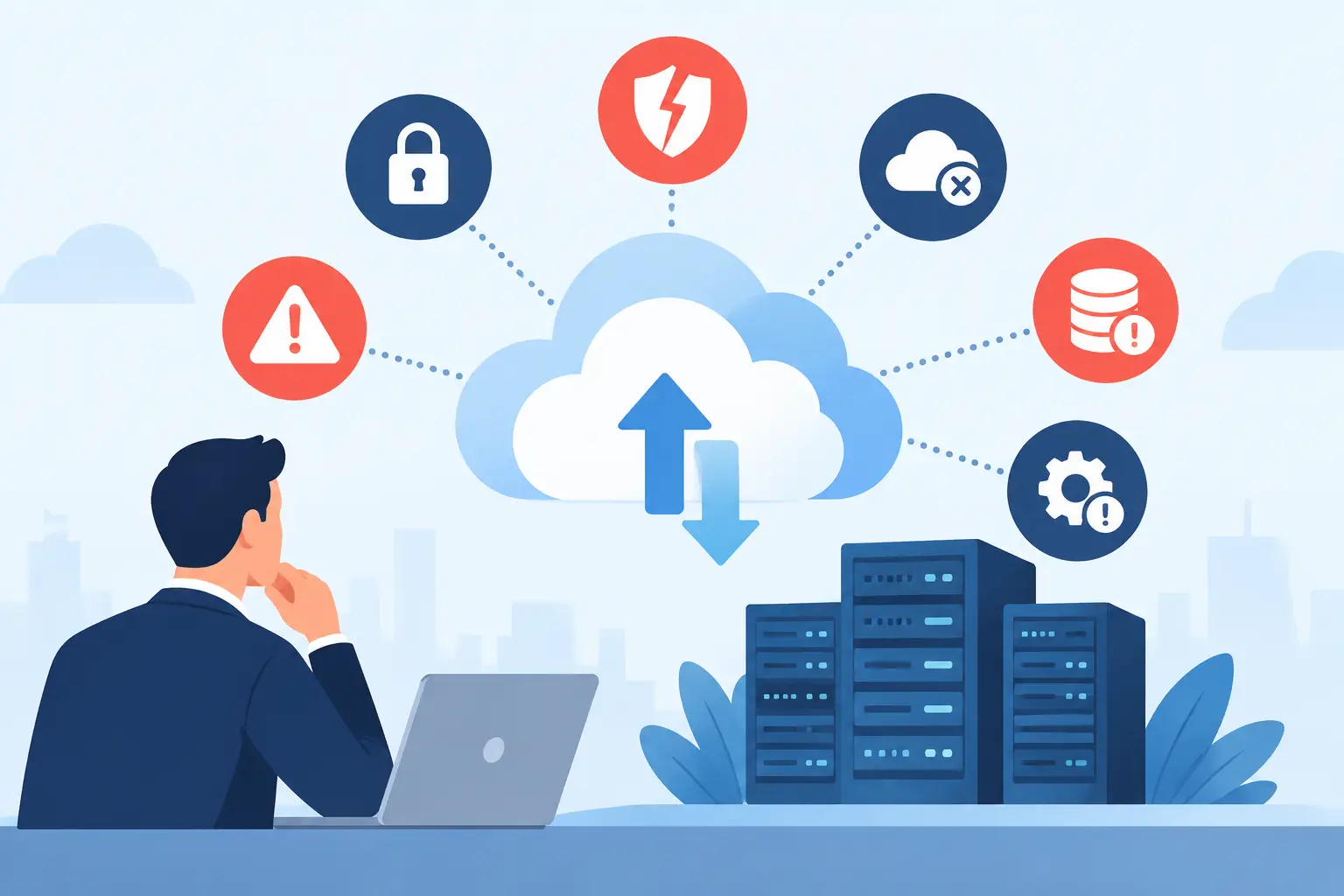
A cloud move can look straightforward until a critical application runs slowly, employees lose access to shared files, or a backup fails when it is needed most. Cloud migration risks are rarely caused by one dramatic mistake. More often, they build through rushed planning, unclear ownership, incomplete testing, and assumptions about what the new environment will do automatically.
For Miami and South Florida businesses, the stakes can be especially high. A disrupted phone system, inaccessible customer data, or downtime during a busy season can affect revenue, client trust, and daily operations. The cloud can improve flexibility and recovery capabilities, but only when the migration is treated as a business continuity project, not simply a data transfer.
Why Cloud Migration Risks Demand Business Attention
Moving systems to the cloud changes where applications, data, security controls, and operational responsibilities live. It does not remove the need to manage them. In many cloud environments, the provider is responsible for the underlying platform while the customer remains responsible for user access, data protection, configurations, devices, and application settings.
That shared responsibility model is one reason a migration needs clear technical and business leadership. An office manager may see a new file-sharing platform. An operations leader may see fewer server maintenance demands. Your IT team or technology partner needs to see the full picture: identities, permissions, integrations, backup policies, network capacity, recovery objectives, and support procedures.
A successful project begins by deciding what business problem the move is meant to solve. Cost reduction, remote access, better disaster recovery, application modernization, and retiring aging hardware are all valid goals. Each one calls for different architecture and priorities. Without a defined goal, businesses often migrate workloads that are poorly suited to the selected platform or pay for cloud resources they do not need.
The Cloud Migration Risks That Create Real Disruption
1. Moving without a complete inventory
Businesses often know their major server applications but overlook the smaller systems connected to them. A legacy accounting application may rely on a shared folder, a local database, a printer driver, a scanner, a scheduled task, or a vendor-managed integration. When one dependency stays behind, the application may technically be online but unusable in practice.
Before migration, document servers, applications, data stores, user groups, network connections, licensing requirements, and third-party integrations. Ask department leaders what systems they use daily, weekly, and only at month-end. The systems people mention last are often the ones that cause problems after cutover.
2. Underestimating downtime and cutover complexity
Every migration has a transition point. Data must be synchronized, users must be redirected, and old systems must be retired or held in reserve. If the process is poorly timed, the business can face duplicate records, missing files, failed transactions, or extended downtime.
A practical cutover plan defines exactly what will happen, who approves each stage, how users will be informed, and when the business can tolerate disruption. It also includes a rollback decision point. If performance, access, or data validation fails, the team needs a documented way to restore normal operations rather than trying to troubleshoot under pressure.
3. Assuming the cloud automatically protects data
Cloud-hosted data is not automatically immune to deletion, ransomware, accidental overwrites, or retention errors. A synced file can be deleted across connected devices. A compromised account can expose or encrypt cloud data. If a service has limited version history or retention settings, recovery may be more restricted than expected.
Businesses should confirm what is backed up, how often it is backed up, how long it is retained, and how quickly it can be restored. Just as important, test recovery. A backup report is useful, but a successful restore proves that the business can access the information it needs when an incident occurs.
4. Creating identity and access gaps
Cloud services make it easier for staff to work from offices, homes, client sites, and mobile devices. That flexibility also expands the number of access points that must be secured. Weak passwords, shared logins, outdated employee accounts, and excessive permissions can quickly become major exposure points.
Use multi-factor authentication, role-based access, and a consistent process for onboarding and offboarding employees. Administrative accounts deserve extra protection and close monitoring. It is also wise to review which vendors, former contractors, and inactive users still have access before systems are migrated, not after.
5. Ignoring network performance and connectivity needs
Cloud applications depend on reliable internet service. A workload that performed well on an internal server may feel slow when every file, voice call, or application request must travel over an internet connection. This is particularly relevant for businesses using VoIP, video surveillance, large files, remote desktops, or multiple locations.
Bandwidth is only part of the equation. Latency, packet loss, WiFi coverage, firewall configuration, and backup connectivity can all affect the user experience. A pre-migration assessment should measure current network conditions and identify where upgrades, traffic prioritization, or redundant connections are needed. The cloud cannot compensate for an unstable local network.
6. Losing control of costs after the move
Cloud pricing can be flexible, but flexibility can also make expenses difficult to predict. Storage growth, data transfers, higher performance tiers, idle virtual machines, duplicate environments, and licenses left assigned to inactive users can all raise monthly costs.
The answer is not to avoid cloud services. It is to establish ownership and review costs on an ongoing basis. Set budgets and alerts, right-size resources after real usage is known, and remove services that no longer support an active business need. A lower upfront investment is valuable only if operating costs remain visible and manageable.
7. Treating compliance and security as someone else’s problem
Organizations that handle financial records, health information, customer payment data, legal documents, or sensitive surveillance footage may have specific requirements for where data is stored, who can access it, and how long it must be retained. A cloud provider may offer compliant capabilities, but the business still has to configure and use those capabilities correctly.
Review data classification, encryption, audit logging, retention rules, and contractual requirements before selecting a destination. If you are unsure whether a workload can move as planned, pause and assess it. Some systems may need additional controls, a phased approach, or a hybrid design that keeps certain functions onsite.
How to Reduce Cloud Migration Risks Before Cutover
The most dependable migrations follow a staged process. First, assess the current environment and identify applications by business priority, technical complexity, and risk. Next, choose a migration approach for each workload. Some applications can be moved with minimal changes, while others should be replaced, reconfigured, or kept in place until a later phase.
Testing should reflect how people actually work. Verify access from office and remote locations. Test printing, file permissions, reporting, mobile access, integrations, phone-related workflows, and recovery procedures. Include the employees who rely on the system most, because they will spot workflow issues that a technical test may miss.
Communication matters just as much as configuration. Employees need to know what will change, when it will change, and where to get help. Short, practical instructions can prevent a flood of avoidable support requests on launch day. For high-impact migrations, schedule extra support coverage so issues are addressed quickly instead of becoming workarounds that create future security or data problems.
A documented operating plan should remain after the migration is complete. It should identify who monitors cloud services, who reviews access, how backups are checked, what happens during an outage, and who coordinates with vendors. This is where an accountable technology partner can make a meaningful difference. CompuSOURCE helps South Florida organizations plan, deploy, monitor, and support the systems their teams depend on, with one team responsible for the work before, during, and after a transition.
Cloud Migration Is a Continuing Operational Responsibility
The best time to discover a permission problem, recovery gap, or network bottleneck is before it affects a customer or stops a team from working. A carefully planned migration gives your business more than a new location for data. It creates a clearer, more manageable foundation for the way your people work next.
Comments are closed