

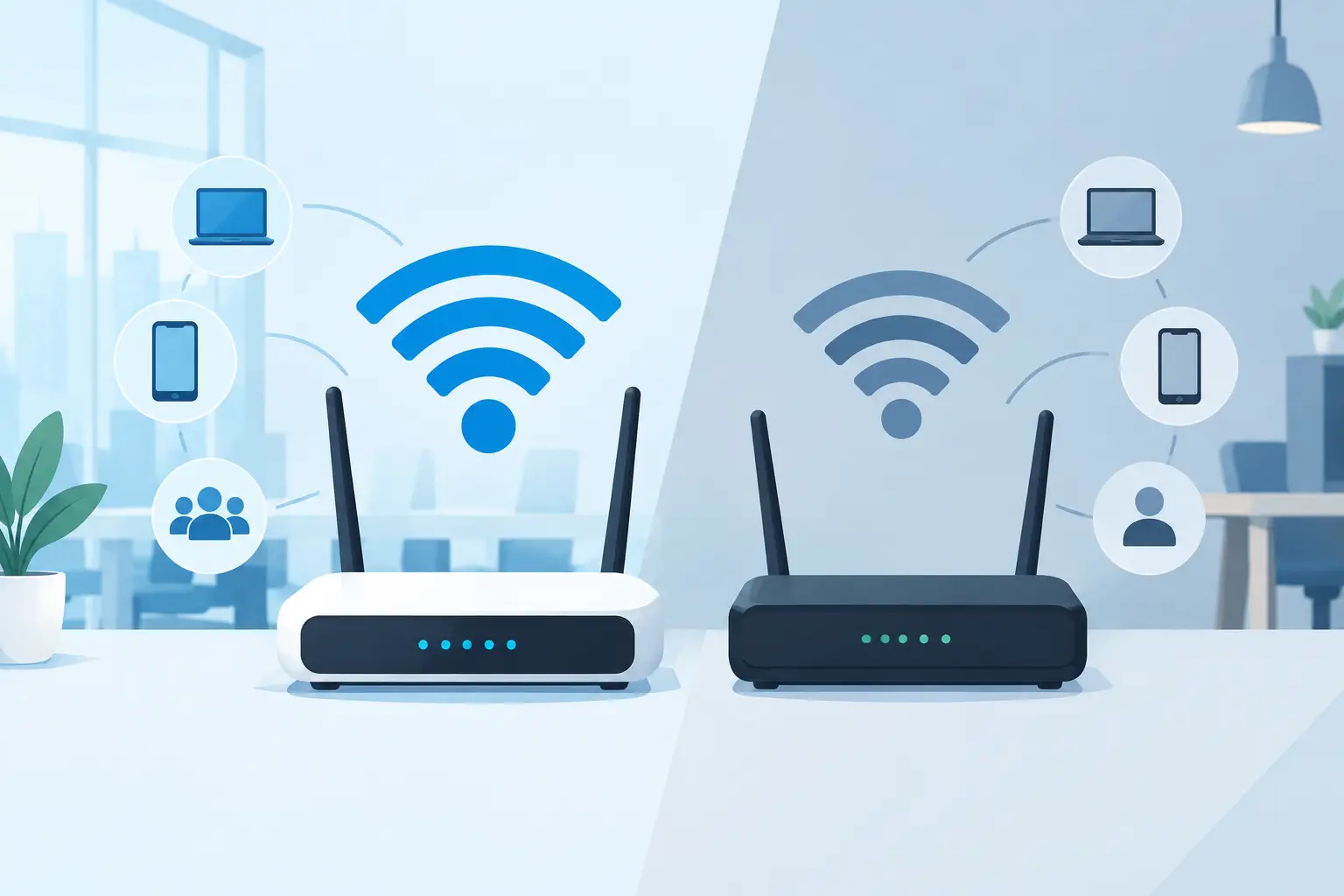
A video call drops as the conference room fills up. Card terminals lag during a busy lunch shift. Guests at a corporate event cannot connect when the room reaches capacity. These are the business problems behind the wifi 6 vs wifi 5 decision. The newer standard can improve how a network handles many active devices, but it is not an automatic cure for weak internet service, poor access point placement, or outdated network hardware.
For Miami and South Florida businesses, where offices, venues, hospitality spaces, and temporary events often support dense groups of users, choosing the right wireless standard is a practical capacity and reliability decision. Here is what changes, what does not, and when an upgrade is worth the investment.
WiFi 6 vs WiFi 5: The Business Difference
WiFi 5 is the common name for 802.11ac. It remains capable in many workplaces and can provide strong performance for a modest number of laptops, phones, and business applications. WiFi 6, also known as 802.11ax, was designed to use wireless airtime more efficiently when many devices are connected at once.
That distinction matters more than the headline speed figures. A single employee working near an access point may not see a dramatic change after moving from WiFi 5 to WiFi 6. A busy office with cloud applications, VoIP calls, wireless printers, laptops, phones, tablets, cameras, and guest traffic is more likely to notice the difference.
WiFi 6 improves how an access point schedules communication with multiple devices. Rather than serving traffic in a more limited sequence, it can divide channels into smaller portions and serve more devices efficiently. This is commonly known as OFDMA, or orthogonal frequency-division multiple access. The name is technical, but the outcome is straightforward: less waiting and more consistent performance in crowded environments.
Capacity Often Matters More Than Top Speed
WiFi 6 has higher theoretical maximum speeds than WiFi 5. WiFi 6 can reach a theoretical combined data rate of roughly 9.6 Gbps, while WiFi 5 tops out around 3.5 Gbps. Those figures are not a promise of real-world speed at a desk, in a warehouse, or at an event venue.
Actual wireless performance depends on the available internet connection, access point design, channel congestion, walls and building materials, cabling, switch capacity, device capability, and distance from the access point. A 500 Mbps internet circuit will not become a multi-gigabit connection simply because the WiFi is upgraded.
The more meaningful WiFi 6 benefit is efficiency under load. When several people join video meetings, upload files to cloud storage, use softphones, and connect mobile devices at the same time, WiFi 6 is better equipped to keep the network responsive. It also supports improved multi-user MIMO capabilities, allowing compatible equipment to communicate with multiple devices more effectively.
For a business owner, that can mean fewer complaints that “the WiFi is slow” during the busiest part of the day. For an event organizer, it can mean a better chance of keeping attendee connectivity stable while registration systems, production staff, exhibitors, and guests all share the network.
WiFi 6 Offers Better Efficiency for Modern Device Loads
Most business networks have far more devices than they did when WiFi 5 became widespread. Employees may carry a laptop, smartphone, smartwatch, and tablet. Conference rooms add wireless displays and video conferencing equipment. Retail and hospitality environments may add point-of-sale terminals, scanners, mobile payment devices, and guest WiFi users.
WiFi 6 introduces a feature called Target Wake Time. This allows compatible devices to coordinate when they wake up to communicate with the access point, reducing unnecessary radio activity. It can help improve battery efficiency for certain mobile and Internet of Things devices, although the exact benefit varies by device and workload.
WiFi 6 can also use 1024-QAM modulation, which lets compatible devices carry more data in each transmission when signal conditions are strong. This helps performance close to an access point, but it is not a replacement for proper coverage planning. A high-capacity access point installed in the wrong location will still leave dead zones and unreliable connections.
Security Is Improved, but Configuration Still Counts
WiFi 6 networks commonly support WPA3, the newer generation of WiFi security. WPA3 improves protection against password guessing attacks and provides stronger safeguards for wireless connections when properly deployed.
However, WPA3 is not exclusive to every WiFi 6 deployment, and some older devices may require WPA2 compatibility. A business may need to operate a mixed security environment while older equipment is replaced. That is a manageable transition, but it should be planned carefully so legacy device support does not weaken the main business network.
Strong wireless security also requires more than selecting a protocol. Businesses should separate employee, guest, and operational devices into appropriate network segments. Guest traffic should not have access to internal systems. Access point firmware should be maintained, administrative credentials should be protected, and network activity should be monitored for unusual behavior.
When WiFi 5 Is Still the Right Choice
Replacing functional equipment is not always the best use of an IT budget. WiFi 5 may remain a sound choice for a small office with limited device density, reliable coverage, and modest application demands. If employees are primarily using email, web applications, and occasional video calls, a properly configured WiFi 5 network can continue to perform well.
WiFi 5 may also be appropriate where most client devices are older and cannot benefit from WiFi 6 features. Newer access points are backward compatible, but the connected device must support WiFi 6 to use its full capabilities.
Before approving an upgrade, look at the symptoms. If the network only struggles in one room, access point placement or radio interference may be the cause. If every application slows at certain times, the internet circuit or firewall may be undersized. If wireless calls break up while guests stream video, traffic prioritization and network segmentation may be needed. The right answer starts with identifying the actual bottleneck.
When a WiFi 6 Upgrade Makes Business Sense
WiFi 6 is a strong fit when an organization has a growing number of connected devices, frequent video conferencing, cloud-based workloads, mobile staff, or a busy guest network. It is particularly valuable in high-density areas such as conference rooms, training rooms, medical offices, retail spaces, restaurants, warehouses, multifamily common areas, and event venues.
An upgrade also makes sense during a larger technology project. If a business is refreshing switches, expanding its office, moving to a new location, implementing VoIP, or increasing internet bandwidth, installing WiFi 6 access points avoids building new infrastructure around an older wireless standard.
Event connectivity deserves special consideration. A temporary WiFi installation must account for the number of guests, exhibitor needs, registration stations, streaming requirements, room layout, and available wired internet capacity. WiFi 6 can help manage dense device loads, but successful event WiFi still depends on adequate backhaul, professional access point placement, channel planning, and onsite support.
Do Not Overlook the Wired Network Behind the WiFi
A WiFi 6 access point can expose weaknesses elsewhere in the network. Some models need multi-gigabit Ethernet connections to deliver their potential capacity. Older switches may provide only 1 Gbps ports or may not supply enough Power over Ethernet to run new access points correctly.
The firewall also matters. Security inspection, VPN traffic, content filtering, and multiple internet connections can all affect performance. If the wired network, internet service, or security appliance cannot keep up, users may not experience the improvement they expect from new wireless hardware.
A complete assessment should review coverage, device counts, application needs, switch capacity, cabling, power requirements, security policies, and internet utilization. It should also account for growth. A network sized only for today’s headcount can become a recurring problem after one hiring cycle, a new cloud application, or a larger event.
A Practical Path to the Right Wireless Network
The best decision is rarely based on a specification sheet alone. Start by documenting where users experience slowdowns, how many devices connect during peak periods, and which systems cannot tolerate interruption. VoIP calls, payment systems, video meetings, surveillance access, and cloud applications deserve priority over casual guest browsing.
From there, a wireless site survey can identify coverage gaps, interference, and capacity concerns before equipment is installed. This makes it possible to place access points where they will serve users effectively rather than where cabling happens to be convenient.
CompuSOURCE helps South Florida organizations evaluate, deploy, and support wireless networks as part of a broader managed IT and connectivity strategy. The goal is not simply newer WiFi hardware. It is a network that supports daily operations, protects critical systems, and remains dependable when demand is highest.
A well-planned WiFi 6 deployment can give a growing business valuable headroom, while a properly maintained WiFi 5 network may still meet the needs of a smaller environment. The useful question is not which label is newer. It is whether your wireless network can handle your busiest hour without becoming the reason work stops.
Comments are closed