

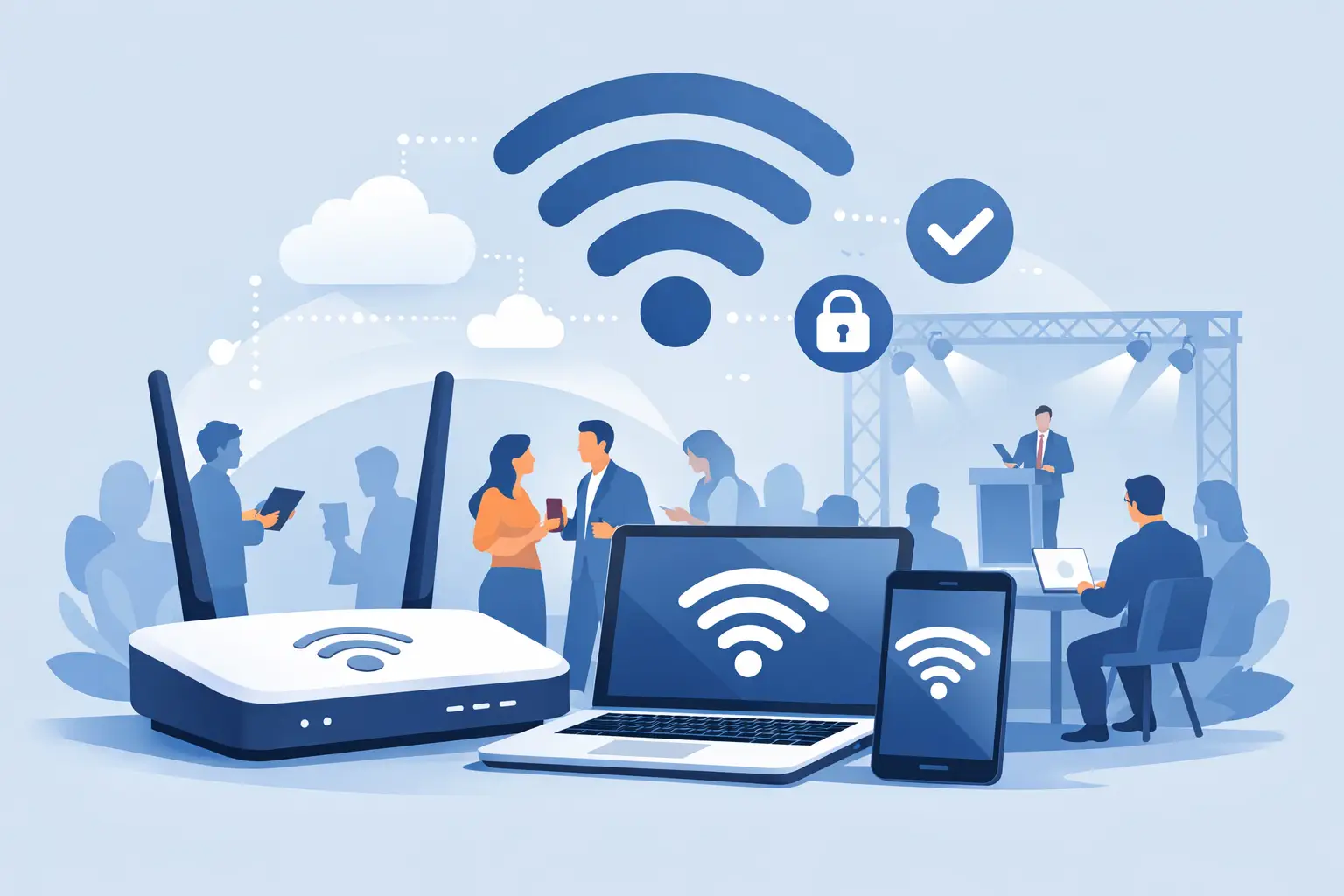
A registration line that cannot load attendee records, a presenter whose demo will not connect, or a card terminal that goes offline can change the tone of an event fast. The best event wifi setup is not simply a fast internet connection. It is a planned, managed network designed around the people, devices, venue conditions, and business-critical activity happening on site.
For Miami and South Florida events, connectivity planning also has to account for large open spaces, concrete construction, outdoor areas, changing weather, and venues where the permanent internet service was never intended to support hundreds of simultaneous users. A dependable setup starts well before doors open.
What the Best Event WiFi Setup Requires
Event WiFi has one job: keep the right people and systems connected when the event is at its busiest. That means separating essential operations from general guest use, placing equipment based on real coverage needs, and having someone responsible for the network if conditions change.
A well-designed event network usually includes a dedicated internet connection, properly positioned wireless access points, secure network segmentation, and onsite monitoring. The exact configuration depends on the venue and event format. A 75-person executive meeting does not have the same demands as a multi-day conference with livestreaming, exhibitors, registration stations, POS terminals, and a public guest network.
The goal is not to promise unlimited capacity. It is to build enough capacity, control, and backup into the design so normal usage spikes do not interrupt the experience.
Start With the Activities That Cannot Fail
Before estimating bandwidth, identify what must stay online. This is the practical starting point for every event WiFi plan. Registration and ticket scanning, payment processing, production communications, exhibitor connectivity, livestreaming, event apps, and staff communications all carry different levels of business risk.
A guest scrolling social media can tolerate a slow connection for a few seconds. A registration team checking in hundreds of attendees cannot. A production team sending a live video feed cannot either. These systems should not compete with public guest traffic on the same unrestricted network.
Create separate networks for critical operations, staff, exhibitors, and guests. Segmentation protects essential traffic from congestion and reduces security exposure. It also gives the technical team more control when troubleshooting. If guest usage rises unexpectedly, critical event systems can remain prioritized.
Estimate Devices, Not Just Attendees
Attendee count is only part of the equation. Most guests arrive with at least one phone, and many connect a laptop, tablet, smartwatch, or other device as well. Vendors may have payment terminals, scanners, displays, and workstations. Production teams often bring equipment that needs reliable wired or wireless connectivity.
A 300-person event can easily create 500 or more connected devices. Usage matters just as much as volume. A networking reception with light browsing requires far less capacity than a conference where attendees are streaming sessions, uploading content, using an event app, and joining video calls between meetings.
A professional event WiFi provider will ask what attendees will actually do online. That conversation produces a much more realistic bandwidth plan than a simple headcount calculation.
Design Coverage for the Venue, Not the Floor Plan
Wireless signals do not behave the same way in every building. Concrete walls, metal structures, elevators, kitchens, exhibit booths, large LED displays, and dense crowds can all weaken or interfere with coverage. Outdoor venues introduce another set of variables, including distance, weather protection, power availability, and physical security for equipment.
A floor plan is useful, but it is not enough. The network should be designed around the areas where people will gather and use devices: registration desks, ballrooms, breakout rooms, exhibitor zones, green rooms, outdoor lounges, and loading areas. High-density spaces usually need more access points placed carefully rather than one access point turned up to maximum power.
Placement matters because WiFi is a shared radio environment. Putting too many access points too close together can create interference. Placing too few creates dead zones and overloaded connections. A site survey or pre-event walkthrough helps determine where equipment, cabling, power, and backhaul connections should go.
Do Not Ignore Wired Connections
WiFi is essential for guests and mobile teams, but some event functions are better served by a hardwired connection. Livestream encoders, production consoles, registration hubs, payment infrastructure, and high-priority workstations may need the consistency of Ethernet.
This is one of the most common trade-offs in event connectivity. Wireless access offers flexibility, while wired connectivity offers predictable performance for fixed, critical equipment. The strongest designs use both where appropriate.
Build Bandwidth Around Peak Demand
Internet bandwidth should be sized for the busiest moment of the event, not average use. Peaks often happen during check-in, between sessions, when a keynote encourages attendees to post online, or when exhibitors begin processing transactions at the same time.
There is no single bandwidth number that fits every event. A small private gathering may work well with modest dedicated service. A large conference with video, cloud applications, multiple vendors, and hundreds of active users may require substantially more capacity and careful traffic management.
Upload speed deserves special attention. Event teams sometimes focus only on download capacity, then discover that livestreaming, cloud backups, social uploads, and video calls are competing for limited upstream bandwidth. For media-heavy events, balanced service or additional dedicated upload capacity can make a meaningful difference.
Network management also matters. Quality-of-service policies can prioritize registration, payment, voice, or production traffic over lower-priority guest activity. Rate limits can prevent one user or device from consuming an unreasonable share of the available connection. These controls help the network remain usable for everyone without creating an unnecessarily restrictive guest experience.
Plan Security and Access Without Creating Friction
Event networks are temporary, but the security risks are real. Open guest networks can expose attendees to unnecessary risk and create opportunities for unauthorized use. At the same time, overly complicated sign-in procedures frustrate guests and increase support requests.
The right balance depends on the event. A simple password-protected guest network may be sufficient for a private meeting. A larger public event may benefit from a branded access portal, acceptable-use terms, device limits, and controlled guest access. Staff and operational networks should use stronger access controls and remain separate from public traffic.
Security planning should also include the equipment itself. Access points, switches, cabling, and internet hardware need secure placement, especially in public or outdoor locations. Temporary cabling should be routed and covered safely to avoid trip hazards and accidental disconnection.
Prepare for the Failure You Hope Never Happens
Reliable event connectivity is as much about contingency planning as it is about primary service. Internet service can be affected by carrier issues, damaged cabling, venue infrastructure problems, power interruptions, or a simple equipment failure. A backup connection can keep core services operating when the primary connection is unavailable.
Redundancy might include a secondary wired circuit, cellular failover, backup network hardware, or protected power for critical equipment. The right level depends on the cost of downtime. For an event relying on ticketing, transactions, or a live broadcast, backup connectivity is often a business requirement rather than an optional extra.
Onsite technical support is equally valuable. Remote support can resolve many issues, but event conditions change quickly. A technician who can respond to a moved registration table, a new exhibitor request, an overloaded area, or a cable issue provides practical reassurance to organizers and venue teams.
Choose an Accountable Event Connectivity Partner
The best event WiFi setup is not defined by a box of equipment or a promised speed. It is defined by planning, installation, monitoring, support, and a provider willing to take ownership from setup through teardown.
When evaluating event internet and WiFi support, ask who performs the site assessment, who coordinates with the venue, how critical traffic is separated, what backup options are available, and who responds if the network needs attention during the event. Clear answers matter more than generic claims of fast WiFi.
CompuSOURCE helps organizations across Miami and South Florida plan and deliver temporary event internet and WiFi with the hands-on support complex events require. The right network should stay in the background, allowing your team to focus on attendees, programming, and the business opportunity in the room.
Give connectivity the same attention you give registration, audiovisual production, and venue logistics. When the network is planned for real-world demand and supported by accountable technicians, guests remember the event, not the connection problems.
Comments are closed