

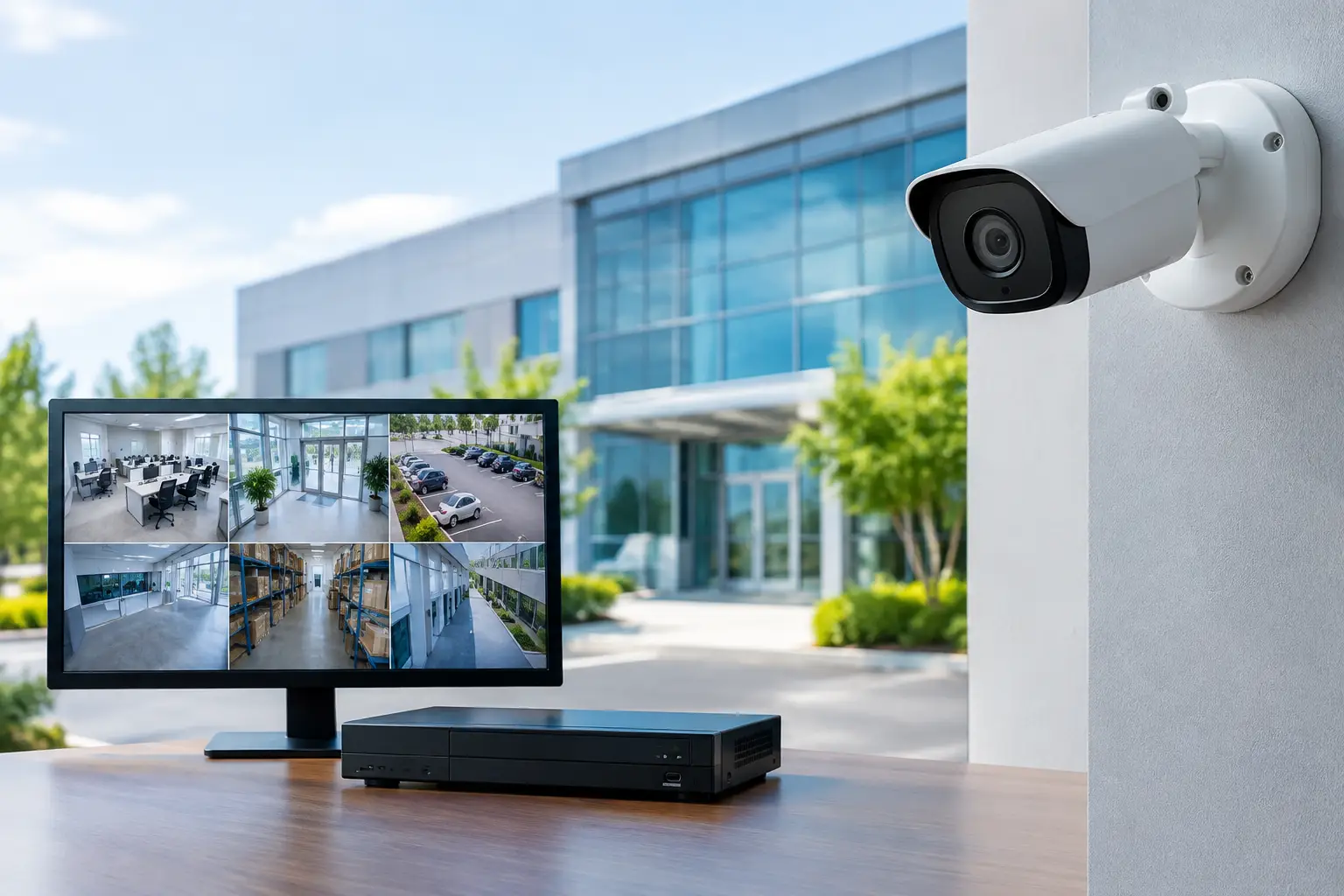
A camera pointed at the wrong doorway can create a false sense of security. A commercial camera system guide should start with business operations, not a product catalog: where people enter, where cash or inventory changes hands, which areas create liability, and who needs to act when an incident occurs. For Miami and South Florida businesses, the right system also has to withstand heat, humidity, storms, and the demands of a fast-moving property.
The goal is not to place the most cameras possible. It is to create useful visibility, dependable recordings, and a clear response process that supports your people, property, and day-to-day operations.
Start With Risks, Not Camera Models
Before selecting equipment, walk the facility with the people who understand its daily workflow. A retail store may need clear views of entrances, registers, stockrooms, and delivery doors. An office may prioritize visitor access, parking areas, server rooms, and after-hours entry points. Warehouses often need broader exterior coverage, loading docks, high-value inventory zones, and lanes where vehicles move.
Think through what must be identifiable versus what only needs general monitoring. A wide-angle camera can show activity across a parking lot, but it may not capture a readable face or license plate at a distance. A camera positioned at an entrance, by contrast, should be selected and mounted for identification. That distinction prevents a common disappointment: discovering after an incident that footage shows what happened but cannot help determine who was involved.
Your assessment should also consider blind spots created by shelving, landscaping, parked vehicles, lighting changes, and building layout. Cameras cannot compensate for a blocked view. In some cases, improving lighting, relocating a door control, or changing traffic flow provides as much value as another camera.
Commercial Camera System Guide: Build Coverage Around Outcomes
A well-planned commercial system usually combines different camera types because each location has a different job. Fixed cameras are practical for predictable views such as reception desks, hallways, registers, and doors. Varifocal cameras allow installers to fine-tune the field of view for a gate, driveway, or loading area. Pan-tilt-zoom cameras can cover a large active space, but they are not a substitute for fixed cameras because they can only look in one direction at a time.
For exterior areas, use cameras rated for the environment and positioned to avoid direct glare from the sun. Miami rain, wind-driven moisture, salt air near the coast, and intense afternoon heat can shorten the life of equipment that is not designed for commercial outdoor use. Weather ratings, secure mounting, protected cable runs, and surge protection matter as much as image quality.
Low-light performance deserves special attention. Infrared capability can provide nighttime visibility, but reflective surfaces, glass, vehicle headlights, and nearby lighting can affect the image. A site test after dark is often more valuable than relying on a specification sheet. If color footage at night is required, the location may need added lighting rather than a higher-priced camera alone.
Resolution Is Only Part of the Picture
Higher resolution can help capture detail, but it also increases storage needs and network traffic. A 4K camera may be appropriate for a wide lobby, an expansive retail floor, or an area where digital zoom could be useful after an event. It may be unnecessary for a small corridor where a properly positioned 1080p or 4MP camera delivers the needed detail.
Frame rate, compression settings, lighting, lens selection, and camera placement all affect usable footage. A poorly aimed high-resolution camera is still a poor security tool. The best design balances image quality with available bandwidth, retention requirements, and the realities of the site.
Choose Recording and Storage for the Way You Work
Every business should answer one question before deployment: how long must footage remain available? Retention needs may be shaped by internal policy, lease requirements, insurance expectations, industry rules, or the time it typically takes to discover a loss. A business that needs 30 days of recordings requires a different storage plan than one that needs 90 days or longer.
Most commercial systems use a network video recorder, cloud recording, or a hybrid approach. An onsite recorder provides local control and can be cost-effective when many cameras are involved. It should be installed in a secure location, protected by battery backup and surge protection, and monitored for drive health. Cloud storage can simplify remote access and offer offsite protection, though recurring costs and internet upload capacity must be planned carefully.
A hybrid design can provide local recording for fast access while preserving selected footage or critical cameras offsite. The best option depends on the number of cameras, resolution, recording schedule, internet connection, and the importance of maintaining recordings during an outage.
Motion-based recording can reduce storage use, but it must be configured carefully. Trees, rain, shadows, and vehicle traffic may create excessive alerts, while poorly adjusted settings can miss the beginning of meaningful activity. Continuous recording is often preferable in high-risk areas, with intelligent alerts used to draw attention to exceptions.
Your Network Is Part of the Security System
IP cameras rely on the same infrastructure that supports other business operations. That means the surveillance system needs adequate switching capacity, organized cabling, power budgeting, secure remote access, and dependable internet where cloud features or offsite viewing are required.
Power over Ethernet is commonly used to supply both connectivity and power through a single network cable. It simplifies installation, but the switch must have enough power available for all cameras, including models with heaters, infrared illumination, or motorized lenses. A properly designed system also separates camera traffic from critical business systems when appropriate, helping preserve performance and limit unnecessary exposure.
Remote viewing should be convenient without leaving the system open to unauthorized access. Use unique credentials, role-based permissions, multi-factor authentication when available, and timely firmware updates. A manager may need live mobile access, while a front-desk employee may only need to review a specific camera or export an approved clip. Not every user needs every permission.
Make Alerts Actionable
A phone full of motion alerts does not improve security. It creates alert fatigue, and eventually people stop paying attention. Modern analytics can identify people, vehicles, line crossings, loitering, object removal, or activity in restricted zones. These functions can be valuable when they are tied to a defined response.
For example, an alert at a rear delivery door after business hours can notify a designated manager or monitoring team. An alert at the same door during scheduled receiving hours may be unnecessary. Set schedules, detection zones, and escalation rules based on the actual use of each area.
Decide in advance who reviews alerts, who can contact law enforcement, and how footage is preserved after an incident. Train a small group of authorized employees to search recordings, export clips, and document the date, time, and camera location. During a stressful event, clear procedures save time and help protect the integrity of evidence.
Respect Privacy and Manage Expectations
Commercial surveillance must support security without crossing reasonable privacy boundaries. Cameras generally belong in entrances, common areas, workspaces where there is a legitimate business need, exterior grounds, and areas containing valuable assets. Do not place cameras in restrooms, locker rooms, or other areas where people have a clear expectation of privacy.
Audio recording carries additional legal and privacy considerations that can vary by situation. Before enabling it, confirm that it serves a legitimate purpose and seek appropriate legal guidance. Businesses should also communicate their surveillance practices through posted notices and internal policies where appropriate.
For employers, consistency matters. A written policy can explain why cameras are used, who may access footage, how long footage is retained, and how requests are handled. This creates clearer expectations for employees and gives leadership a practical framework when questions arise.
Installation Is the Beginning, Not the Finish
A commercial camera system needs routine attention after installation. Cameras can shift after storms, lenses can become dirty, hard drives can degrade, and a network change can interrupt recording without anyone noticing. Periodic checks should confirm that every camera is online, recording at the expected quality, showing the correct time, and retaining footage for the required period.
It is also wise to test the system from the perspective of a real incident. Can an authorized user find a clip from a specific time? Is the image clear enough to be useful? Can the clip be exported promptly? Does the backup power keep key cameras and recording equipment running during a short outage? These tests reveal issues before a critical moment.
For organizations that do not have internal IT or security staff, a local provider can take ownership of design, installation, network integration, monitoring, and support. CompuSOURCE helps South Florida businesses treat video surveillance as part of a larger technology environment, not an isolated set of cameras that is forgotten until something goes wrong.
A camera system earns its value when it gives your team clear information at the moment they need it. Plan for the decisions you may have to make tomorrow, and your coverage will be far more useful than a system built only around equipment specifications.
Comments are closed