

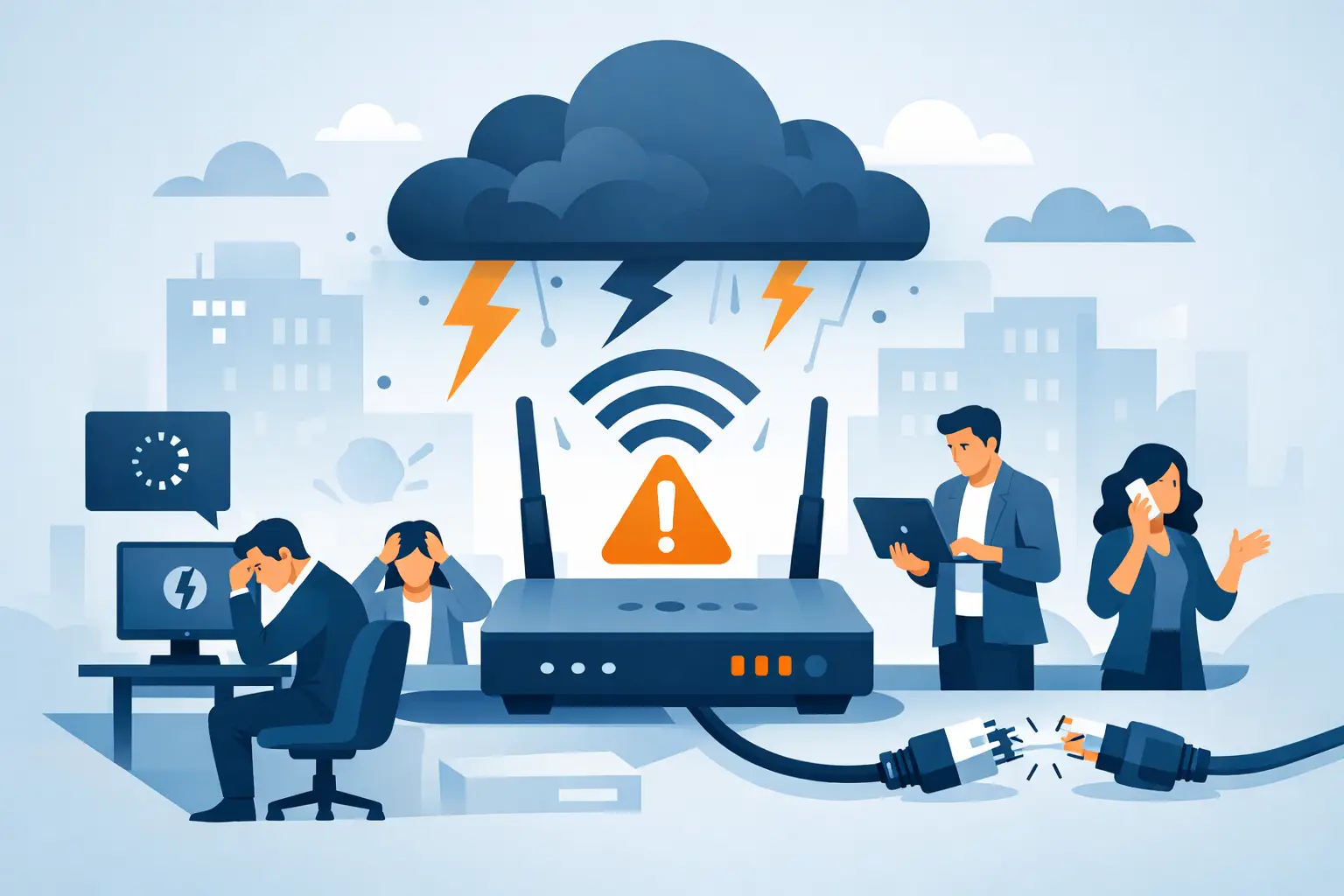
A payment terminal that cannot process a card, a cloud application that will not load, and a VoIP phone that goes silent can all point to the same problem. Understanding what causes business internet outages helps business leaders respond faster, protect operations, and avoid assuming that every interruption is the internet provider’s fault.
For organizations in Miami and South Florida, connectivity can be affected by everything from severe weather and utility problems to construction activity, aging equipment, and an overloaded office network. The source matters because the right fix for a carrier outage is very different from the right fix for a failed firewall, damaged cable, or wireless coverage issue.
What Causes Business Internet Outages Most Often?
A business internet outage occurs when employees, systems, or locations lose access to the public internet or critical cloud-based services. Sometimes the entire office is offline. In other cases, only certain users, applications, floors, or devices are affected.
The most common causes fall into several categories: provider-side failures, power interruptions, physical infrastructure damage, internal network problems, cybersecurity events, and capacity limitations. A dependable support partner begins by isolating which category applies before making changes that could extend the disruption.
Internet Service Provider Failures
An ISP outage is often the first explanation people consider, and sometimes it is correct. Providers can experience equipment failures, fiber cuts, routing problems, maintenance issues, or disruptions at a regional facility. If the provider’s network is down upstream from your building, restarting office equipment will not restore service.
However, an apparent provider issue may be limited to the modem, circuit handoff, or account configuration at your location. Confirming whether the connection reaches the provider gateway, checking service status, and opening an escalation with the carrier can save valuable time. Businesses with a single internet circuit are especially exposed when the carrier has an extended outage.
Power Loss and Electrical Problems
Internet access depends on more equipment than the cable entering the building. Modems, routers, firewalls, switches, wireless access points, and phone equipment all need stable power. A brief power flicker can leave one device frozen or improperly restarted while the rest of the office appears to be operating normally.
Storms are a practical concern in South Florida, but electrical issues can also originate inside the building. A tripped breaker, failed power supply, overloaded surge strip, or depleted battery backup can take down a network rack. An uninterruptible power supply gives critical equipment time to ride through short interruptions and shut down safely during longer ones, but it needs testing and battery replacement to be useful.
Physical Damage to Cables and Equipment
Fiber, coaxial, and Ethernet cables are vulnerable to damage. Roadwork, landscaping, building renovations, water intrusion, rodents, and accidental disconnection can interrupt a circuit or isolate part of an office. In commercial properties, a provider may need access to a telecom room or shared building pathway before repairs can begin.
Inside the office, a loose patch cable or failed switch may affect a department while leaving other users online. This is why the question is not simply, “Is the internet down?” It is also, “Who is affected, what is still working, and where does the failure begin?” Those details speed up diagnosis.
Firewall, Router, and Network Configuration Failures
The firewall and router are the traffic directors of a business network. They manage how data moves between the office, the internet, remote employees, cloud applications, guest WiFi, and sometimes security cameras or VoIP phones. A failed device, expired security subscription, bad firmware update, or incorrect configuration can block traffic even when the provider circuit is functioning.
Configuration changes deserve particular attention. A new VPN rule, network segmentation change, DNS adjustment, or firewall policy may unintentionally prevent systems from reaching the services they need. Changes should be documented, tested, and performed with a rollback plan. For businesses without internal IT staff, this discipline is one of the strongest reasons to have managed support in place before an incident occurs.
WiFi Problems That Look Like Internet Outages
Employees often report that “the internet is down” when the actual issue is wireless connectivity. WiFi can be affected by interference, poor access point placement, too many devices, outdated hardware, or insufficient coverage in conference rooms and remote corners of a facility.
A wired computer may still have full internet access while wireless users struggle. That distinction changes the response. Adding bandwidth will not solve an overcrowded WiFi network, and rebooting the provider modem will not fix a weak signal caused by walls, metal shelving, or competing wireless networks.
Bandwidth Saturation and Network Congestion
An internet circuit can be online yet still feel unusable. Video meetings, cloud backups, large file transfers, software updates, surveillance uploads, and guest WiFi traffic can compete for limited capacity. If a connection is undersized or traffic is unmanaged, essential business applications may slow down at predictable times of day.
This is not always a reason to buy the largest available circuit. The better answer depends on how the business operates. A busy office with cloud phones, remote workers, and frequent video calls may need more bandwidth, but it may also benefit from traffic prioritization. Quality-of-service settings can give voice and other critical applications preference over less time-sensitive activity.
Cybersecurity Incidents and Malicious Traffic
Cybersecurity events can also cause connectivity failures. Ransomware, malware, compromised devices, denial-of-service attacks, and unauthorized traffic can overwhelm systems or force administrators to isolate part of the network to contain risk.
A security device may block traffic intentionally after identifying suspicious activity. That can feel like an outage to users, but it may be preventing a more serious problem. The right response is to investigate the alert, verify whether a legitimate service was blocked, and preserve security controls rather than disabling protections just to get people online quickly.
Why One Business Is Offline While Another Is Not
Two companies in the same area can have very different outage experiences. One may have a single cable connection and consumer-grade router, while another has dual internet circuits, a managed firewall, battery backup, documented network equipment, and automatic failover.
Redundancy does not eliminate every failure, but it reduces dependence on one point of failure. A secondary connection, such as a separate fiber, cable, or wireless circuit, can take over when the primary service goes down. The trade-off is cost and complexity. Failover must be configured and tested, and two services that share the same building entry point or provider infrastructure may not provide the independence a business expects.
For offices that cannot tolerate extended downtime, a continuity plan should also account for phones, payment processing, remote access, backups, and communication with employees and customers. Internet access is rarely an isolated utility. It supports the systems that keep the business moving.
How to Respond When Business Internet Goes Down
The first few minutes of an outage should be calm and structured. Determine whether every user and device is affected or whether the problem is limited to WiFi, one application, a single area, or remote workers. Check whether wired devices can connect, whether the firewall has power, and whether the provider equipment shows normal status lights.
Avoid repeated resets or unplanned cable changes. Rebooting equipment can be appropriate, but only after documenting the condition and confirming that someone has access to the required credentials and configurations. Random troubleshooting can erase useful clues and make a recoverable issue harder to track.
A managed technology team can monitor network health, validate the provider circuit, review firewall and switch status, and coordinate carrier support when needed. CompuSOURCE provides hands-on assistance for businesses that need a single accountable team to manage those steps, including urgent issues that cannot wait for normal business hours.
Reducing the Risk of Future Outages
The most effective prevention work happens when the network is functioning normally. Proactive monitoring can identify packet loss, repeated device restarts, rising bandwidth use, failing hardware, and unstable WiFi before employees report a full outage. Regular firmware maintenance, tested battery backups, accurate network documentation, and secure configuration management all reduce avoidable disruption.
It is also wise to review whether the internet connection still matches the organization’s current needs. A company that added cloud applications, IP phones, security cameras, hybrid staff, or guest access may have outgrown the network design that worked a few years ago.
When connectivity fails, the goal is not merely to restore a signal. It is to restore the business functions that depend on it, with a plan that makes the next interruption shorter, clearer, and far less disruptive.
Comments are closed