

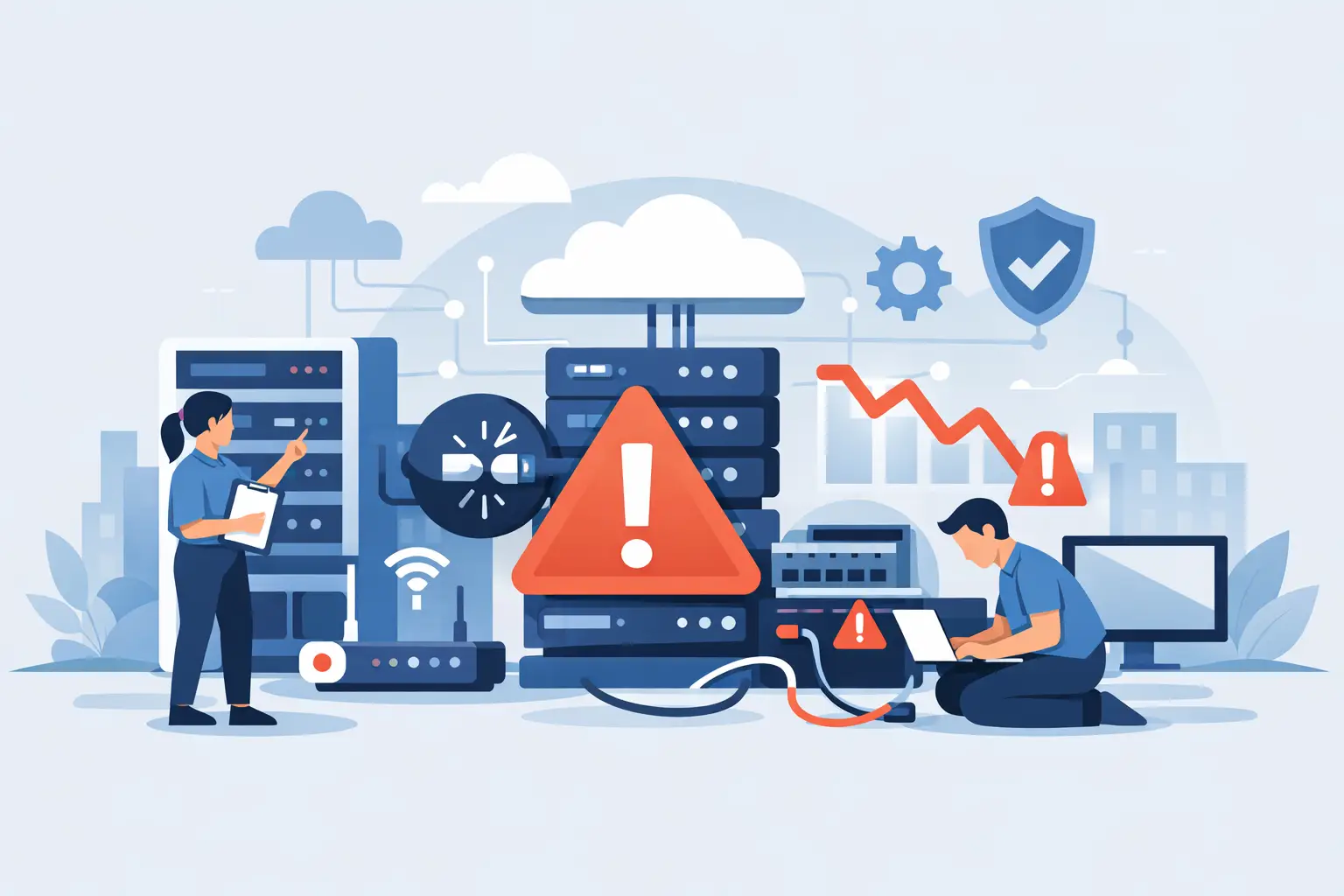
A network outage rarely starts as a complete failure. More often, it begins with a slow application, dropped VoIP calls, unreliable WiFi, or a server that has been warning for attention for weeks. For a business that depends on cloud software, phones, payment systems, surveillance, and connected devices, learning how to prevent network downtime means identifying those early signals before they interrupt customers and employees.
Downtime has a direct operational cost. Staff cannot access files or communicate with clients. Sales teams lose access to their CRM. Security cameras may stop recording. A single internet circuit failure can bring a busy office, retail location, medical practice, or event operation to a standstill. The goal is not to promise that technology will never fail. The goal is to design, monitor, and support your environment so a failure has limited impact and a clear recovery path.
Start With a Clear View of Your Network
You cannot manage what no one has documented. Many small and mid-sized businesses have added switches, access points, laptops, printers, cloud applications, and security devices over time without maintaining an accurate record of how those systems connect. When an outage occurs, the technician first has to determine what is installed, where it is located, and who has access to it.
A current network map should show your internet connections, firewall, switches, wireless access points, servers, phone system components, and critical devices. It should also identify the applications that matter most to daily operations, such as cloud file storage, accounting software, point-of-sale systems, and video surveillance. Documentation must be updated when equipment changes, not placed in a drawer after an installation.
This visibility also helps separate a true network issue from an application or provider issue. If internet access is working but a cloud platform is unavailable, the response is different than if the firewall, wireless network, or internet circuit has failed. Clear documentation shortens the time between an employee reporting a problem and a team taking the right action.
Build Redundancy Around Business-Critical Services
The most effective way to prevent network downtime is to remove single points of failure where the business cannot afford an interruption. Not every device needs a duplicate, but every critical service needs a practical fallback.
For most South Florida businesses, internet connectivity is the first priority. A primary fiber or cable connection can be highly dependable, but construction damage, provider outages, weather events, and equipment failures still happen. A secondary connection from a different carrier or a 5G/LTE failover service can keep essential operations online when the primary circuit goes down. The right option depends on how much bandwidth your business needs during failover and which applications must remain available.
For example, a small office may only need backup connectivity for email, cloud access, and VoIP calling. A larger operation with remote users, security cameras, and transaction systems may need a higher-capacity secondary circuit and policies that prioritize essential traffic. Backup internet is an investment, but it is often less costly than several hours of lost productivity, missed calls, and delayed customer service.
Power deserves the same attention. A quality uninterruptible power supply can keep core network equipment operating through short interruptions and provide time for an orderly shutdown during longer ones. For sites where continuous operation is essential, a generator plan and properly protected electrical infrastructure may be appropriate. Batteries and generators require regular testing. Equipment that has never been tested during an actual power event should not be treated as a dependable recovery plan.
Use Proactive Monitoring, Not Ticket-Driven Support
Waiting for employees to report a problem creates unnecessary downtime. By the time several people say the internet is slow or phones are unavailable, the issue may already be affecting revenue and customer experience.
Proactive monitoring watches key network devices, internet performance, server health, storage capacity, backup status, and security alerts. It gives technical teams the opportunity to address a failing hard drive, overloaded firewall, unstable access point, or degrading internet circuit before it becomes a business-wide outage.
Monitoring only works when someone owns the response. Alerts that generate emails but receive no timely review can create a false sense of security. Establish clear escalation procedures: which alerts require immediate action, who is notified after hours, and when an onsite technician is needed. For businesses without internal IT staff, managed support provides that accountability without requiring an in-house network operations center.
Keep Equipment Current and Properly Maintained
Network hardware has a service life. Aging firewalls, unmanaged switches, outdated wireless access points, and unsupported servers are more likely to fail and harder to secure. They may also be unable to handle modern cloud traffic, video conferencing, VoIP quality requirements, or the number of devices now connected to your network.
Replacing equipment on a planned schedule is usually less disruptive and less expensive than making emergency purchases during an outage. The decision should be based on age, manufacturer support status, performance trends, and business risk. A five-year replacement cycle may make sense for one company, while a lightly used device with active vendor support may remain suitable for longer.
Maintenance also includes firmware updates, configuration backups, security patching, cable management, and periodic capacity reviews. Updates should not be applied blindly during peak business hours. Test significant changes when possible, maintain a rollback plan, and schedule work around the times your organization can tolerate risk.
Segment the Network to Contain Problems
When every device shares one flat network, a single problem can affect everyone. An infected workstation, misconfigured device, guest user, or bandwidth-heavy application can disrupt operations across the entire office.
Network segmentation separates traffic according to purpose. Employee workstations, guest WiFi, VoIP phones, security cameras, payment devices, and servers can operate in distinct network segments with rules governing what may communicate across them. This approach improves security and makes it easier to protect voice quality and other high-priority services.
Segmentation requires thoughtful design. Overly restrictive rules can prevent legitimate systems from communicating, while overly broad rules defeat the purpose. A qualified IT provider can assess workflows before changes are made, especially in environments with specialized software, access-control systems, or commercial surveillance equipment.
Protect Data and Test Recovery Before You Need It
A working network is only part of continuity. Ransomware, failed storage, accidental deletion, and server corruption can stop work even when the internet and wireless network are functioning perfectly. Reliable backups give the business a way to recover its information and resume operations.
Backups should be automatic, monitored, encrypted where appropriate, and stored separately from the systems they protect. A local backup may enable faster restoration, while an offsite or cloud copy protects against theft, fire, flood, and site-wide damage. Many organizations benefit from both.
The most overlooked step is recovery testing. A backup that completes successfully is not automatically recoverable. Test whether files can be restored, whether a critical application can run from recovered data, and how long restoration actually takes. Business leaders should know the answers to two practical questions: how much data could we lose, and how long can we operate without this system?
Prepare People for the First 30 Minutes of an Outage
A calm, repeatable response reduces confusion when an interruption occurs. Your staff does not need advanced technical training, but key employees should know how to report a problem, who to contact, and what basic information to provide. A simple incident plan should cover four areas:
- Which systems are affected, including phones, internet, WiFi, applications, or cameras.
- When the issue began and whether it affects one user, one area, or the entire location.
- Who has authority to contact internet providers, approve emergency repairs, or communicate with customers.
- How employees will continue essential work if a system remains unavailable.
Keep current provider account details, equipment access information, and emergency contact numbers in a secure location that does not depend on the network being online. If the main office cannot connect, your team should still be able to reach support and communicate with one another.
Treat Network Reliability as an Ongoing Responsibility
Knowing how to prevent network downtime is not about buying one piece of hardware or reacting faster after a failure. It is a continuous process of reviewing risk, maintaining equipment, testing backup systems, and adjusting the network as the business changes.
A new office location, expanded remote workforce, additional surveillance cameras, hosted phone system, or large event can change connectivity requirements quickly. CompuSOURCE helps Miami and South Florida organizations plan, monitor, and support the technology that keeps their teams connected, with responsive assistance when an issue needs immediate attention.
The right next step is a practical review of what would happen if your internet, firewall, server, or phone system failed this afternoon. The gaps you find are not just technical issues. They are opportunities to protect customer service, employee productivity, and business continuity before an outage puts them at risk.
Comments are closed