

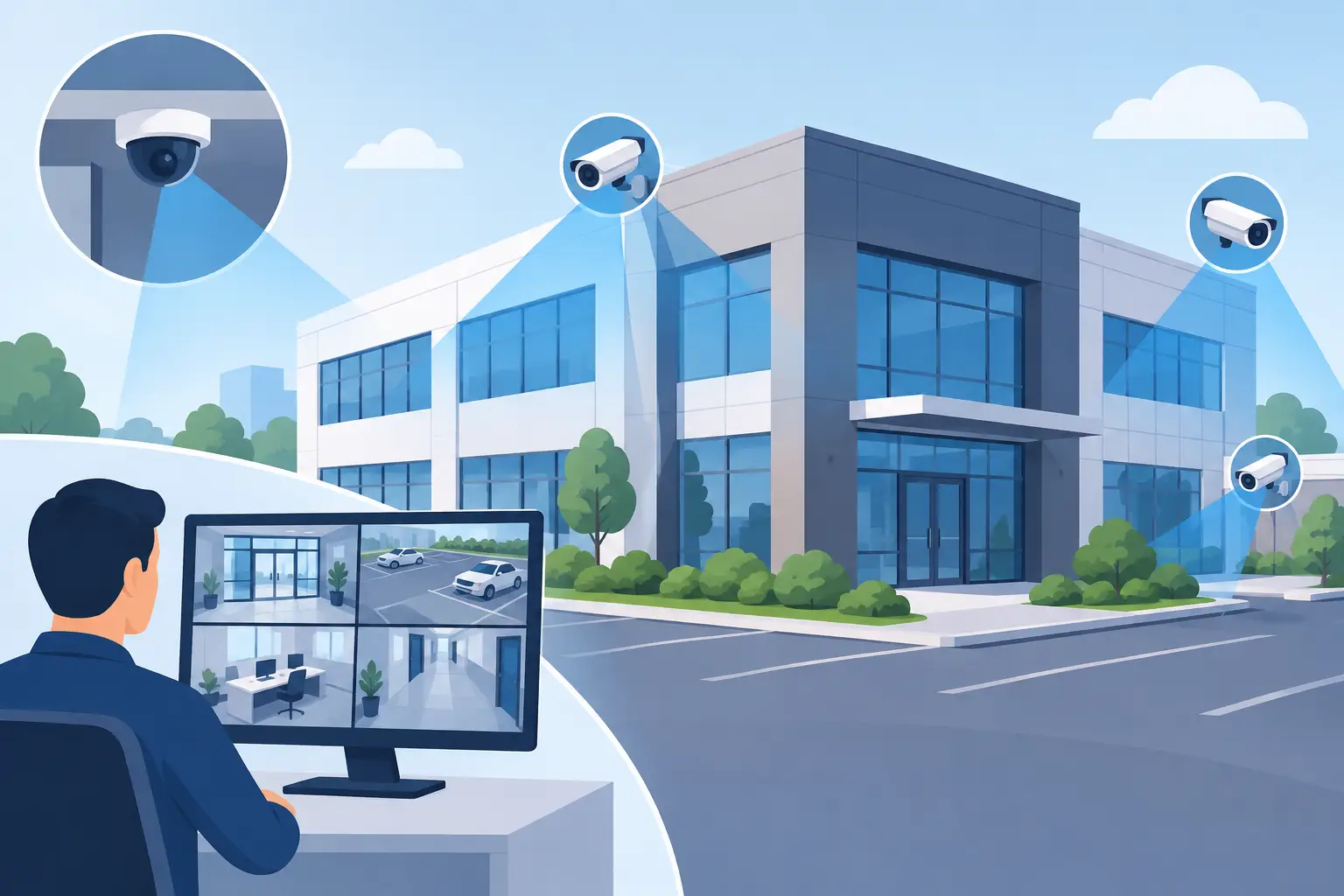
A camera system can look complete on a floor plan and still miss the one moment that matters: a face at a side entrance, a vehicle leaving the lot, or a cash drawer opened after hours. This IP camera placement guide helps Miami and South Florida businesses plan surveillance coverage around real operational risks, not just the number of cameras installed.
The goal is not to record every square foot of a property. It is to create useful, dependable coverage that helps your team deter incidents, verify events, and retrieve clear evidence when needed. That takes more than mounting cameras high on a wall. It requires a close look at how employees, visitors, deliveries, vehicles, and potential intruders actually move through your facility.
Start With Risk, Not Camera Count
A camera count is one of the least useful ways to begin a surveillance project. Two well-positioned cameras can provide more value than six cameras aimed at wide, low-priority areas. Start by identifying the places where an incident would have the greatest operational, financial, or safety impact.
For most commercial locations, this includes public entrances, employee-only doors, loading areas, reception desks, cash handling points, inventory rooms, server closets, parking lots, and perimeter access points. A medical office may place greater emphasis on controlled access and patient privacy. A warehouse may prioritize loading docks, inventory movement, and trailer traffic. A retail business may need clear views of entrances, point-of-sale areas, and high-value merchandise.
Walk the site at the times when conditions change. A building entrance that is easy to see at noon may be backlit and difficult to identify people at 6 p.m. A parking area may appear adequately lit until rain or a failed fixture creates deep shadows. In South Florida, heavy rain, humidity, salt air near the coast, and intense sun can all affect camera performance and equipment longevity.
IP Camera Placement Guide: Cover the Essential Zones
A strong design uses different camera views for different jobs. A broad overview camera can show what happened across a lobby or parking area. A tighter identification camera should capture faces, license plates, or activity at a specific door. Trying to make one camera handle both tasks often creates footage that is too wide to be useful.
Entrances and exits
Every public entrance and employee access door should have purposeful coverage. Place one camera to capture a person approaching the door and another, where appropriate, to view activity just inside or outside the threshold. The key concern is facial identification, so avoid placing cameras where bright exterior light turns visitors into silhouettes.
Mounting a camera directly above a door can show that someone entered, but it may only capture the top of their head. A slightly offset angle at an appropriate height typically delivers a more recognizable face while still making the camera difficult to tamper with. For doors used after hours, coordinate video coverage with access control logs, alarms, and exterior lighting.
Reception, front desks, and customer areas
Reception areas benefit from a wide view that shows visitor flow, staff interaction, and the route to restricted areas. Position cameras to see the front desk and entry path without unnecessarily recording computer screens, sensitive paperwork, or private conversations.
For offices with visitor sign-in procedures, cameras should support the process rather than replace it. Clear video of who arrived, when they arrived, and where they went can help resolve disputes and improve accountability, especially in shared commercial buildings.
Cash, inventory, and high-value assets
Cash drawers, safes, stockrooms, equipment cages, and server rooms need more detailed coverage than general office space. The camera should show the person, their hands, and the item or transaction area without obstruction from shelving, open doors, or staff movement.
Avoid relying only on a ceiling-mounted overview camera in these areas. It can establish that someone was present, but it may not establish what they did. A focused view of the drawer, counter, rack, or access door creates stronger evidence and can help managers investigate loss without relying on guesswork.
Loading docks and delivery areas
Loading docks create a mix of security, liability, and operations concerns. Cameras should document vehicle arrivals, delivery personnel, freight movement, dock doors, and the transition from exterior to interior space. If packages or pallets are scanned, consider whether the camera view can support verification of the handoff process.
Place equipment where trucks, raised doors, or stacked inventory will not block the view. Outdoor cameras also need housings and mounting hardware suited to wind, moisture, and heat. A poorly protected camera may work when installed and fail when footage is needed most.
Parking lots and building perimeters
Parking coverage should focus on entry and exit lanes, pedestrian paths, accessible spaces, isolated corners, and areas where employees arrive early or leave late. Overview cameras are useful here, but clear identification often requires dedicated cameras at vehicle entrances or walkways.
License plate capture is especially sensitive to angle, speed, lighting, and distance. A camera that produces a clear overview of a lot will not automatically capture readable plates. If plate identification is a requirement, design for it specifically and test it under actual day and night conditions.
Get Height, Angle, and Lighting Right
Camera placement is a balance between protection and image quality. Mounting cameras too low makes them easier to reach or redirect. Mounting them too high makes faces smaller and harder to identify. The right height depends on the scene, lens, and required detail, but the installer should validate the view using real people walking through the area.
Angle matters just as much. Cameras aimed sharply downward provide good activity coverage but weak facial detail. Cameras facing directly into windows, glass doors, headlights, or the rising and setting sun may produce glare. Use camera features such as wide dynamic range and infrared support where appropriate, but do not expect technology to correct a fundamentally poor angle.
Lighting should be part of the surveillance plan. A well-lit entrance often delivers better evidence than a higher-resolution camera aimed at a dark doorway. Exterior lighting also supports employee safety and makes potential intruders more visible before they reach the building.
Protect Privacy and Set Clear Expectations
Commercial surveillance must support security without creating unnecessary privacy concerns. Cameras generally belong in public-facing areas, entrances, workspaces with legitimate security needs, and exterior zones. They do not belong in restrooms, locker rooms, or other areas where people reasonably expect privacy.
Be cautious around break rooms, private offices, healthcare settings, and areas where confidential information is handled. Depending on your business, employee policies, customer notices, industry requirements, and local legal guidance may affect how video is used, retained, and shared. Audio recording has separate legal considerations and should never be enabled casually.
A practical policy should define who can view footage, when exports are permitted, how long recordings are retained, and how incidents are documented. This protects the business, limits unnecessary access, and makes the system easier to manage during a stressful event.
Plan the Network and Recording System Alongside the Cameras
An IP camera is a network device, not a standalone appliance. Each camera requires reliable connectivity, sufficient power, appropriate bandwidth, and storage sized for the number of cameras, resolution, recording schedule, and retention period. Adding cameras without planning the network can create performance problems that affect both surveillance and everyday business operations.
Whenever possible, use managed network equipment and power over Ethernet to simplify power delivery and improve oversight. Cameras should be segmented from general business traffic, protected with strong credentials, and kept current with approved firmware. Remote viewing should be configured carefully so authorized managers can access footage without exposing the system to unnecessary risk.
Retention is a business decision. A restaurant may need enough storage to investigate a recent incident. A regulated organization or large facility may require longer retention. Continuous recording provides the fullest record, while motion-based recording can reduce storage use but may miss context if motion settings are poorly tuned. There is no universal answer, which is why storage should be planned before installation rather than after the recorder fills up.
Test the System Like an Incident Will Happen Tomorrow
Before accepting a camera installation, test the views during daylight, after dark, and during normal business activity. Have someone walk through each entrance, approach from different directions, open access doors, and drive through vehicle gates. Review footage on the same screen and export method your team would use after an incident.
Check whether faces are recognizable, whether critical activity is blocked, whether timestamps are accurate, and whether footage can be retrieved quickly. Also test notification procedures. A camera system has limited value if no one knows who receives an alert or how to respond after hours.
For businesses that cannot afford gaps in coverage or downtime, ongoing monitoring and maintenance matter. Cameras need periodic lens cleaning, view adjustments after renovations, storage checks, firmware management, and prompt replacement when equipment fails. CompuSOURCE helps South Florida organizations align commercial video surveillance with the network, connectivity, and responsive support needed to keep it working.
The most useful next step is a site walk with your daily operations in mind. Follow the route a visitor takes, the path a delivery driver uses, and the areas your team worries about after closing. Those details will show you where a camera can provide real peace of mind, not just another image on a monitor.
Comments are closed