

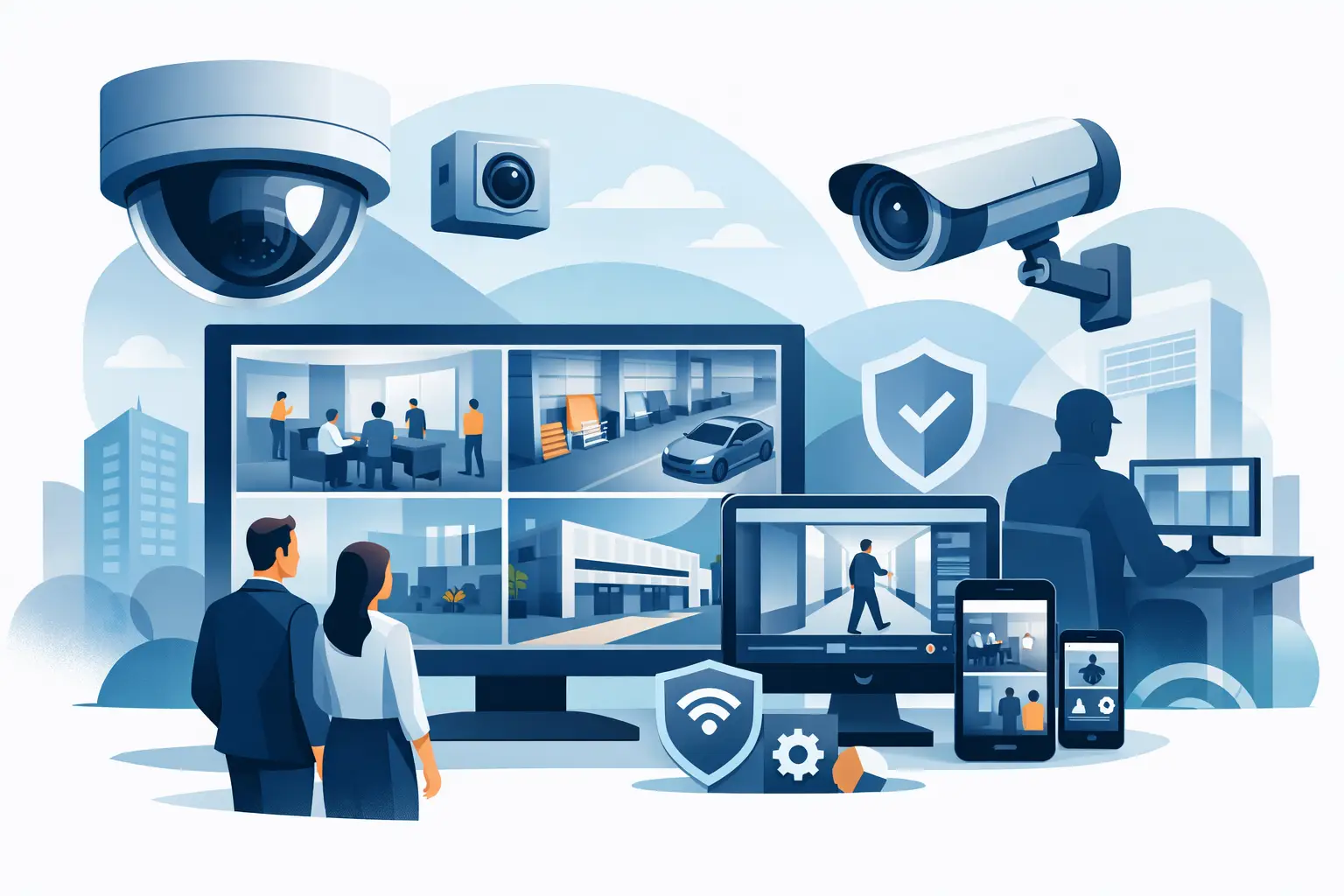
A camera mounted above the front door is not a security strategy. Commercial video surveillance systems need to give business owners usable evidence, real-time awareness, and confidence that critical areas are covered when an incident occurs. For Miami and South Florida organizations, that means designing a system around the facility, daily operations, lighting conditions, network capacity, and the people responsible for reviewing alerts.
A well-planned system helps reduce blind spots, support employee safety, investigate incidents faster, and protect inventory, equipment, and property. Just as important, it should be manageable. If footage is difficult to find, cameras routinely go offline, or the network slows down every time recordings are accessed, the system is not delivering the operational value your business needs.
What Businesses Need From Commercial Video Surveillance Systems
The right surveillance system does more than record video. It becomes a reliable part of your security and operations plan. Cameras can help document deliveries, monitor entrances, verify access to restricted areas, review customer incidents, and provide visibility across locations without requiring an employee to be physically present at every site.
For many small and mid-sized businesses, the goal is not to watch every camera feed all day. The goal is to have clear footage available when a question arises and to receive a timely alert when something requires attention. That distinction affects every decision, from camera placement to storage capacity and remote-access permissions.
Commercial facilities also have different needs than homes. A warehouse may need wide-area coverage and loading dock cameras. A medical office may prioritize secure entrances, reception areas, and privacy-conscious camera positioning. A retail business may need clear views of registers, stock rooms, and customer entry points. An office building may need coverage of parking areas, elevators, and after-hours access points.
Clear Coverage Starts With Site Design
Camera count alone does not determine security. A dozen poorly placed cameras can leave more risk than a smaller system designed around actual traffic patterns and vulnerable areas.
A site assessment should identify how people, vehicles, deliveries, and employees move through the property. Entry and exit points deserve close attention, along with cash-handling areas, server rooms, storage spaces, loading zones, and perimeter access. In South Florida, outdoor coverage also has to account for intense sun, heavy rain, humidity, salt air near the coast, and changing light conditions.
Camera type matters as well. Fixed cameras work well when a specific area needs consistent coverage. Pan-tilt-zoom cameras can provide broader visibility for large properties, but they are not a substitute for fixed coverage at critical points. A camera that is pointed at one area cannot record activity elsewhere at the same time.
Resolution should be selected based on the question the footage needs to answer. Seeing that a person entered a parking lot is different from identifying a face, reading a license plate, or reviewing activity at a point-of-sale station. Higher resolution can improve detail, but it also increases storage and network demands. The best design balances image quality with the cost and infrastructure needed to support it.
The Network Behind the Cameras Matters
Video surveillance is a networked business system. Each camera generates traffic, and high-resolution cameras with continuous recording can place meaningful demands on switches, cabling, WiFi, storage, and internet connections.
This is where many deployments fall short. Cameras may be installed correctly, but the existing network was never evaluated for the additional load. The result can be choppy video, unreliable remote viewing, lost recordings, or performance problems for business applications and VoIP phones.
A properly planned installation considers whether cameras should operate on a dedicated network segment, how they will receive power, where recordings will be stored, and which users need access. Power over Ethernet can simplify installation by carrying data and power through a single cable, but the network switch must have enough power capacity for the connected devices.
Remote access also deserves careful configuration. Owners and managers need the ability to view approved cameras from authorized devices, especially when they oversee multiple locations or respond to an after-hours incident. That access should be protected with strong credentials, appropriate user permissions, and secure remote connectivity. Giving every employee unrestricted access to all camera feeds creates unnecessary risk.
Storage Is a Business Decision, Not an Afterthought
Recording retention is one of the first questions a business should answer. How many days of footage do you need? Will cameras record continuously, only when motion is detected, or based on schedules? Is footage stored locally, in the cloud, or through a hybrid approach?
There is no universal retention period. A retail operation may need enough history to resolve customer disputes or identify recurring loss patterns. A property manager may need longer retention for incidents that are not reported immediately. A business with limited risk exposure may choose a shorter window to control costs.
Local network video recorders can provide fast access and predictable storage capacity, but they need physical protection, maintenance, and a plan for hardware failure. Cloud recording can reduce some onsite equipment requirements and support easier remote access, but recurring costs and internet bandwidth must be considered. Hybrid systems can offer a practical middle ground by maintaining local recording while backing up selected footage or events offsite.
The key is to confirm the system will retain the footage you expect at the quality you need. Storage estimates should account for camera resolution, frame rate, recording schedule, compression settings, and the number of cameras. Assumptions made during installation should be tested before the system is handed over.
Alerts Should Help, Not Create More Noise
Modern cameras can provide motion alerts, person detection, vehicle detection, line-crossing alerts, and other intelligent notifications. These capabilities can be useful, but only when configured for the environment.
An outdoor camera that sends an alert every time a palm frond moves or a vehicle passes on a nearby road will quickly be ignored. Excessive notifications create alert fatigue, which defeats the purpose of proactive monitoring. The better approach is to define meaningful activity zones, set practical schedules, and direct alerts to the people who can take action.
For example, a business may want an immediate alert if someone enters a rear service door after closing, while movement in a customer parking lot during business hours may not require a notification. The system should reflect that difference.
Reliability Requires Ongoing Support
Surveillance systems are often treated as a one-time installation. In reality, they require ongoing attention. Cameras can lose connection, lenses can become obstructed, storage drives can fail, passwords need to be managed, and network changes can affect recording performance.
Routine checks help confirm that cameras are online, recording is functioning, timestamps are accurate, and remote viewing remains available. Periodic reviews are also an opportunity to adjust coverage as a business expands, changes its layout, adds new access points, or identifies recurring security concerns.
When a system is connected to the broader IT environment, accountability matters. A camera issue may involve cabling, switching, internet connectivity, firewall settings, storage hardware, or the surveillance platform itself. Working with a technology partner that understands both physical security and the network supporting it can prevent delays caused by multiple vendors pointing elsewhere.
CompuSOURCE helps South Florida organizations align commercial surveillance with the networks, connectivity, and support processes that keep their operations moving. That coordinated approach is especially valuable when a business needs onsite response, remote troubleshooting, or an expansion that must be completed without disrupting daily work.
Questions to Ask Before You Invest
Before selecting a system, business leaders should be able to answer a few practical questions. What incidents are we trying to prevent, investigate, or document? Which areas need identification-level detail, and which only need general visibility? Who is allowed to view live and recorded footage? How long must recordings be retained? What happens if an internet connection, recorder, camera, or power source fails?
It is also worth considering how the system will be used after installation. Designate the people responsible for reviewing important alerts and retrieving footage. Establish a straightforward process for preserving video when an incident occurs. Train authorized users so they know how to search recordings instead of relying on a technician during a time-sensitive situation.
The best surveillance investment is one your team can depend on without becoming video-security specialists. Start with your real operational risks, build coverage around them, and make sure the cameras, network, storage, and support plan work together. When they do, security footage becomes more than a record of what happened – it becomes a practical tool for protecting the business you are building.
Comments are closed