

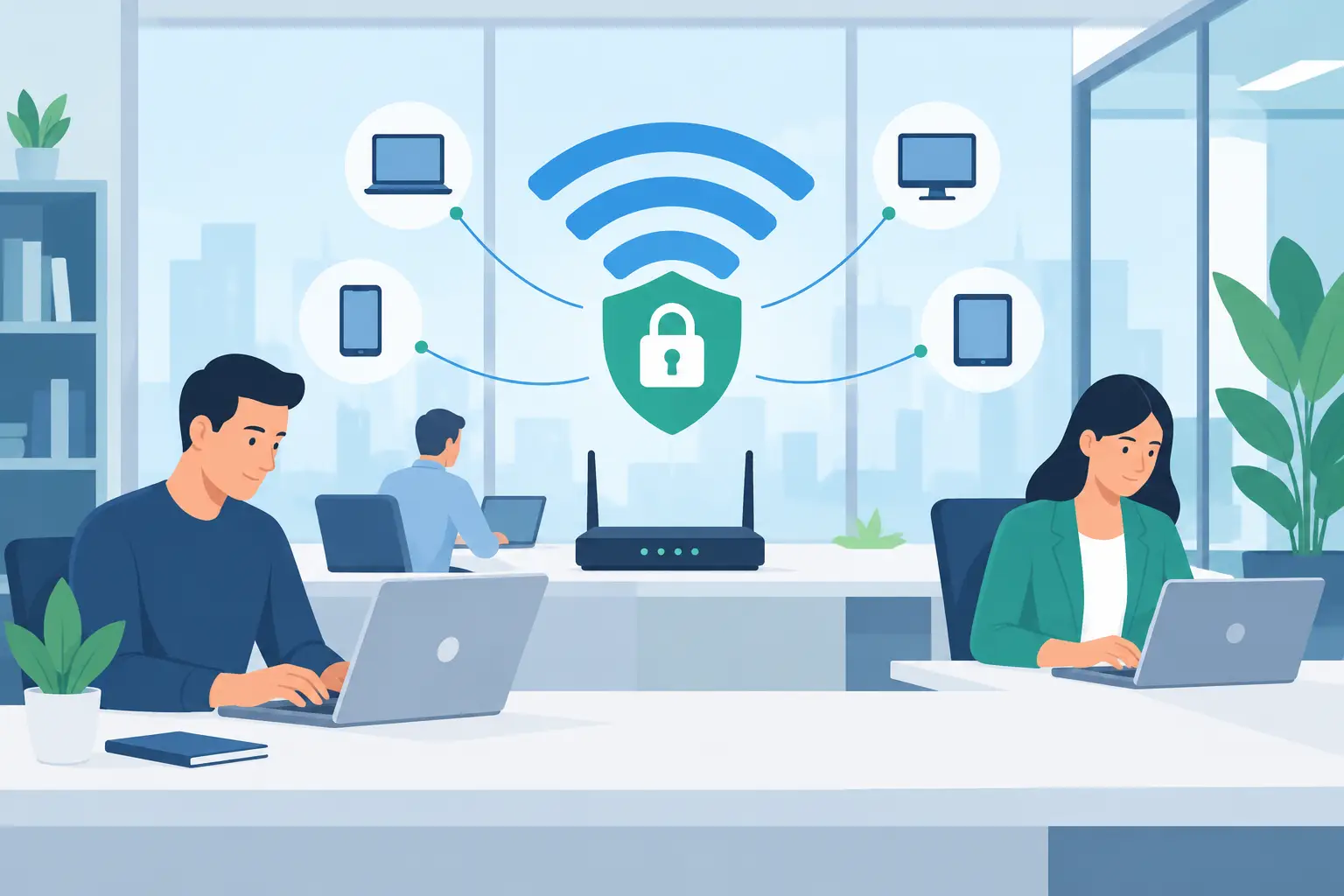
A compromised office WiFi network rarely announces itself with a dramatic outage. More often, it starts with a former employee still connected, a guest device reaching a shared folder, or an unpatched access point quietly exposing the network. Knowing how to secure office wifi means treating it as part of your business security infrastructure, not just a convenience for laptops and phones.
For Miami and South Florida organizations, dependable WiFi supports far more than email. It connects cloud applications, VoIP phones, surveillance systems, tablets, printers, and sometimes customer-facing services. A secure design protects those operations while giving employees the access they need to do their work.
Start With a Clear Picture of Your Wireless Network
Before changing passwords or buying new equipment, identify what is actually connected to your network. Many businesses have a mix of aging access points, an internet provider’s gateway, unmanaged switches, printers, cameras, employee phones, smart TVs, and devices installed years ago for a specific purpose.
Create an inventory of wireless access points, network equipment, administrator accounts, and connected device types. Include the physical locations of access points and note who has access to their management settings. This baseline makes it easier to spot devices that do not belong and to plan upgrades without interrupting operations.
It also exposes a common problem: one wireless network is doing too much. If employees, guests, security cameras, and smart devices all share the same WiFi name and password, one weak device can create a path toward sensitive business systems.
How to Secure Office WiFi With Network Segmentation
Network segmentation is one of the most effective protections for a business WiFi environment. It separates users and devices into distinct networks, often using VLANs and separate wireless network names, so traffic is controlled rather than freely moving across the office.
At a minimum, most offices should separate the employee network from the guest network. Employees need access to approved internal resources and business applications. Guests generally need internet access only. They should not be able to see file shares, printers, cameras, payment terminals, or other devices on the business network.
Many organizations benefit from additional separation for VoIP phones, surveillance systems, and internet-connected equipment. The right design depends on the size of the office, compliance needs, the equipment in use, and whether systems must communicate with each other. Segmentation adds planning and configuration work, but it significantly limits the damage if a device is infected or credentials are compromised.
Keep Guest WiFi Truly Separate
Guest WiFi should have its own network name, password, and internet-only policy. Do not give visitors the employee password simply because it is more convenient. Use client isolation where available so guest devices cannot communicate directly with each other.
For offices that host clients, vendors, or events, consider a guest network with a simple access process and bandwidth limits. This preserves a professional experience without allowing streaming, large downloads, or unknown devices to affect business calls and critical applications.
Use Modern Encryption and Strong Access Controls
WiFi security begins with the encryption standard on the wireless network. WPA3 is the preferred option when supported by the access points and client devices. WPA2 with AES encryption remains acceptable for many business environments, particularly where older devices require compatibility. Avoid WEP, WPA, and WPA2 configurations using TKIP. They are outdated and should not be used for business networks.
A long, unique WiFi password is still useful, but a shared password alone has limits. It may be written down, reused, or retained by former staff. For stronger control, use enterprise authentication, such as WPA2-Enterprise or WPA3-Enterprise, with individual employee credentials. This lets administrators remove one person’s access without changing every device in the office.
Administrative access matters just as much. Change default usernames and passwords on routers, firewalls, switches, and access points. Use unique credentials stored in an approved password manager, limit management access to authorized staff or your managed IT provider, and enable multi-factor authentication whenever the platform supports it.
Protect the Router, Firewall, and Access Points
Your access points may be visible in the office, but their security depends on the network equipment behind them. The firewall should be properly configured to block unwanted inbound traffic, control connections between network segments, and provide visibility into suspicious activity.
Keep firmware current on access points, routers, firewalls, and switches. Manufacturers regularly release updates that address known vulnerabilities and stability issues. Delaying updates indefinitely can leave a business exposed, but installing them without a plan can also disrupt service. Schedule maintenance windows, back up configurations first, and test critical services after updates.
Disable features that are not needed, especially remote administration from the public internet, WPS, and unused wireless networks. Remote management can be useful for a trusted support partner, but it should be protected with strong authentication, restricted access, and monitoring.
Physical safeguards also deserve attention. Network closets should be locked, equipment should be mounted securely, and unused Ethernet ports should be disabled or controlled. A visitor who can plug an unknown device into an open network jack may bypass some wireless protections entirely.
Control Who Connects and What They Can Do
Every device on office WiFi represents a security decision. A managed company laptop is different from a personal phone, a contractor’s computer, or a wireless camera with limited security settings.
Establish a practical access policy. Employees should use company-approved devices for sensitive work whenever possible. Personal devices can use a separate bring-your-own-device network with limited access. Contractors should receive time-limited access based on the work they need to perform, not permanent credentials.
For larger or more regulated organizations, network access control can check whether a device meets basic security requirements before granting access. This may include current antivirus protection, supported operating systems, device encryption, or approved management software. These controls require more administration, so they are best matched to the business risk and available IT resources.
Employee awareness is another useful layer. Staff should know not to share employee WiFi credentials with visitors, connect unknown devices, approve unexpected login prompts, or install unapproved wireless equipment. Clear policies work better when employees understand that they protect business continuity, not just IT rules.
Monitor the Network Before a Small Issue Becomes an Outage
A secure WiFi network needs ongoing attention. Review connected devices, failed login attempts, access point health, bandwidth use, and firmware status on a regular schedule. Unexpected devices, repeated authentication failures, or unusual traffic patterns deserve investigation.
Centralized monitoring is especially valuable for offices with multiple locations, heavy VoIP use, or critical cloud applications. It can identify access point failures, poor coverage, internet instability, and potential security concerns before employees begin reporting problems.
Keep configuration backups for firewalls, switches, and wireless controllers. If equipment fails, is misconfigured, or must be replaced quickly, a current backup reduces recovery time. Your incident plan should also cover who can disable a compromised user account, isolate a device, contact the internet provider, and communicate with leadership if business operations are affected.
Avoid the Shortcuts That Create Risk
Businesses often inherit weak WiFi practices because they were fast at the time. The following problems are especially common:
- One shared password for employees, guests, vendors, and former staff.
- Consumer-grade equipment that is never updated or monitored.
- Guest networks that can reach internal printers, servers, or cameras.
- Default administrator credentials left active on network equipment.
- Access points added without documentation or security review.
Correcting these issues does not always mean replacing every piece of equipment at once. A qualified IT team can prioritize the highest risks, improve the network design in phases, and minimize disruption to users.
When Professional WiFi Management Makes Sense
Office WiFi security can become difficult to manage when there are multiple access points, hybrid workers, cloud systems, VoIP phones, surveillance devices, or several office locations. Businesses without dedicated internal IT staff may also struggle to keep up with monitoring, patches, access changes, and incident response.
A local managed technology partner can assess coverage and security, configure separate networks, manage updates, monitor critical equipment, and provide responsive support when connectivity affects operations. CompuSOURCE helps South Florida organizations take control of the technology that supports their daily work, including the wireless network behind it.
The goal is not to make WiFi harder to use. It is to give employees reliable access, give guests an appropriate connection, and make sure an overlooked device or shared password does not put the rest of the business at risk. A well-managed wireless network quietly supports the work everyone depends on.
Comments are closed