

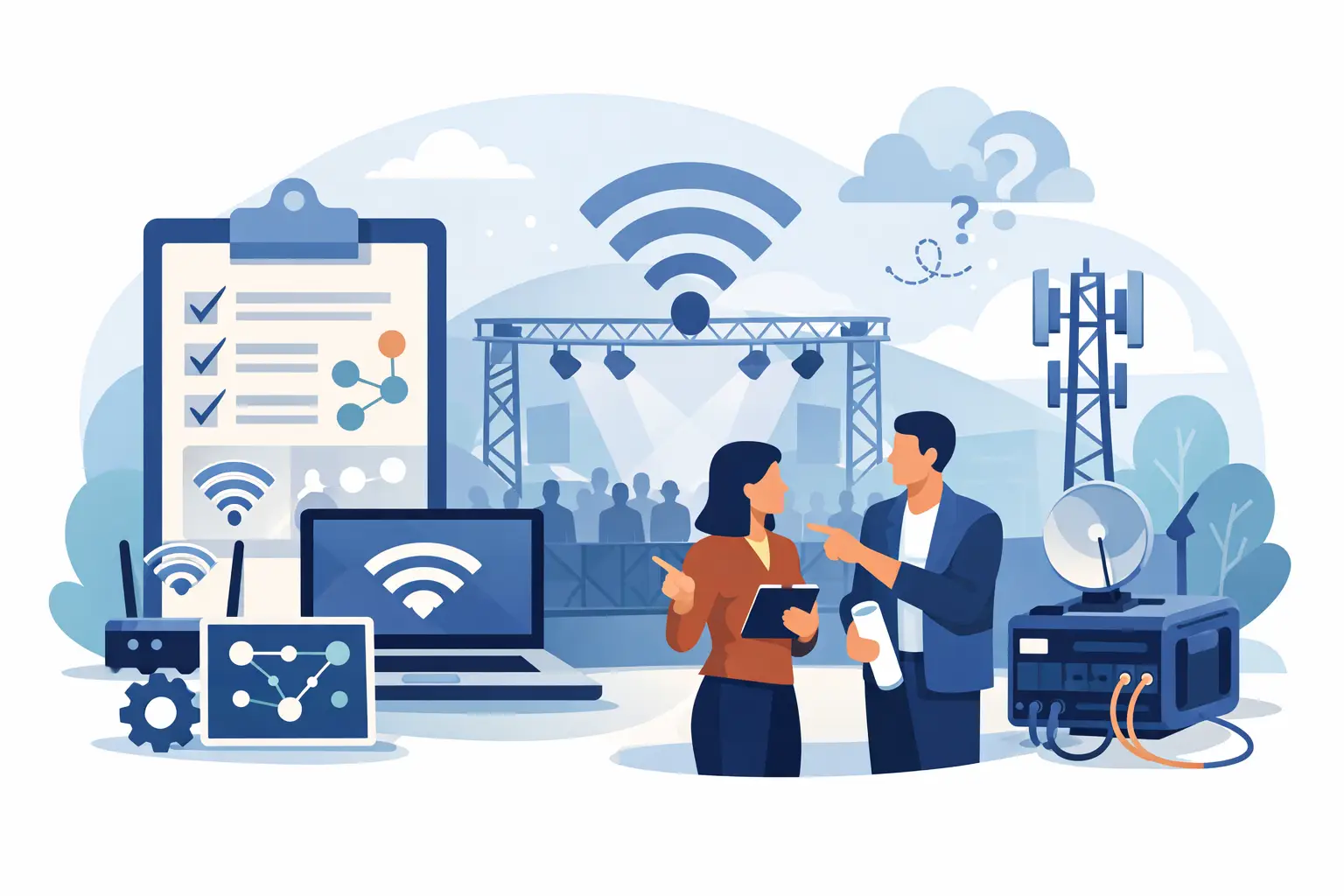
At 8:42 a.m., before doors open, the event team is already scanning QR codes, testing card readers, loading presentations, and answering exhibitor questions. If the network fails at that moment, it is not just an IT issue. Registration backs up, sales stop, staff lose communication, and guests notice. Knowing how to plan event connectivity means treating internet access as operational infrastructure, not a last-minute venue add-on.
For Miami and South Florida events, the stakes can be even higher. Hotel ballrooms, convention spaces, waterfront venues, warehouses, and outdoor locations all present different coverage and capacity challenges. A dependable plan accounts for what people will do on the network, where they will do it, and what happens if the primary connection is interrupted.
Start With the Event Experience, Not the WiFi Speed
“Fast WiFi” is not a complete requirement. A network that works well for a 75-person training session may fail at a 500-person trade show, even if both are sold the same internet speed. The difference is the number of connected devices, the type of traffic, the physical environment, and whether business-critical systems have protected capacity.
Start by mapping the event journey. Consider arrival and registration, payment processing, staff communications, presentations, livestreams, exhibitor demonstrations, guest internet access, and post-event reporting. Each activity has different needs. A point-of-sale terminal sends small but time-sensitive transactions. A livestream needs consistent upload performance. Guests browsing email and social media can tolerate more variation than an AV production team sending video.
Ask event stakeholders direct questions early: How many attendees are expected at peak? Will each attendee bring more than one device? Are exhibitors accepting payments or demonstrating cloud-based software? Is there a speaker livestream, hybrid session, or media upload area? Will staff need private access to event management tools? Clear answers prevent a common mistake: designing for the headcount instead of the actual demand.
How to Plan Event Connectivity by Capacity and Coverage
Capacity and coverage are related, but they are not the same. Capacity is the amount of network traffic the connection and wireless equipment can handle. Coverage is whether users can get a usable signal where they need one. An event can have excellent internet service and still create a poor guest experience if access points are too far apart, blocked by walls, or overwhelmed in one busy area.
A professional site assessment should examine the venue layout, construction materials, ceiling height, power availability, loading access, and likely device density. Concrete walls, metal structures, elevators, kitchens, staging, and large digital displays can affect wireless performance. Outdoors, weather protection, distance, and line of sight become additional considerations.
Do not rely on a generic floor plan alone. Identify high-demand zones such as registration desks, sponsor areas, breakout rooms, press spaces, green rooms, and the main stage. A single access point may cover a quiet corner of a room, but it may not serve hundreds of phones in a registration line. Equipment placement should reflect how people will gather and move throughout the day.
Internet bandwidth also requires practical planning. There is no universal number of megabits per attendee because the right amount depends on usage. A conference with basic guest browsing has a different profile from a product launch with cloud demonstrations, video uploads, and a live broadcast. More bandwidth helps, but thoughtful network design and traffic management matter just as much.
Separate Critical Systems From Guest Traffic
The event network should not operate as one open network where every device competes for the same resources. Registration tablets, payment terminals, production equipment, staff laptops, exhibitors, and guests should be separated based on their role and security requirements.
A dedicated staff network helps protect internal systems and keeps operational traffic from being crowded out by guest use. Payment devices and registration platforms may need their own protected network segment. Exhibitors may require separate access, especially when they are running demonstrations or handling customer information. A guest network can provide internet access without exposing business systems.
This structure also makes troubleshooting faster. If a guest network slows down, technicians can determine whether the issue is isolated or affecting essential operations. If a card reader loses connection, the team can investigate its network segment without disrupting the entire event.
Security must be part of the plan from the beginning. Use controlled access methods, appropriate passwords or event credentials, and network segmentation. Avoid using a venue’s shared public WiFi for systems that process payments, collect attendee information, or support internal operations. Convenience can create unnecessary risk when sensitive data is involved.
Build Redundancy Around What Cannot Stop
Every event has a different tolerance for downtime. A casual networking reception may be able to function through a short interruption. A ticketed conference with digital check-in, cashless sales, and a live broadcast cannot. The more revenue, reputation, or safety depends on connectivity, the more the plan should include a backup path.
Redundancy can take several forms. A secondary internet circuit, cellular failover, backup wireless equipment, spare cables, and backup power can all reduce exposure to a single point of failure. The right approach depends on the venue, budget, event duration, and critical systems.
It is also worth identifying what should receive priority during a disruption. If the primary connection fails, registration and payments may need to remain active while guest WiFi is limited. That decision should be made before the event, not during a crowded check-in line.
For outdoor events or temporary venues, backup planning deserves additional attention. Cellular service can become congested when large groups gather in one place, and a mobile hotspot is rarely an adequate replacement for a designed event network. It may be useful as a limited backup tool, but it should not carry expectations it cannot meet.
Confirm the Venue’s Role and Responsibilities
Many venues advertise WiFi, but that does not automatically mean their service is appropriate for your event. Ask whether the connection is dedicated or shared with hotel guests, offices, neighboring events, or public areas. Confirm available upload and download capacity, where the service enters the building, whether hardwired connections are available, and who can authorize equipment installation.
Clarify who owns support during the event. A venue contact may be helpful, but they may not be responsible for managing your registration network, exhibitors, or temporary access points. Establish one accountable technical lead and make sure the event team knows how to reach that person before, during, and after operating hours.
Power planning belongs in the same conversation. Wireless equipment, switches, laptops, POS systems, and AV devices all depend on power. Coordinate electrical access, cable routes, and backup power for essential equipment. A well-designed network still fails if an extension cord is unplugged during a room reset.
Test Under Real Event Conditions
Testing the day before is useful, but it is not the same as testing when the room is full. Conduct a pre-event validation that includes registration devices, payment terminals, staff communication tools, presentation systems, and any streaming or production workflows. Verify that each device connects to the correct network and that users can complete their intended task.
During setup, test from the locations where systems will actually operate. Check in from the registration desk, run a payment transaction at a booth, upload content from the media area, and test connectivity at the stage. If possible, simulate a higher load with multiple devices rather than relying on one laptop speed test.
A clear event-day support plan should cover four areas:
- A designated technician or support contact with authority to act.
- Network credentials and equipment details available to the right staff.
- A documented response path for registration, payment, AV, and guest issues.
- Spare equipment and a defined failover procedure for critical services.
This preparation reduces confusion when something changes. Events are dynamic, and the best plans leave room for a last-minute sponsor activation, additional registration station, or schedule adjustment.
Work With a Provider That Owns the Outcome
Temporary event connectivity is not simply equipment delivery. It requires planning, deployment, monitoring, onsite coordination, and responsive support. A local technology partner can assess the venue, design the network around event priorities, install and test the equipment, and stay accountable when conditions change.
CompuSOURCE supports event internet and WiFi needs across Miami and South Florida with hands-on technical planning and responsive assistance. That local presence matters when an event has a narrow setup window or needs an onsite adjustment rather than a remote help desk ticket.
The best event network is one attendees barely notice because registration keeps moving, presentations stay connected, transactions are processed, and staff can focus on the experience they came to deliver. Plan early enough to test, protect what matters most, and give your event team a dependable path forward when the unexpected happens.
Comments are closed