

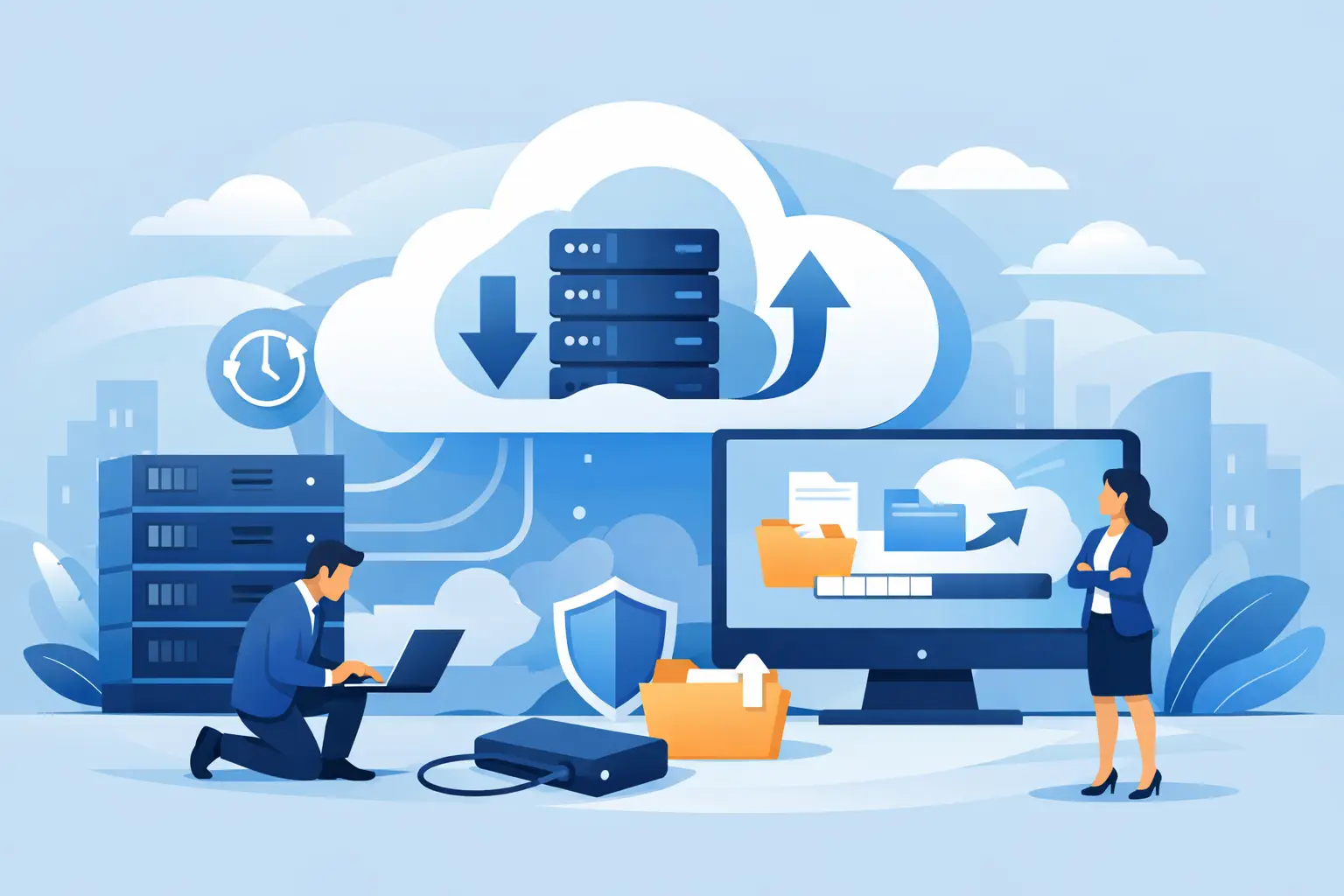
A server can fail on an ordinary Tuesday. A staff member can open the wrong attachment. A storm can interrupt power and connectivity across part of South Florida. In each case, cloud backup for business determines whether your team resumes work quickly or spends days reconstructing files, customer records, and financial data.
A backup is not simply a copy of data stored somewhere else. For a business, it is a recovery plan that must work under pressure. The right approach protects the systems your employees rely on, preserves clean versions of files, and gives decision-makers a predictable path back to normal operations.
Backup Is About Recovery, Not Just Storage
Many organizations assume they are covered because employees save files in a cloud productivity platform or because a server has an external drive connected to it. Those measures can be useful, but they do not automatically provide a complete recovery strategy.
Cloud file platforms often include limited retention, recycle bins, and version history. Those features help with small mistakes, such as restoring a document edited yesterday. They may not protect every mailbox, application, database, shared folder, device, or historical version your business needs. Retention settings also vary, and deleted data may age out before anyone realizes it is missing.
A business-grade backup plan is designed around a different question: if this system becomes unavailable, corrupted, encrypted, or physically damaged, how do we restore it to a usable state? That includes knowing what data was protected, when it was last copied, who can authorize a restoration, and how long the process will take.
For an accounting firm, a few missing days of data near a filing deadline can create a serious operational problem. For a property management office, unavailable tenant records and phone-system data can delay service. For a medical, legal, or financial organization, recovery may also involve retention, privacy, and compliance obligations. The stakes are different, but the need for verified recovery is the same.
What Cloud Backup for Business Should Protect
The first step is identifying the data and systems that keep the organization functioning. This usually extends beyond the shared drive. Business owners should look at the full workflow from customer contact through billing, service delivery, and reporting.
Common priorities include file servers and network shares, employee laptops and desktops, email and collaboration data, line-of-business applications, databases, virtual machines, and critical configuration files. Security camera footage, VoIP configuration, and specialized industry applications may also require separate protection plans depending on how they are hosted and retained.
Start with the systems that stop work
Not all data has the same urgency. A marketing archive from five years ago may be valuable, but it is rarely as time-sensitive as active customer records, payroll data, dispatch information, or a database that supports daily transactions.
Classify systems by the effect of an outage. Ask which systems prevent employees from serving customers, sending invoices, answering phones, or completing regulated work. Then determine how much data the business can afford to lose between backup points. A company that backs up once each night accepts the possibility of losing that day’s changes. For some environments, that is reasonable. For others, more frequent backups are necessary.
This is where a one-size-fits-all plan falls short. The appropriate backup schedule depends on the pace of your operations, the size of the data set, available internet bandwidth, and the cost of downtime.
Build a Recovery Plan Before an Emergency
Reliable protection combines technology with documented decisions. Two recovery targets make those decisions practical: recovery point objective and recovery time objective.
The recovery point objective, or RPO, defines how much recent work you can afford to lose. If the RPO is four hours, backups must capture changes often enough that no more than four hours of data is at risk. The recovery time objective, or RTO, defines how quickly a system needs to be operational again. A mission-critical server may need to return within hours, while a secondary archive may be able to wait longer.
These targets should be set with operations leadership, not guessed by technology alone. Faster recovery and more frequent backup typically require additional infrastructure, storage, bandwidth, and management. The goal is not to pay for the most aggressive option everywhere. It is to invest appropriately where downtime causes the greatest business disruption.
A sound strategy also follows the principle of keeping multiple copies of critical data on different types of storage, with at least one copy kept offsite. Cloud storage provides the offsite component and protects against risks that can affect an office or local server, including theft, fire, flooding, and hardware failure.
However, offsite storage by itself is not enough. Look for protections that preserve versions of data and prevent backup copies from being easily altered or deleted. Ransomware can spread through a network and target accessible backup locations. Immutable or otherwise protected backup copies help ensure there is a clean recovery point available when it matters most.
Just as important, test the plan. A backup that reports successful completion is not necessarily a backup that can restore an application, database, or full server within the expected timeframe. Periodic recovery testing confirms that files open, systems boot, user permissions remain intact, and the recovery process meets the organization’s RTO.
Choosing Cloud Backup for Business That Fits Your Environment
When evaluating cloud backup for business, focus less on a storage number and more on the service’s recovery capabilities. Ask whether it protects your actual applications and platforms, not just folders on a server. Confirm how long versions are retained, how restorations are handled, and whether a complete server or virtual machine can be recovered when needed.
Security deserves equal attention. Backup data should be encrypted in transit and at rest, with access limited through strong credentials and multi-factor authentication. Administrative access should be tightly controlled because a compromised backup account can turn a recoverable incident into a major outage.
Bandwidth and recovery logistics also matter in Miami and South Florida. Uploading a large initial backup set can take time, especially for organizations with sizable file repositories, video data, or virtual servers. Restoring a large environment from the cloud can also be constrained by connectivity. In some cases, a hybrid approach that keeps a protected local recovery copy alongside offsite cloud backups offers a faster path for urgent restorations.
That does not mean every business needs the same architecture. A small office using cloud-based applications may primarily need protection for email, collaboration data, and endpoint files. A company running local servers, databases, surveillance systems, and specialized software will usually need a more comprehensive plan. A qualified technology partner should explain those differences clearly rather than selling storage without understanding the environment.
The Gaps That Cause Trouble Later
The most expensive backup failures often begin as reasonable assumptions. Someone assumes the cloud application retains everything forever. Someone assumes the nightly job covers a new server. Someone assumes the external drive is disconnected and safe from ransomware. No one checks until an emergency makes the gap visible.
Ownership is another common issue. If no one reviews backup alerts, failed jobs can continue unnoticed. If restoration authority is unclear, teams may lose valuable time during an incident. If credentials are known only to a former employee or a single internal administrator, access itself becomes a recovery risk.
Documenting responsibilities prevents these problems. Your plan should identify what is backed up, how often it runs, where recovery copies are stored, who receives alerts, who can approve restoration, and how the business communicates during an outage. This documentation should be reviewed whenever you add a new application, move data to a different platform, or change key vendors.
Local Support Makes Recovery More Manageable
During a real outage, business leaders should not have to interpret error logs, chase multiple vendors, or guess whether their most recent backup is usable. They need a team that understands the network, servers, applications, connectivity, and priorities behind the recovery plan.
CompuSOURCE helps Miami and South Florida organizations align backup and recovery with the systems they use every day, while providing the hands-on support needed to monitor protection and respond when something goes wrong. The right backup strategy gives your business more than an extra copy of files. It gives your team a tested, accountable way to keep serving customers when technology does not go as planned.
Before the next outage forces the question, review one critical system with your leadership team: how much data can we lose, how quickly must we recover, and have we proven that we can do it?
Comments are closed