

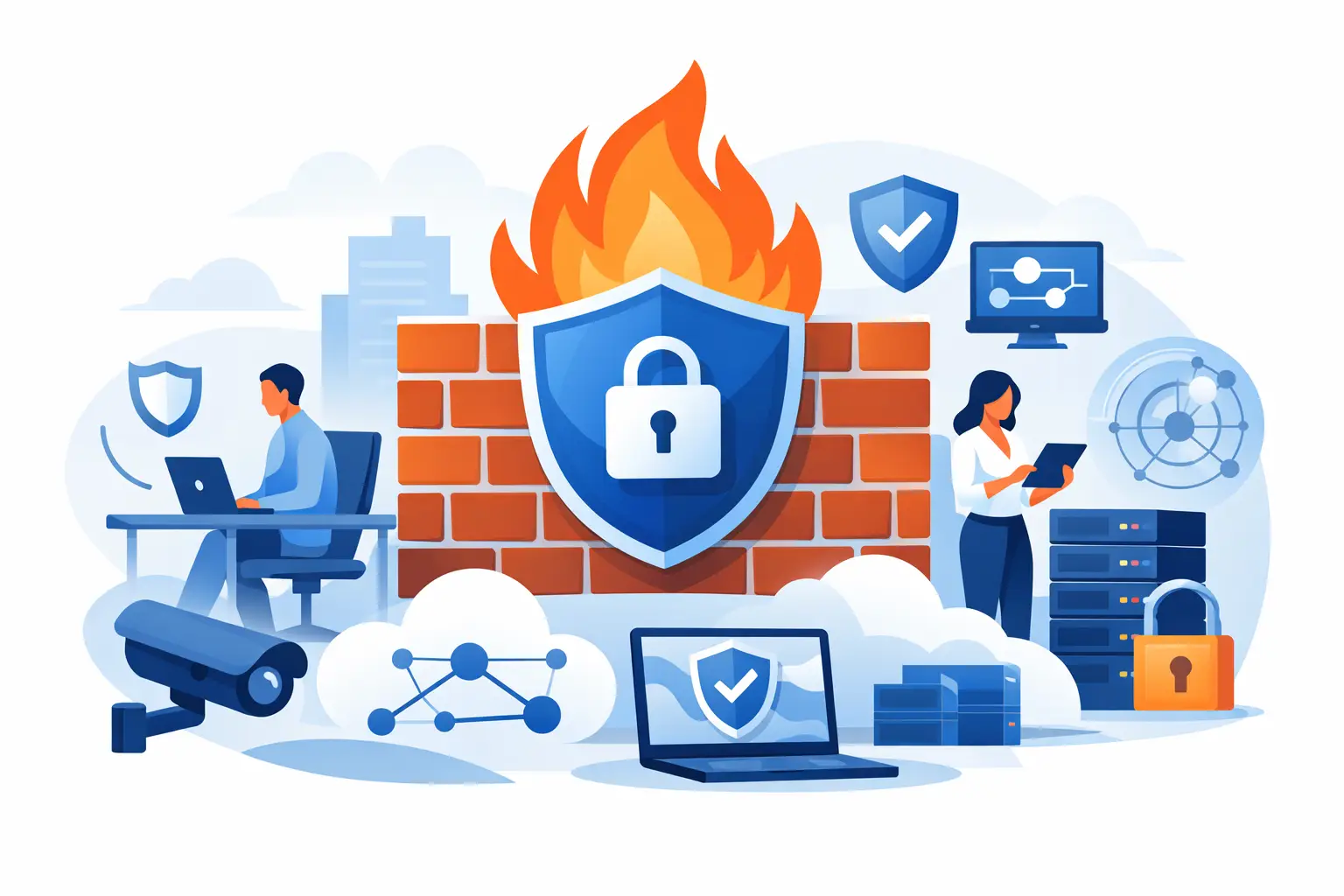
A compromised office network rarely announces itself with a dramatic warning. It may start with a convincing phishing email, an employee signing into a fake website, or an unpatched device quietly contacting a malicious server. The best firewall features for offices help stop those everyday risks before they interrupt operations, expose customer data, or leave a team unable to work.
For Miami and South Florida businesses, the right firewall also has to support the systems that keep the office moving: cloud applications, VoIP phones, surveillance cameras, guest WiFi, remote access, and internet failover. That calls for more than a basic device that blocks a few ports. It calls for a security platform that is actively configured, monitored, and matched to how the business actually operates.
The Best Firewall Features for Offices Start With Visibility
A firewall cannot protect traffic it cannot identify. Modern business firewalls should provide application awareness, meaning they can recognize the difference between ordinary web browsing, a video conference, a cloud backup, a VoIP call, and a file-sharing application.
This matters because traditional port-based rules are no longer enough. Many applications use common web ports, so simply allowing or blocking a port does not tell you whether the activity is appropriate. Application control lets an organization set policies around specific categories and services. An office can prioritize approved business applications, limit risky file-sharing tools, or block software that has no place on the company network.
Visibility also helps with troubleshooting. If phone calls become choppy at 3 p.m. or a cloud application slows down, network reporting can help distinguish between an internet-provider issue, bandwidth congestion, or a device consuming unusual amounts of data. Security and performance are closely connected when a firewall is doing its job well.
Threat Prevention Should Go Beyond Basic Blocking
A business-grade firewall should inspect traffic for known threats and suspicious behavior, not merely allow or deny connections. Intrusion prevention is a key feature because it identifies attempts to exploit vulnerabilities in operating systems, applications, and network devices. When properly maintained, it can block many common attacks before they reach a workstation or server.
Malware and ransomware protection are equally valuable. A firewall can inspect web and file traffic, compare activity against current threat intelligence, and stop connections to known malicious destinations. It is not a replacement for endpoint security, patch management, or reliable backups. It is one protective layer in a broader security plan. Still, it is a critical layer because it can prevent an infected device from communicating with an attacker or spreading across the network.
Encrypted traffic creates a practical decision point. Most business traffic now uses encryption, which protects privacy but can also hide threats. Some firewalls can inspect encrypted traffic under a carefully planned policy. This can improve detection, but it requires adequate firewall capacity, sound certificate management, and clear exclusions for sensitive services that may not tolerate inspection. The feature is valuable, but it should be implemented deliberately rather than switched on without testing.
Web and DNS Filtering Reduce Everyday Risk
Many security incidents begin when someone visits a harmful website or follows a link in an email. Web filtering and DNS security help reduce that exposure by blocking malicious domains, phishing pages, newly registered risky sites, and inappropriate categories before a browser fully connects.
For an office manager, this is one of the most understandable firewall benefits. It gives the business a way to enforce reasonable browsing policies while reducing the likelihood that one accidental click becomes an operational emergency. Policies can be tailored by user group when needed. For example, a marketing team may need access to social platforms that should be limited for other roles.
The right approach is not to block everything. Overly restrictive filtering frustrates employees and leads to workarounds. A managed policy should protect the business while allowing legitimate work to continue, with a clear process for reviewing sites that are incorrectly blocked.
Secure Remote Access Needs Multi-Factor Authentication
Remote access remains necessary for employees, outside accountants, technology vendors, and managers traveling between locations. A firewall should support secure virtual private network access with multi-factor authentication. A password alone is no longer enough protection for a remote connection into the office network.
Multi-factor authentication makes a stolen password far less useful to an attacker. Strong remote-access policies can also limit which users may connect, which systems they can reach, and when access is permitted. This is especially useful for vendors who need temporary access to a specific system but should not have visibility into the entire network.
For smaller organizations, remote access should be simple for employees but tightly controlled behind the scenes. Clear onboarding and offboarding procedures are essential. When someone changes roles or leaves the company, their access should be reviewed promptly, not left active indefinitely.
Network Segmentation Limits the Blast Radius
Not every device in an office should be able to communicate freely with every other device. Network segmentation uses separate network zones or VLANs to isolate systems based on their purpose. This is one of the best firewall features for offices with a mix of employee computers, phones, cameras, guest devices, and specialized equipment.
A guest WiFi network, for example, should provide internet access without exposing internal files, printers, servers, or surveillance systems. VoIP phones can be placed in their own segment with traffic prioritized for call quality. Security cameras and recorders should be isolated from employee workstations. If a device in one area is compromised, segmentation can help contain the damage.
Segmentation requires planning. Too many complicated rules can create support headaches, while too few can leave critical systems exposed. The goal is to create sensible boundaries that support both security and day-to-day operations.
Reliability Features Protect Business Continuity
A firewall is also a central point in the network, so reliability matters. For offices dependent on cloud systems, phones, payment applications, or remote workers, look for high availability options, dual internet connections, and automatic failover capabilities.
In South Florida, internet continuity planning deserves special attention. A primary wired circuit paired with a secondary connection can keep essential services operating when an outage affects one provider. The firewall should be able to detect a failed connection and move approved traffic to the backup path with minimal disruption. For organizations with heavy traffic, high availability can provide an additional layer of protection if a firewall appliance itself fails.
Capacity matters here. Security features consume processing power. A firewall that performs well on paper may slow down considerably when intrusion prevention, web filtering, VPN access, and encrypted traffic inspection are enabled. Size the device for real-world usage and reasonable growth, not only the internet speed installed today.
Logging and Alerting Turn Events Into Action
Firewalls generate valuable information, but raw logs alone do not protect a business. The useful feature is meaningful alerting paired with regular review. A company should know when there are repeated failed login attempts, a device contacts a suspicious destination, a VPN account connects from an unusual location, or a key internet connection fails over.
The most effective alerts are actionable. Sending hundreds of low-priority notifications to an inbox creates noise, not security. A managed approach establishes priorities, escalation procedures, and a response plan for genuine threats. That includes identifying who will investigate an alert after business hours and what authority they have to contain a problem.
CompuSOURCE helps businesses align firewall monitoring with their broader IT environment, including endpoints, backups, connectivity, phones, and onsite support. That unified responsibility reduces the gaps that can appear when several vendors each assume someone else is watching the network.
How to Choose Features Without Overbuying
The best firewall is not automatically the one with the longest feature list. A small office with cloud-based applications and a few remote users has different needs than a multi-site organization running local servers, IP cameras, guest WiFi, and a call center.
Start by considering four practical questions:
- Which systems would create the greatest disruption if they were unavailable or compromised?
- How many employees, remote users, phones, cameras, and connected devices use the network now and over the next few years?
- Does the business need backup internet service to keep calls, transactions, or customer support available?
- Who will maintain updates, review alerts, test failover, and adjust policies as the business changes?
Licensing is another consideration. Many advanced protections require ongoing subscriptions for threat intelligence and security updates. Those recurring costs are justified when the services are actively used and managed. Buying an advanced firewall and leaving default settings in place is not a meaningful security strategy.
A well-chosen firewall should quietly support the work your people need to do while making it harder for threats to gain a foothold. When it is paired with proactive monitoring, tested backups, secure endpoints, and responsive support, it becomes part of a technology foundation your business can rely on when it matters most.
Comments are closed