

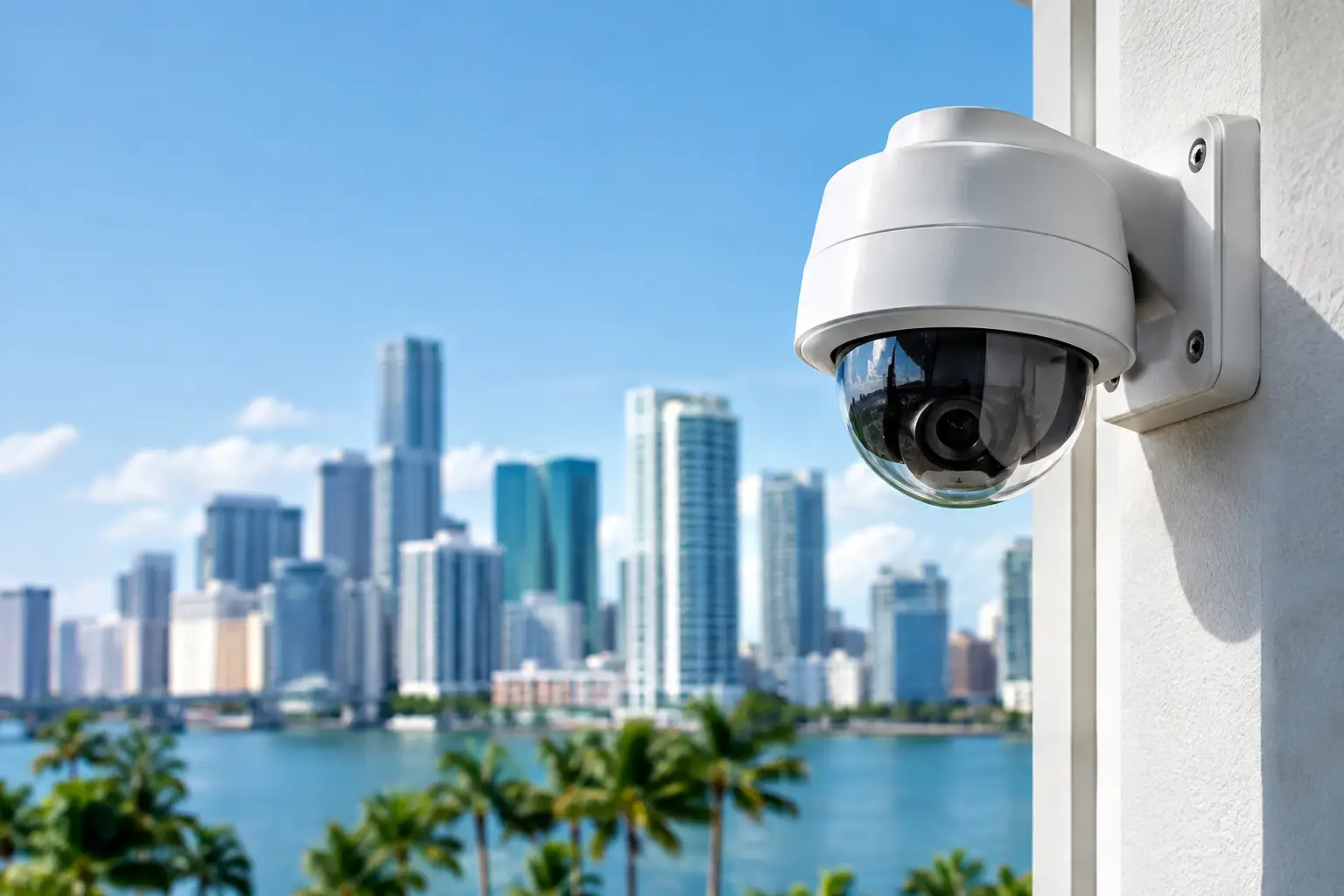
A camera that captures a person entering your loading area but cannot identify them after dark does not solve the problem. The same is true of a system that records a break-in but stores footage for only a few days, or one that requires an employee to troubleshoot it during a busy workday. Commercial security camera reviews should help business owners look beyond sharp video and judge whether a system will actually protect operations when an incident occurs.
For Miami and South Florida organizations, that evaluation has added weight. Heat, humidity, heavy rain, outdoor glare, changing occupancy, and multiple access points can all affect surveillance performance. The right system is not necessarily the one with the most cameras or the highest resolution. It is the one designed around your site, your risks, and the way your team needs to access footage.
What Commercial Security Camera Reviews Should Measure
A useful review begins with the business problem, not a product brochure. A retail store may need clear coverage of entrances, point-of-sale areas, and high-value merchandise. A warehouse may need reliable exterior coverage, loading dock visibility, and footage that can confirm vehicle activity. An office may be more concerned with restricted rooms, after-hours access, and keeping an eye on common areas without creating unnecessary privacy issues.
That difference matters because camera systems are not interchangeable. A highly detailed camera mounted too far from the action may still fail to capture a usable face. A wide-angle camera can cover a large lobby but may distort details at the edge of the image. The strongest commercial security camera reviews explain where a product fits well and where it requires careful design or a different camera type.
Image quality is more than resolution
Resolution is easy to compare, which is why it appears in nearly every camera specification. It is not the whole story. Lens choice, camera placement, lighting, frame rate, and image processing all influence whether footage is useful in a real investigation.
For instance, a 4K camera can provide valuable detail in a large open area, but it also creates larger files and may increase storage and network requirements. In a small hallway or office, a properly positioned 4-megapixel camera may provide the image quality needed at a more practical cost. The goal is usable identification at critical points, not simply the largest number on a spec sheet.
Low-light performance deserves the same scrutiny. Outdoor parking lots, rear entrances, and loading areas often have uneven lighting. Infrared illumination can help after dark, but distance ratings should be treated as estimates, not guarantees. Reflections from wet pavement, headlights, glass doors, and nearby lighting can change results considerably. A site assessment is the best way to confirm what the camera will see at night.
Coverage must match the risk
Reviews often praise broad fields of view, but wide coverage can come at the expense of detail. A camera overlooking an entire showroom may help establish what happened, while a second camera at the entrance may be needed to identify who entered. This is not overbuilding a system. It is matching each camera to a clear purpose.
Before comparing equipment, map the locations where evidence would matter most: primary and secondary entrances, registers, inventory storage, server rooms, delivery areas, gates, and parking zones. Then consider normal movement patterns. If people approach an entry from an angle, the camera needs to see faces before they pass underneath it. If trucks arrive at a dock, the camera should capture both activity and the relevant approach route.
A good design also accounts for blind spots created by shelving, landscaping, parked vehicles, or seasonal displays. Adding cameras after an incident is usually more expensive and less effective than planning coverage correctly from the start.
How to Compare Security Camera Systems for Business Use
Once coverage needs are clear, business leaders can compare systems based on how they operate day to day. The right choice depends on the site, available network infrastructure, retention requirements, and who will be responsible for managing the system.
Local recording, cloud recording, or both
Network video recorders provide local storage and can support high-resolution recording without sending every video stream to the internet. They are often a strong fit for businesses that need longer retention periods, many cameras, or dependable onsite access. However, the recorder needs physical protection, appropriate maintenance, and enough storage capacity for the desired recording schedule.
Cloud-managed camera platforms can simplify remote access and reduce some onsite hardware requirements. They are attractive for organizations with multiple locations or managers who need to review footage away from the property. The trade-off is recurring subscription cost and dependence on adequate internet upload capacity. For a site with limited bandwidth, sending continuous high-quality video to the cloud may not be practical.
A hybrid approach can provide local recording with secure remote viewing and selected cloud backup. This can be a sensible choice for businesses that want fast onsite access while protecting key evidence if equipment is damaged or stolen. The best approach depends on the operational risk, not a one-size-fits-all preference.
Retention is a business decision
Ask how long footage must remain available before it is overwritten. A seven-day retention period may be sufficient for a small office that reviews incidents quickly. It may be inadequate for a property manager, warehouse, or business where concerns are sometimes reported weeks later.
Retention is affected by camera count, resolution, recording mode, scene activity, compression, and storage capacity. Motion-based recording can conserve storage, but it must be configured carefully. Activity from trees, traffic, or changing light can trigger unnecessary recordings, while poorly configured motion detection can miss the start of an event.
Rather than accepting a general retention estimate, request a storage calculation based on your actual cameras and recording needs. This is one of the most valuable questions to raise when reading reviews or evaluating proposals.
Remote access should be secure and simple
Business owners need the ability to check a camera from a phone or computer without exposing their network. Reliable remote viewing should include individual user accounts, strong passwords, role-based permissions, and a clear process for removing access when staff changes.
Convenience should not mean every employee can view every camera. A manager may need access to common areas, while an IT administrator manages the system itself and a security lead handles incident exports. Clear permissions reduce internal risk and make the system easier to manage.
It is also worth asking how footage is exported. When an incident needs to be shared with law enforcement, an insurer, or legal counsel, clips should retain time and date information and be easy to retrieve. A system that makes searching, saving, and documenting footage difficult creates friction at exactly the wrong moment.
The Hidden Costs Behind Camera Reviews
The least expensive camera package can become costly if it requires repeated service calls, lacks enough storage, or performs poorly in the conditions where it is installed. A complete evaluation should account for cameras, mounting hardware, cabling, switches, recorder or cloud licenses, storage, installation, configuration, training, and ongoing support.
For many commercial sites, wired Power over Ethernet cameras are the preferred choice because one cable provides data and power. They tend to offer consistent performance and avoid the battery maintenance associated with some wireless options. Wireless cameras can still make sense where running cable is impractical, but they depend on reliable signal strength and should not be treated as a shortcut around network planning.
Outdoor equipment also needs appropriate weather protection. Miami’s rain, salt air in coastal areas, heat, and humidity can shorten the life of equipment that is not rated for the environment. Enclosures, surge protection, proper mounting, and cable management are part of a dependable installation, even though they rarely receive attention in basic reviews.
Why Installation and Support Belong in the Review
Camera hardware is only one layer of a surveillance system. Placement, network configuration, secure access, recording settings, and ongoing maintenance determine whether that hardware performs as expected. This is where many businesses discover the difference between purchasing cameras and implementing commercial video surveillance.
A qualified technology partner should inspect the site, identify coverage objectives, assess network capacity, and explain any trade-offs before installation begins. After deployment, the team should verify image quality during the day and after dark, confirm recording retention, establish user access, and show authorized staff how to find and export footage.
Ongoing support matters as well. Cameras may go offline because of cable damage, power issues, network changes, or recorder failures. Firmware updates and password management also require attention. A system that is monitored and maintained is far more likely to be ready when management needs it.
For South Florida businesses that want one accountable team for surveillance, networking, and ongoing technology support, CompuSOURCE can help design and maintain a system around real operational requirements. That approach reduces vendor handoffs and gives decision-makers a clear point of contact when security technology needs attention.
The best camera system is the one that gives your team a clear view of the places, people, and events that matter – with footage available when questions arise and support available when the system needs care.
Comments are closed