

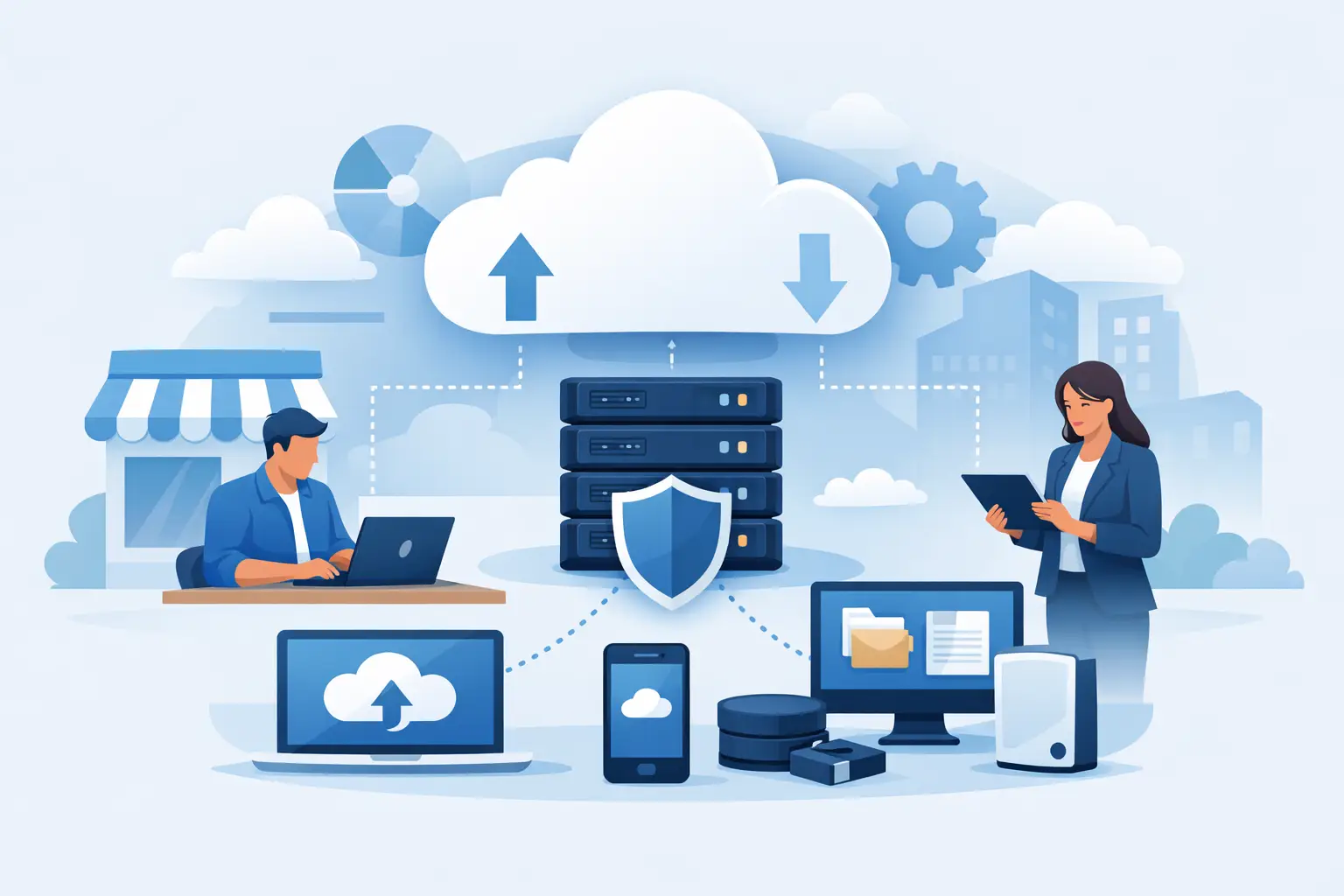
A failed server does not wait for a convenient time. It can happen during a busy Monday, after a power disruption, or when a staff member opens the wrong attachment. For companies that depend on client records, accounting files, email, shared documents, and line-of-business applications, cloud backup for small business is not simply a storage decision. It is a continuity decision.
The goal is not just to keep copies of files somewhere offsite. The goal is to restore the right data, in the right order, fast enough to keep the business operating. That requires a backup plan built around how your company actually works, not a one-size-fits-all subscription.
Why Cloud Backup for Small Business Matters
Small businesses are often more exposed to downtime than larger organizations. A large enterprise may have redundant systems, a dedicated IT department, and multiple locations to shift operations. A local office, medical practice, law firm, property management company, or logistics business may have none of those advantages. If a server, workstation, or cloud account becomes unavailable, work can stop immediately.
The causes are not limited to cyberattacks. Ransomware is a serious concern, but accidental deletion, failed hardware, software corruption, theft, fire, flooding, and power events can be just as disruptive. In South Florida, businesses also need to consider weather-related outages and the possibility that staff may need to work from another location with little notice.
A properly managed cloud backup gives the business an independent, offsite copy of critical information. It reduces reliance on a single server, network storage device, or office location. More importantly, it gives leadership a defined path forward when a system fails.
Backup Is Not the Same as File Syncing
One common mistake is assuming that a cloud file-sharing platform is a complete backup strategy. Services that synchronize files across computers and cloud folders are useful for collaboration, but sync is designed to mirror changes. If a user accidentally deletes a folder, overwrites a document, or syncs an encrypted ransomware file, that unwanted change may also be copied across connected devices.
A true backup system maintains recoverable versions over time. It should allow an authorized technician to locate a clean version of a file or system from before the incident occurred. Retention settings, version history, and protected backup copies make the difference.
This does not mean collaboration platforms should be avoided. They are valuable business tools. It means they should be included in a broader backup plan that protects email, documents, applications, servers, and endpoints according to their importance.
Start With Recovery, Not Storage Capacity
The best question is not, “How much cloud storage do we need?” Start with, “What must be restored first for us to serve customers and operate?”
For one business, that may be a file server containing active project files. For another, it may be the accounting system, electronic records platform, VoIP configuration, or a database supporting daily operations. A company with field teams may prioritize cloud applications and mobile devices, while a business with an onsite server may need fast local recovery as well as an offsite copy.
Two measures help turn this conversation into a practical plan. The recovery point objective, or RPO, defines how much recent data the business can afford to lose. If backups run once every 24 hours, a failure late in the day could mean losing a full day of work. The recovery time objective, or RTO, defines how long the business can reasonably be without a system.
These targets involve trade-offs. Faster backups, more frequent recovery points, and quicker restoration options generally require more infrastructure and oversight. Not every system needs the same protection level. The right approach prioritizes high-impact systems while keeping the plan cost-effective and manageable.
What a Business Backup Plan Should Protect
A dependable plan begins with a clear inventory. Businesses frequently protect a server while overlooking cloud email, individual laptops, network devices, application settings, or data stored outside the main file share. That creates gaps that only become visible during a recovery.
For most organizations, the plan should account for the following areas:
- Servers, virtual machines, databases, and shared files
- Employee computers with locally stored business documents
- Microsoft 365 or Google Workspace email, files, and collaboration data
- Critical line-of-business applications and their underlying data
- Network, firewall, and phone system configurations where applicable
The exact scope depends on where data lives and how employees access it. A business using only cloud applications has different recovery needs than an office running a local server and specialized software. Both still need documented protection, retention, and restoration procedures.
Follow the 3-2-1 Principle, With Modern Safeguards
The 3-2-1 principle remains a useful standard: maintain at least three copies of important data, on two different types of storage, with one copy kept offsite. For a small business, that may mean production data, a local backup appliance for rapid recovery, and an encrypted cloud copy stored separately from the office.
Today, a strong plan should go further. Backup copies need protection against ransomware and unauthorized deletion. Features such as immutable storage, restricted administrative access, encryption, multifactor authentication, and separate backup credentials can help prevent an attacker from damaging both the production environment and its backups.
There is no single feature that makes a business safe. Security depends on layers working together: endpoint protection, patching, access control, employee awareness, network security, and protected backups. If one layer fails, the others should limit the damage.
Recovery Testing Is Where Confidence Comes From
A backup job marked “successful” does not prove that a business can recover. It only confirms that data was copied. The real test is whether files open correctly, applications function, permissions are preserved, and the restoration completes within the required timeframe.
Recovery testing should be planned, not treated as an emergency exercise. A technician can restore selected files to verify version history, test a full system recovery in a controlled environment, and confirm that key applications can access restored data. The testing schedule should reflect the importance of the system and the pace of change in the business.
Documentation matters here. During an outage, employees should know who has authority to initiate recovery, which systems come first, how staff will communicate, and what alternative work methods are available. A written plan reduces confusion when time is limited.
Watch for These Common Backup Gaps
The least expensive backup option can become the most expensive if it cannot meet recovery requirements. Some services charge extra for larger restorations, limit retention periods, exclude cloud applications, or provide only file-level recovery when a full server restoration is needed. Others require the business to manage alerts and failed backup jobs without technical support.
Businesses should also be cautious about relying on a single local device. A network-attached storage unit may be helpful for fast recovery, but it can be damaged, stolen, encrypted, or made inaccessible along with the systems it protects. Offsite cloud copies provide a critical layer of separation.
Another gap is ownership. If a former employee, outside consultant, or unmanaged vendor controls the backup account, the business may not have immediate access when it needs it most. Backup administration, credentials, documentation, and billing should be clearly tied to the organization.
Make Backup Part of Ongoing IT Management
Backup is not a project that can be checked off once and forgotten. New employees, new software, server upgrades, office moves, and changes to cloud platforms can all affect what needs protection. Monitoring is needed to catch failed jobs, storage issues, configuration changes, and devices that have stopped reporting.
For businesses without internal IT staff, managed backup and recovery support creates accountability. A local technology partner can assess the environment, define recovery priorities, monitor backup activity, perform testing, and provide help when an actual incident occurs. CompuSOURCE helps South Florida organizations align backup and recovery with the systems they rely on every day, including networks, servers, cloud tools, and business communications.
The right backup plan should give business owners a practical answer to a difficult question: if a critical system goes down this afternoon, what happens next? Build that answer before the emergency, test it regularly, and keep it current as your business changes.
Comments are closed