

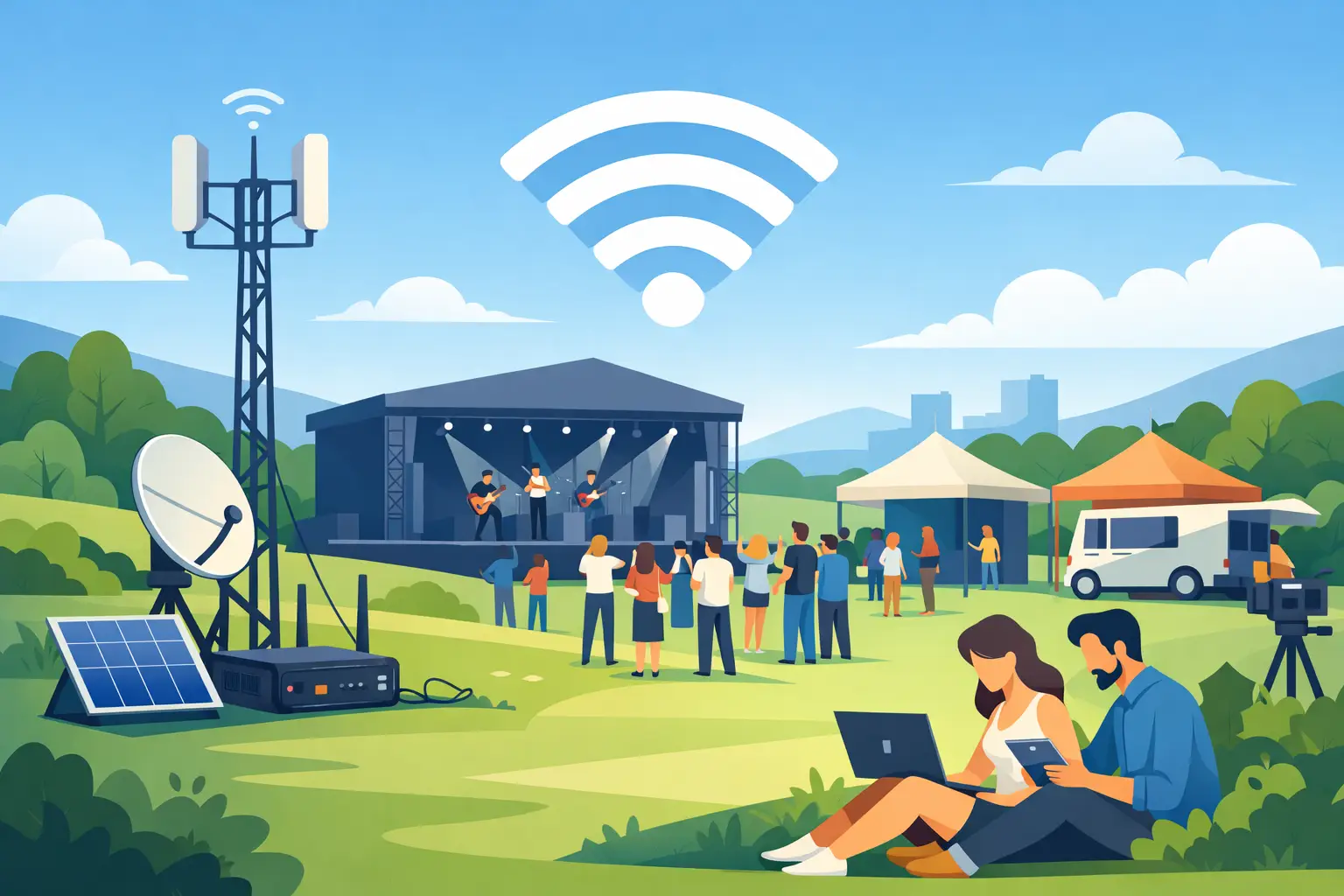
A waterfront venue may look perfect during a site visit, then become a connectivity problem as soon as hundreds of guests arrive with phones, tablets, point-of-sale terminals, and production equipment. Temporary internet for outdoor events is not simply a hotspot placed near a tent. It is a planned network that accounts for the venue, crowd size, business-critical systems, weather, and the people responsible for keeping the event moving.
For event professionals and businesses across Miami and South Florida, reliable connectivity can determine whether registration stays on schedule, transactions keep processing, presentations run correctly, and vendors can do their jobs. The right approach starts well before load-in.
What Temporary Internet for Outdoor Events Must Handle
Outdoor events place unusual demands on a network. There may be no existing wired service at the site, or the available connection may be designed for a small office rather than a busy event. Open spaces also create coverage challenges. A signal can travel farther without walls, but it can be affected by distance, equipment placement, nearby structures, vehicles, foliage, and competing wireless networks.
More importantly, not every connection at an event has the same priority. A guest posting photos can tolerate a slow page load. A registration desk, card reader, livestream encoder, or event command team cannot. Planning should separate essential operations from general attendee access so high-traffic guest usage does not interfere with revenue, safety, or event communications.
A dependable temporary deployment typically considers three layers: the internet connection coming into the site, the WiFi coverage distributed throughout the event footprint, and the network controls that manage who can access what. Missing any one of these layers can leave the event with strong signal bars but poor performance where it matters.
Start With the Event, Not the Equipment
The first question is not, “How many access points do we need?” It is, “What must remain connected throughout the event?” The answer shapes every technical decision.
A small private reception may need secure connectivity for a registration tablet, a few staff devices, and background music. A food festival may need dozens of vendor payment terminals, staff communications, ticket scanning, guest WiFi, and surveillance coverage. A corporate product launch may add video conferencing, presentation support, media uploads, and a livestream.
Before selecting equipment or service, document the expected number of guests, staff, vendors, and connected devices. Also identify peak periods. Registration, opening remarks, meal service, and event closeout can create concentrated demand that is much higher than the average usage across the day.
It also helps to classify services by priority. Transaction processing, ticketing, production communications, and emergency coordination should receive protected capacity. Guest WiFi can be available and useful without being allowed to consume the bandwidth reserved for operations.
Choose the Right Connection Method
Temporary event internet can be delivered in several ways, and the best option depends on site conditions, lead time, performance requirements, and budget.
A dedicated wired connection is often the preferred choice when it can be installed at the venue. It generally provides consistent capacity and lower latency, which is valuable for livestreams, cloud applications, and large numbers of simultaneous users. However, installation lead times and construction requirements can make it impractical for short-notice events or remote locations.
Cellular internet can be an effective option for parks, parking lots, beaches, marinas, and other sites where wired service is unavailable. Its performance depends on carrier coverage and cell tower congestion. A connection that tests well on a quiet weekday may behave differently when a major event brings a large crowd to the area. For that reason, cellular service should be tested onsite and, for critical events, backed by more than one carrier or connection path.
Satellite connectivity can serve remote locations where other options are limited. It can be useful, but requires a clear view of the sky, proper placement, power planning, and realistic expectations about latency and weather exposure. It is often part of a broader connectivity plan rather than the only answer for a high-demand event.
For many business events, the practical choice is a primary connection with an automatic backup. If the main circuit fails, essential services can continue on a secondary path instead of forcing staff to improvise during the event.
Coverage Requires a Site-Specific Design
WiFi coverage is not measured by whether a phone connects near the entrance. It must work where people gather and where staff perform critical tasks. That includes registration areas, vendor rows, dining tents, stages, green rooms, loading zones, command posts, and any outdoor areas where attendees are expected to use the service.
A site survey helps determine where access points, antennas, and network equipment should be placed. Technicians need to account for power availability, cable paths, mounting options, weather protection, and physical security. Equipment placed too low may be blocked by a crowd. Equipment placed too high or too far away may produce weak, inconsistent service at ground level.
Large tents deserve special attention. Tent fabric, support structures, lighting trusses, and dense crowds can all change signal behavior. The same is true for temporary structures such as vendor booths, portable stages, and trailers. A network design should reflect the actual event layout, not an empty-site map created weeks earlier.
Protect Business Systems From Guest Traffic
A shared outdoor network should not put payment systems and guest devices on the same open connection. Network segmentation separates traffic into distinct, controlled paths. For example, a dedicated network can be created for event staff and operations, another for vendors and point-of-sale devices, and a separate guest WiFi network for attendees.
This structure improves performance and reduces exposure. Guest access can be managed with bandwidth limits, usage policies, or a branded login page, while internal systems remain isolated. Vendor connectivity may also need its own controls, particularly when multiple businesses are processing customer payments onsite.
Security planning should include encrypted WiFi where appropriate, strong administrative credentials, firewalls, and monitored network equipment. If the event involves customer information, payment data, or private business communications, treating the network as a temporary business environment rather than a public convenience is the safer choice.
Do Not Overlook Power and Weather
Internet equipment cannot stay online without stable power. Outdoor events may rely on generators, temporary power distribution, or long cable runs, each of which introduces risk. A brief power interruption can take down a network at the exact moment guests are arriving or vendors are processing their busiest transactions.
Critical network components should be protected with battery backup equipment and placed on reliable power circuits. Generators should be sized and managed by qualified event power professionals, with clear coordination between the power and IT teams.
South Florida weather adds another planning factor. Heat, humidity, rain, and wind can affect equipment and installation choices. Outdoor-rated enclosures, protected cabling, elevated equipment placement, and a plan for rapid weather response are practical safeguards. Equipment also needs to be secured against accidental damage, tampering, and vehicle traffic during load-in and load-out.
Onsite Support Changes the Outcome
Even a well-designed network needs an owner during the event. A technician can monitor usage, respond to a failed device, adjust coverage, assist vendors, and troubleshoot issues without pulling the event manager away from guests and operations.
This is especially valuable when the event includes time-sensitive services such as check-in, payment processing, live production, or press connectivity. Remote support may resolve some issues, but an onsite technician can inspect cables, power, access point placement, and physical conditions immediately.
CompuSOURCE plans and supports event connectivity as an operational service, not a box of equipment delivered to a venue. That means coordinating the connection, WiFi design, security, deployment, testing, and support around what the event must accomplish.
Build in Time for Testing
The network should be installed and tested before attendees arrive. Test actual workflows, not just a speed test. Run check-in, process a sample transaction, connect production devices, verify staff communications, and test coverage in high-traffic areas. If a livestream or video upload is part of the program, test it under realistic conditions.
A final walk-through after tents, booths, signage, and staging are in place can catch problems that were not visible during the initial site visit. It is also the right time to confirm who to contact if an issue occurs and how staff should report it.
The best outdoor event internet is often unnoticed by guests because registration moves, transactions complete, teams communicate, and the program stays on schedule. That result comes from treating connectivity as part of event operations from the first planning meeting, not as a last-minute utility.
Comments are closed