

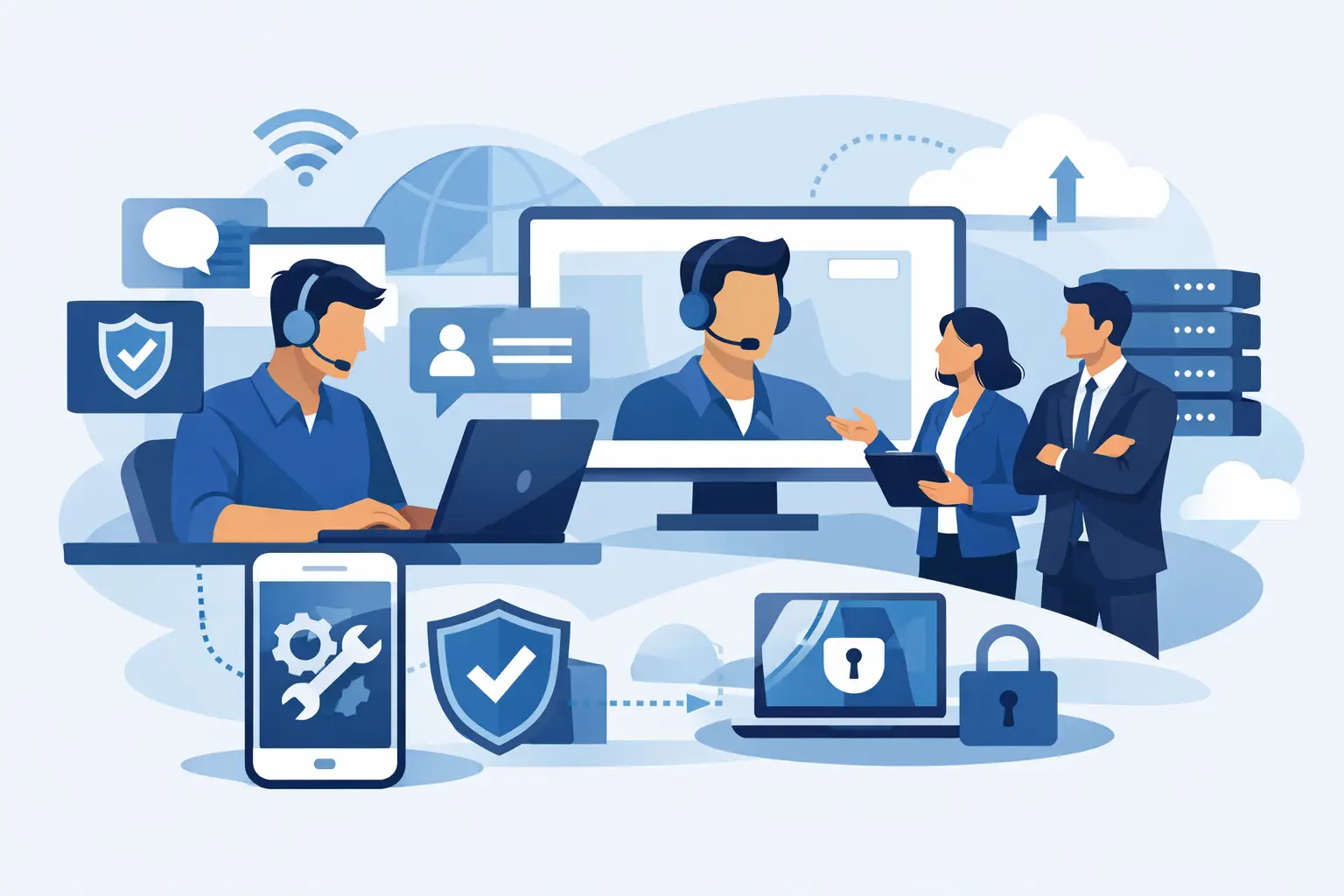
A frozen workstation at 9:10 a.m. can hold up payroll, customer calls, shipments, and an entire department. When technology is tied to daily operations, remote IT support for business is not simply a way to close help desk tickets. It is a practical way to keep people working, protect business data, and address small issues before they become disruptive outages.
For organizations across Miami and South Florida, the right support model combines fast remote response with local accountability. Your employees should be able to get help without waiting for an onsite visit when the problem can be solved remotely. At the same time, you need a technology partner that can come onsite when a network issue, hardware failure, cabling problem, or infrastructure project requires hands-on work.
What Remote IT Support for Business Actually Covers
Remote support means qualified technicians can securely access and manage authorized business systems without being physically in your office. That may involve troubleshooting a laptop, resetting access, resolving email issues, monitoring a server, applying security updates, or diagnosing why a user cannot connect to a shared application.
The value is speed, but speed alone is not enough. A dependable provider should understand how your environment fits together: your internet connection, WiFi, network equipment, cloud applications, phone system, backup strategy, user permissions, and security controls. Without that operational context, support can become a cycle of temporary fixes and repeated frustration.
For most small and mid-sized businesses, remote support is part of a broader managed IT approach. Instead of calling for help only after something breaks, your provider monitors systems, performs routine maintenance, manages updates, and tracks warning signs. That proactive work reduces preventable downtime and gives leadership a clearer picture of technology risks and priorities.
Why Fast Remote Help Matters to Operations
A user who cannot access email may seem like a minor support request. For a sales team, property management office, medical practice, law firm, or logistics operation, it can immediately interrupt customer service and revenue-producing work. Remote support allows many common issues to be addressed while the employee is still at their desk.
It also prevents internal staff from becoming accidental IT departments. Office managers and operations leaders are often the first people employees call when a printer fails, a password stops working, or a conference room cannot connect. They should be focused on their own responsibilities, not spending the morning searching for fixes or coordinating multiple vendors.
A responsive support team brings order to that process. Users know where to ask for help, leaders can see recurring problems, and the business has a clear escalation path when an issue affects several people or an entire location. The result is less confusion during an interruption and more control over how it is resolved.
The issues that can often be handled remotely
Many day-to-day problems do not require a technician to travel to the office. With proper remote-management tools and authorization, support teams can handle account access, software errors, email configuration, printer connections, security alerts, endpoint updates, and many network diagnostics from a distance.
Some situations do require onsite support. A damaged switch, failed firewall, faulty wiring, dead access point, or physical server issue cannot be solved through a screen share. That is why businesses should be cautious about providers that offer remote assistance without a local service capability. The best model recognizes the difference and takes ownership of both.
Proactive Monitoring Is the Difference
Break-fix IT support can appear less expensive until a critical system fails at the wrong time. If technology is only reviewed after users report a problem, warning signs can be missed: storage running low, backups failing silently, an aging firewall, repeated login attempts, or internet equipment that is becoming unstable.
Proactive monitoring helps identify those conditions early. A managed support provider can watch the health of endpoints, servers, network devices, backup jobs, and security tools, then investigate issues before they interrupt the workday. This does not mean every outage can be prevented. Power events, carrier disruptions, and hardware failures still happen. It means your business is less likely to be surprised by risks that could have been addressed in advance.
For decision-makers, this model also creates better planning. Rather than discovering that a server, workstation fleet, or phone system has reached its limit during an emergency, you can budget for upgrades based on real operational needs. Technology decisions become less reactive and more connected to business continuity.
Security Cannot Be Separated From Support
Remote access must be handled with discipline. The same tools that allow a technician to resolve issues quickly can create risk if access is poorly controlled. Your provider should use secure remote-management practices, limit access to authorized personnel, and maintain clear procedures around user accounts, passwords, updates, and incident response.
Business security also depends on the basics being done consistently. That includes patching supported systems, managing endpoint protection, reviewing backup status, reducing unnecessary user privileges, and helping employees recognize suspicious emails. No single tool eliminates cyber risk. Effective protection comes from layers of technology, process, and responsive human support.
Backup and recovery deserve special attention. A backup is only useful if it completes successfully, is protected from unauthorized access, and can be restored when needed. Remote monitoring can flag failed backup jobs, while an experienced provider can help establish recovery priorities. Not every file or system needs the same recovery timeline, so the right approach depends on what your team needs to resume operations after an incident.
What to Expect From a Reliable Provider
Before choosing a remote IT partner, look beyond the promise of unlimited support or fast ticket resolution. Ask how the provider learns your environment, documents it, and keeps that information current. Ask who answers after-hours emergencies, what issues are monitored, and when onsite assistance is available.
You should also understand how communication works. A strong partner explains the issue in business terms, outlines the available options, and tells you what happens next. Technical detail has its place, but you should not need to decode jargon to understand whether a problem affects productivity, security, cost, or continuity.
For businesses with multiple technology needs, simplified vendor management is a meaningful advantage. IT support, business phones, connectivity, WiFi, surveillance, backups, and network projects often overlap. When several vendors point to each other during an outage, resolution slows down. A single accountable partner can coordinate the full picture and reduce that friction.
CompuSOURCE supports Miami and South Florida organizations with that end-to-end perspective, combining proactive IT management, responsive remote assistance, onsite support, communications, connectivity, and security infrastructure when the situation calls for it.
Build a Support Model Around Your Business
There is no one-size-fits-all support plan. A small professional office with cloud-based applications has different requirements than a warehouse, multi-location retailer, event venue, or organization with compliance obligations. The number of users matters, but so do operating hours, remote-work needs, internet dependency, critical applications, and the cost of downtime.
Start by identifying what must stay available for your business to function. That might be customer communications, scheduling software, shared files, payment processing, remote access, security cameras, or a line-of-business application. From there, define response expectations, backup priorities, security requirements, and the need for after-hours coverage.
The goal is not to hand every technology decision to someone else without visibility. It is to have a trusted team take responsibility for the work that keeps your systems reliable, while giving you clear guidance and practical choices. When support is proactive, secure, and backed by local expertise, technology stops being a constant interruption and becomes a steadier foundation for the work ahead.
Comments are closed