

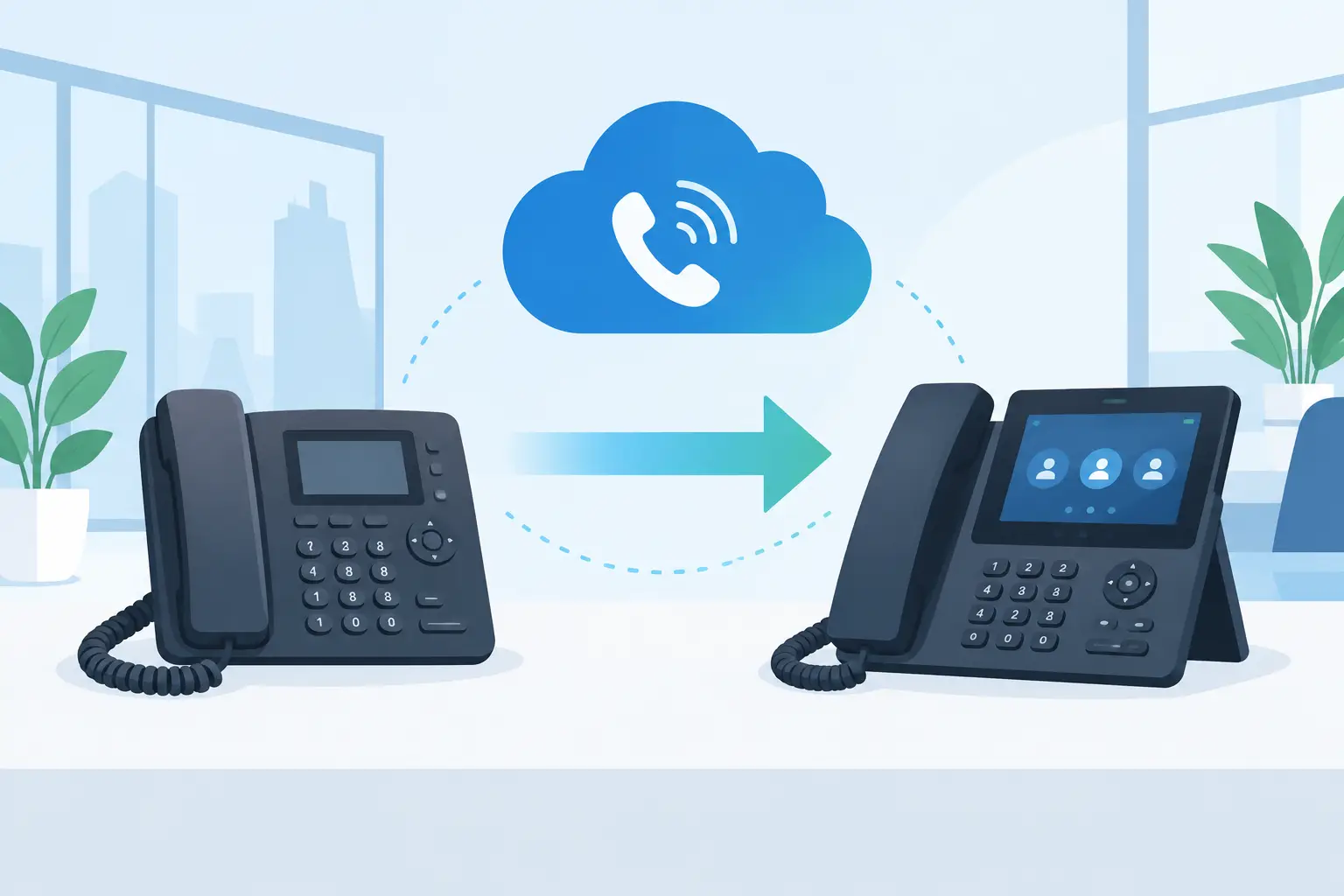
A phone migration can affect every customer conversation, vendor call, and internal escalation your business handles. Knowing how to migrate office phones is not just about replacing desk handsets. It is about moving a core business service without leaving callers stranded, disrupting staff, or creating confusion on the day you switch.
For Miami and South Florida businesses, a successful migration starts with ownership and planning. Whether you are moving from an aging phone system to VoIP, changing carriers, relocating offices, or consolidating multiple locations, the right process protects continuity first and introduces new features second.
Start With a Complete Phone System Inventory
The most common migration problem happens before any equipment is installed: a business assumes it knows what is connected to its current phone system, then discovers undocumented call routes, analog lines, or important numbers late in the project.
Begin with an inventory of every number your business uses. This includes main business lines, direct-dial numbers, toll-free numbers, fax lines, conference lines, alarm lines, elevator emergency phones, and lines attached to credit card terminals or access systems. Not every service can move in the same way, and some analog devices may need an adapter, a separate cellular solution, or a dedicated line.
Document how calls reach your team. Identify your main greeting, auto-attendant options, call queues, ring groups, after-hours routing, voicemail boxes, and call forwarding rules. A busy medical office, law firm, property management company, or hospitality business may have routing rules that staff follow every day without realizing they exist. If those rules are not captured, the new system may technically work while delivering a worse caller experience.
This is also the right time to identify who needs what. Reception staff may need sidecar keys and visibility into several lines. Mobile employees may rely more on a softphone application. Managers may need reporting, call recording, or after-hours access. A migration should improve how people work, not force every employee into the same setup.
Assess Network Readiness Before Moving to VoIP
VoIP calls travel over your data network, so call quality depends on more than the phones on desks. A network that is adequate for email and web browsing can still produce choppy audio, delay, dropped calls, or one-way audio during busy periods.
Before deployment, assess the internet connection, firewall, switches, Wi-Fi coverage, cabling, and power protection. Pay close attention to available bandwidth, latency, jitter, and packet loss. Bandwidth matters, but consistency matters just as much. A connection with enough download speed can still create poor calls if traffic spikes are unmanaged or the network is unstable.
Business-grade configuration usually includes voice traffic prioritization, often called quality of service. This gives calls priority over less time-sensitive traffic, such as large file downloads or software updates. Wired desk phones generally offer the most predictable experience, while Wi-Fi calling can be useful for mobile staff if wireless coverage has been properly designed and tested.
It also helps to plan for an internet outage. A cloud phone system can often reroute calls to mobile devices or another location, but that routing must be configured in advance. If your office has a high volume of inbound calls, a secondary internet connection or automatic failover may be worthwhile. The appropriate level of redundancy depends on the cost of missed calls to your operation.
How to Migrate Office Phones: Build a Porting Plan
Porting is the process of moving existing phone numbers from one provider to another. It is often the most time-sensitive part of an office phone migration because the business cannot control every step. Your current carrier, the receiving provider, and underlying carriers may all be involved.
Do not cancel your old phone service before the port is complete. Canceling too early can cause numbers to be lost, delayed, or difficult to recover. Instead, keep the existing service active until the new provider confirms that the numbers have transferred and calls are routing correctly.
Your migration partner will typically need a recent phone bill, the account number, the service address, and an authorized letter of agency. The information must match the losing carrier’s records exactly. A small mismatch in a suite number, business name, or account detail can trigger a rejection and move the project back by days.
Porting timelines vary. A straightforward transfer may take a few weeks, while complex accounts, toll-free numbers, multiple locations, or legacy carrier arrangements can take longer. Plan around that uncertainty. Set the desired go-live date only after the port request has been accepted, and avoid scheduling the cutover during your busiest business period.
In many cases, the best approach is to install and configure the new phones before the number port occurs. Staff can learn the system, test internal calls, and confirm features while the old service remains active. On port day, the work becomes a controlled routing change rather than a rushed installation.
Configure the New System Around Real Workflows
A modern business phone system can do much more than ring a desk phone, but additional features only help when they support a defined workflow. Start with the calls that matter most: new customer inquiries, service requests, billing calls, urgent support issues, and after-hours emergencies.
Configure the main greeting in clear language and keep menu options limited. Callers should not have to guess whether they need to press one for sales, two for support, or zero for an operator. For many small and mid-sized businesses, a simple main menu paired with well-designed call queues is more effective than a complicated phone tree.
Set queue overflow rules as well. If a caller waits beyond an acceptable time, should the call go to another team, a manager, an answering service, or voicemail? Define these decisions before launch. The same applies to after-hours routing, holiday schedules, voicemail-to-email notifications, and mobile app permissions.
Security should be part of configuration, not an afterthought. Limit administrative access, use strong credentials, review international calling permissions, and monitor for unusual calling activity. Phone systems can be targets for toll fraud, particularly when accounts are left with default passwords or broad permissions.
Test Before the Cutover, Then Test Again
Testing should include more than placing a call between two new handsets. Make inbound and outbound calls, transfer calls, park and retrieve calls, test voicemail, confirm caller ID, and verify every auto-attendant option. Call the main number from a mobile phone and an outside landline if possible.
A practical pre-cutover test should cover at least these four areas:
- Call quality from desks, conference rooms, mobile apps, and remote locations.
- Critical call routes, including reception, departments, queues, after-hours, and emergency forwarding.
- Device functions such as headsets, paging systems, door intercoms, and conference phones.
- Emergency calling details, including the correct physical address associated with each location.
Emergency calling deserves special attention. With VoIP, the emergency address must be accurately registered for each office and, where applicable, remote employee location. If your team moves offices, adds a branch, or deploys phones in temporary spaces, update those records immediately.
Prepare Employees for the Change
Even a well-configured system can create frustration if employees do not know how to answer, transfer, hold, park, or check voicemail. Training does not need to be lengthy, but it should happen before the cutover rather than through trial and error when customers are calling.
Give staff a short reference guide tailored to the functions they use. Reception may need a more detailed guide than a field employee. Explain what will change, when the change will occur, which numbers remain the same, and who to contact if a phone is not working as expected.
Designate an internal point person for quick questions, but make sure that person has direct access to the implementation team. The goal is not to turn an office manager into a phone technician. It is to make sure employees have a clear path to help when they need it.
Schedule Cutover With a Backup Plan
The ideal cutover window depends on your business. A professional office may prefer an evening or weekend change. A restaurant, hotel, or 24/7 operation may need a staged migration and live support during business hours. There is no universal best time – the right choice is the period that gives your team the greatest ability to respond without compromising customers.
On cutover day, verify that inbound calls reach the intended destination, outbound caller ID displays correctly, and voicemail notifications arrive. Keep the prior service active until all ported numbers and essential features have been confirmed. If an issue appears, temporary forwarding to mobile phones or another location can preserve coverage while the technical team resolves it.
A capable local technology partner can coordinate the carrier, configure the network, provision phones, train users, and remain available after go-live. CompuSOURCE approaches phone migrations as a business continuity project, with the practical onsite and remote support needed to keep Miami-area organizations reachable.
The best migration does not draw attention to itself. Your customers should continue reaching the right people, your staff should know where calls are going, and your business should finish the change with more control than it had before.
Comments are closed