

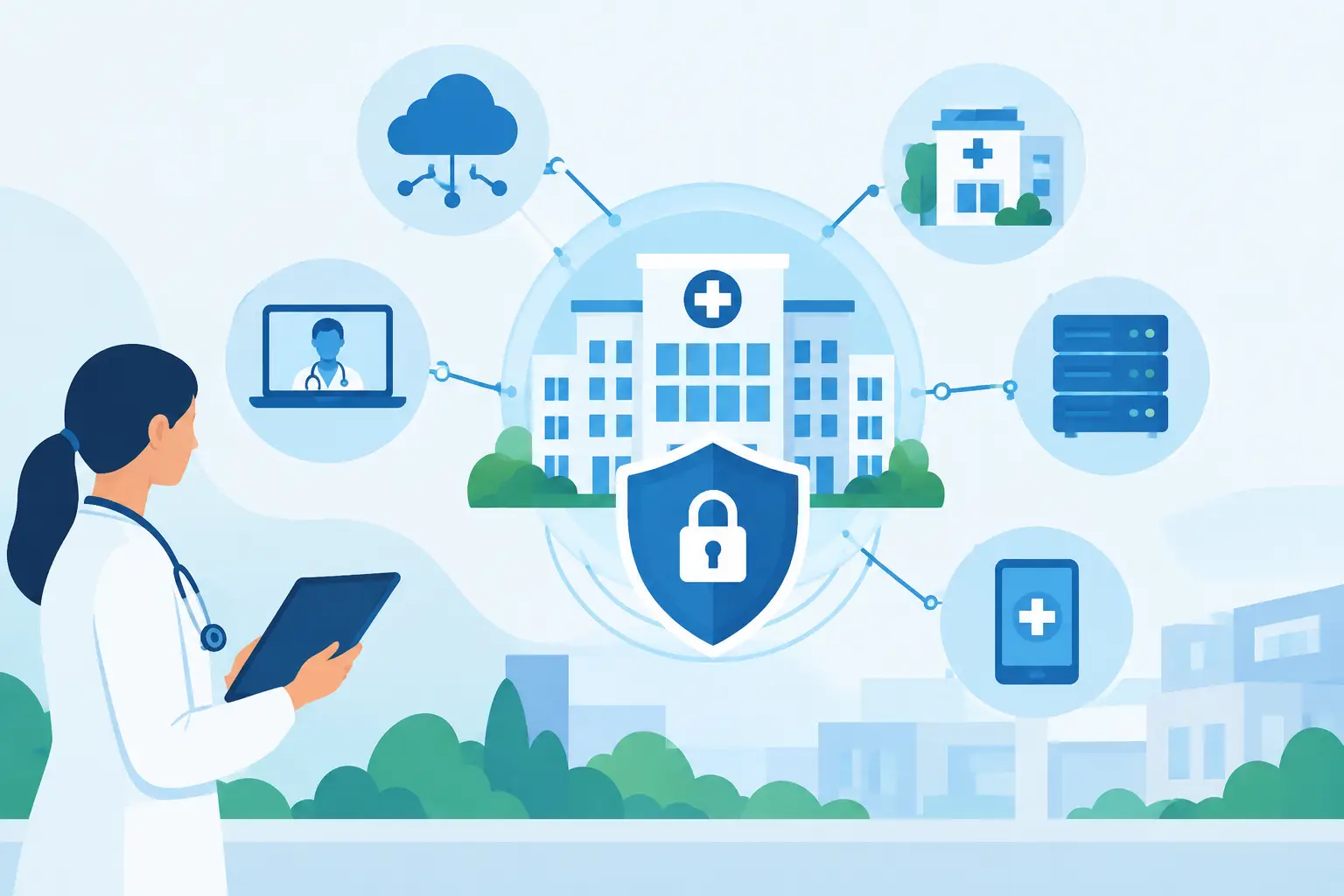
A dropped connection at the front desk can delay check-in. A slow server can hold up records. A ransomware incident can stop operations far beyond one office. Healthcare network modernization is not simply a technology upgrade. For healthcare practices and commercial care organizations, it is a practical effort to keep patient information available, communications dependable, and daily operations moving when the pressure is highest.
Many organizations put off network improvements because their current environment appears to work. The problem is that aging systems often fail gradually: WiFi dead zones grow, backups become harder to verify, remote access is added without a clear security plan, and unsupported equipment remains connected because replacing it feels disruptive. A modernization plan gives leaders control over those risks before they become an emergency.
Why Healthcare Networks Need a Different Standard
A typical business network has to support email, cloud applications, video meetings, and basic file access. A healthcare environment may need to support all of that while also handling electronic health records, patient portals, imaging files, billing platforms, VoIP phones, connected medical devices, guest WiFi, security cameras, and remote users.
Those systems do not all carry the same level of risk. A waiting-room WiFi connection should not have the same access as a workstation used to review patient information. A camera system should not compete with clinical systems for bandwidth. Medical and Internet of Things devices may run older software that cannot be patched on the same schedule as laptops or servers.
This is why modernization is less about buying the newest hardware and more about designing the network around how care is delivered. The right approach creates clear boundaries, predictable performance, and a support model that can respond when an issue affects patient service.
Start With Visibility, Not Replacement
The fastest way to waste a technology budget is to replace equipment without understanding what is connected to it and how it is being used. Before recommending new switches, firewalls, wireless access points, or servers, a qualified technology partner should document the current environment.
That assessment should identify the age and support status of network equipment, existing internet connections, WiFi coverage, remote access methods, backup processes, and security controls. It should also account for every system that relies on the network, including phones, surveillance cameras, printers, payment terminals, clinical applications, and specialized devices.
The goal is to find the weak points that matter operationally. For one practice, the priority may be unreliable wireless coverage in exam rooms. For another, it may be an outdated firewall with limited security capabilities. A multi-site organization may need better connectivity between locations and a consistent way to manage users, permissions, and data protection.
A clear inventory also prevents a common mistake: assuming a device is unimportant because no one is actively managing it. Unidentified devices can create security exposure, consume bandwidth, or become a source of downtime when they fail.
Build a Network That Separates Critical Traffic
Network segmentation is one of the most valuable outcomes of healthcare network modernization. Put simply, segmentation separates devices and systems into controlled network zones instead of allowing everything to communicate freely.
A well-designed environment can isolate administrative workstations, clinical systems, guest WiFi, voice traffic, cameras, and connected devices. If a guest device is compromised, it should not provide a path toward systems containing sensitive information. If a camera or printer develops a problem, it should not interfere with business communications or patient-facing applications.
Segmentation also improves troubleshooting. When each type of traffic has a defined place, technicians can more quickly identify where an issue originates and contain it without taking down the entire environment.
The exact design depends on the organization. A small specialty practice does not need the same architecture as a hospital campus or imaging center. However, every healthcare organization benefits from defined access rules, secure wireless networks, and fewer unnecessary connections between systems.
Secure Access Must Match How Staff Work
Staff need access to the tools that support care, scheduling, billing, and communication. The answer is not to make access difficult. It is to make access controlled and verifiable.
Modern environments commonly use multi-factor authentication, role-based permissions, secure remote access, and centralized identity management. These controls help ensure that employees access only the systems they need for their roles and that a lost password does not automatically become a major security event.
Remote access deserves particular attention. Providers and administrators may need to work from home, connect from another office, or respond outside business hours. Consumer-grade remote tools and loosely managed accounts can create unnecessary exposure. A business-managed remote access solution should be monitored, encrypted, and removed promptly when an employee or contractor no longer needs it.
Improve Resilience Before an Outage Tests It
Reliable care depends on more than a fast internet connection. A modern network should account for what happens when the primary connection, a server, power, or a key piece of equipment fails.
For many practices, a secondary internet connection is a worthwhile safeguard. It can keep cloud applications, phone systems, payment processing, and essential communications operating when the primary service is disrupted. The value depends on the cost of downtime, the number of staff affected, and how dependent the practice is on cloud-based workflows.
Business continuity also requires tested backups. Backups that have never been restored are not a recovery plan. Healthcare organizations should know what data is protected, how often backups run, where copies are stored, and how long it would take to recover critical systems after an incident.
Power protection matters as well. Proper battery backup equipment can keep networking gear online through short interruptions and allow systems to shut down safely during longer outages. For South Florida organizations, where severe weather can affect connectivity and power, resilience planning is a business decision, not an optional technical project.
Treat WiFi and Voice as Core Operations Systems
Poor WiFi is more than an inconvenience when staff rely on mobile devices, cloud platforms, and wireless workstations. Coverage, capacity, and security all matter. An access point that works well in a small office may not serve a larger medical suite with exam rooms, dense construction materials, and many simultaneous devices.
A site survey and professional wireless design can identify coverage gaps and interference before equipment is installed. It also helps determine where separate networks are needed for staff, guests, and devices. Guest access should be easy for visitors while remaining isolated from internal operations.
The same principle applies to phone systems. A dependable VoIP environment requires sufficient bandwidth, traffic prioritization, quality network equipment, and a plan for continuity. If phones are central to scheduling, referrals, patient questions, and urgent coordination, they should be treated as a critical service rather than an add-on.
Make Security an Ongoing Service, Not a One-Time Project
Healthcare organizations face persistent threats, including phishing, credential theft, ransomware, and attempts to exploit unpatched systems. Installing a firewall is necessary, but it is not the finish line. Security requires active monitoring, updates, access reviews, and a response process when something suspicious occurs.
A practical managed approach can include proactive monitoring of network devices, patch management, endpoint protection, backup oversight, and support for users who encounter potential phishing messages or access problems. It also gives leadership one accountable point of contact instead of asking office staff to coordinate multiple vendors during an outage.
HIPAA considerations should be part of the planning process, particularly where protected health information is stored, accessed, or transmitted. Technology alone does not create compliance. Written policies, staff training, vendor oversight, and documented processes are also necessary. Still, a properly designed network provides a stronger operational foundation for protecting sensitive information.
Modernize in Phases to Control Cost and Disruption
A full replacement may be appropriate when the existing network is outdated, unsupported, or unreliable across the board. Often, though, a phased plan is the better business decision. It spreads investment over time and prioritizes the changes that reduce the most immediate risk.
A sensible first phase may address an unsupported firewall, insecure remote access, failing switches, or unreliable backups. The next phase might improve wireless coverage, separate network traffic, update servers, or add internet redundancy. Scheduling major cutovers outside patient hours can further reduce disruption.
The key is to work from a documented roadmap rather than reacting to the next failure. CompuSOURCE helps South Florida organizations assess their environment, plan practical improvements, and provide ongoing support after deployment. That continuity matters because a modern network still needs monitoring, maintenance, and responsive service.
The best first move is not choosing a piece of hardware. It is asking whether your current network can support patient care, protect critical data, and keep your team productive through the next disruption. If the answer is uncertain, that uncertainty is the right place to begin.
Comments are closed