

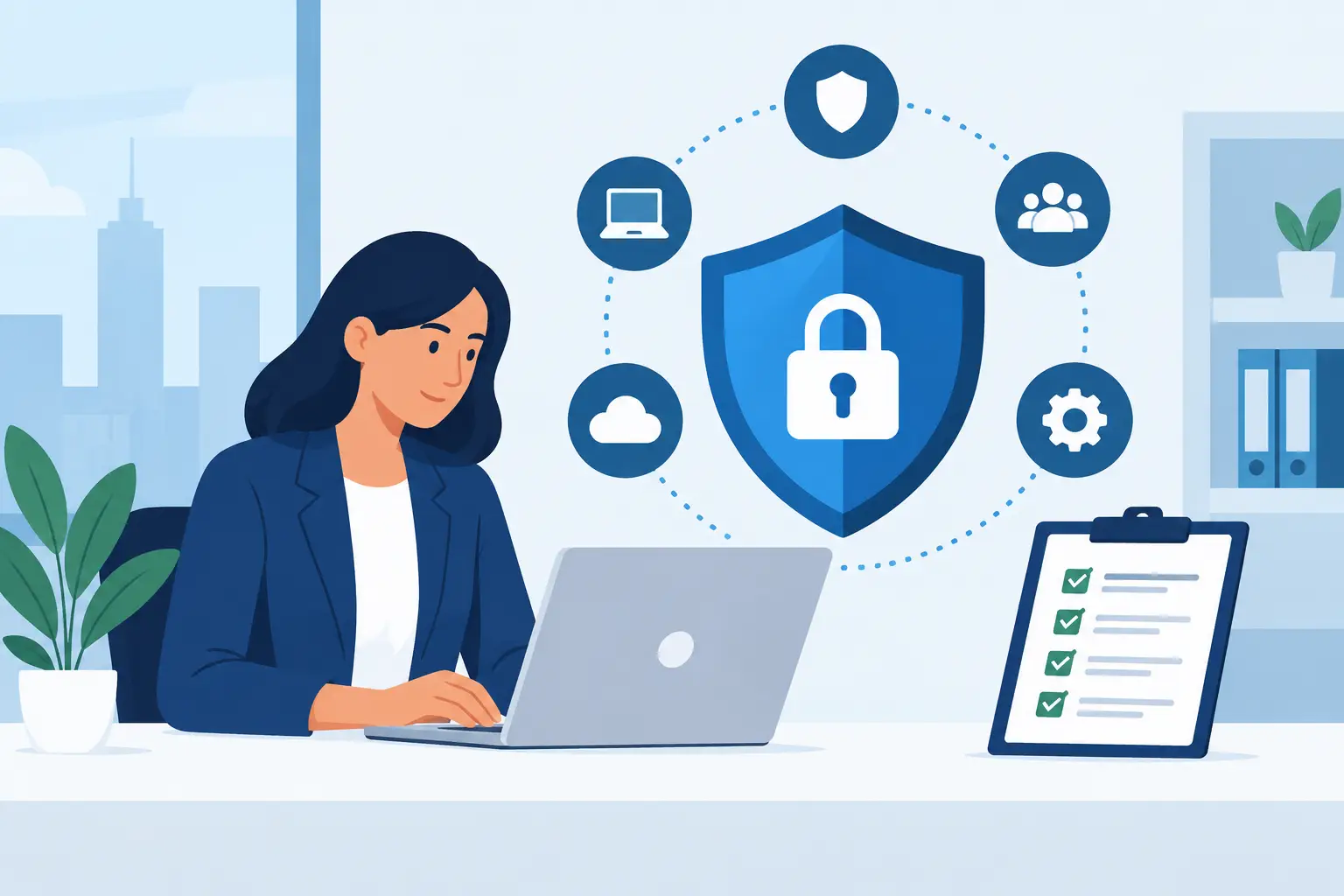
A security gap rarely announces itself before it disrupts payroll, locks access to customer records, or takes down the phones your team needs to serve clients. A business cybersecurity assessment guide gives small and mid-sized organizations a disciplined way to find those gaps before an attacker, equipment failure, or employee mistake exposes them.
For Miami and South Florida businesses, the goal is not to buy every available security tool. It is to understand which systems keep the business operating, where the real exposure sits, and what actions will reduce risk without creating unnecessary complexity for staff.
What a cybersecurity assessment should accomplish
A cybersecurity assessment is a structured review of the people, systems, data, and processes that support your operation. It should produce more than a technical report. Business owners and operations leaders need a clear picture of what could interrupt revenue, affect customer trust, create compliance issues, or delay recovery after an incident.
A useful assessment answers practical questions. Who can access financial files and customer information? Are laptops, servers, WiFi networks, cameras, and VoIP systems properly protected? Can the business restore critical data after ransomware? Would anyone know what to do if an employee account were compromised?
The assessment should also distinguish between a minor improvement and a serious exposure. An outdated browser plugin may be worth addressing, but an unprotected backup, shared administrator password, or unsupported server deserves immediate attention.
Start with the systems your business cannot afford to lose
Do not begin with a generic list of cybersecurity controls. Begin with operations. Identify the systems that employees, customers, and vendors rely on every day: email, cloud applications, accounting software, file storage, point-of-sale systems, phones, internet connections, network equipment, security cameras, and line-of-business servers.
For each system, document its owner, users, data type, location, and dependence on other services. A cloud application may depend on email for password resets. An IP camera system may rely on the same network switch that supports office phones. Those connections matter because a problem in one area can quickly become an operational problem elsewhere.
Next, classify the impact of downtime. A law firm that cannot access case files, a medical office without reliable communications, and an event venue that loses guest WiFi have different priorities. The right security plan reflects the cost of interruption to that specific organization.
Review identity and access first
Compromised credentials remain one of the most common paths into business systems. An assessment should examine every account type, including employee accounts, administrator accounts, former employee accounts, vendor access, and shared logins.
Start by confirming that each person has an individual account. Shared credentials make it difficult to know who accessed a system and nearly impossible to remove access cleanly when someone leaves. Administrative privileges should be limited to the people who genuinely need them, not granted for convenience.
Multi-factor authentication should protect email, remote access, cloud applications, financial platforms, and other sensitive systems. It is not a complete defense, but it can stop many attacks that begin with a stolen password. Where multi-factor authentication is unavailable, use strong unique passwords, account monitoring, and compensating controls.
Your assessment should also review the offboarding process. Access must be removed promptly when an employee or contractor leaves, and company data should not remain in personal accounts or unmanaged devices.
Assess devices, networks, and remote access
Every connected device is part of the security picture. This includes desktops, laptops, mobile devices, servers, firewalls, wireless access points, printers, surveillance equipment, and smart devices that may have been installed without IT oversight.
A practical review checks whether operating systems and applications receive regular updates, whether endpoint protection is installed and monitored, and whether full-disk encryption protects portable computers. Unsupported systems deserve special attention because they may no longer receive security patches. Replacing them is often safer than trying to isolate an aging device indefinitely.
Your network should separate business-critical systems from guest WiFi, cameras, and other lower-trust devices. This segmentation limits how far an intruder can move if one device is compromised. It is especially relevant for organizations that provide public or event WiFi, where guest traffic should never have access to internal business resources.
Remote access needs the same scrutiny. Unprotected remote desktop services, outdated virtual private networks, and unmanaged personal devices can create direct paths into the network. If remote work is necessary, define which tools are approved, require multi-factor authentication, and monitor access activity.
Test whether backup and recovery will actually work
Backups are often described as a cybersecurity control because ransomware targets data availability. But a backup that has never been tested is only an assumption.
During the assessment, identify what data is backed up, how often backups run, where copies are stored, and how long restoration takes. Review whether backups are protected from deletion or encryption by a compromised administrator account. A separate, secured copy is essential when ransomware or accidental deletion affects primary systems.
Test restoration for a representative set of files and at least one critical system. The test should answer whether data can be recovered, whether the restored data is usable, and whether the recovery timeline meets business needs. It may be acceptable for archived records to take several days to restore. It is rarely acceptable for a core accounting system or shared file platform to remain unavailable that long.
Evaluate the human side of security
Technology cannot compensate for unclear procedures. Employees need to recognize suspicious email, verify unusual payment requests, report a lost device, and know where to turn if something feels wrong. Training should be brief, relevant, and repeated, rather than treated as a once-a-year checkbox.
Your assessment should look at how the organization handles common risk scenarios: invoice fraud, password reset requests, unexpected software installations, USB devices, and urgent messages that appear to come from leadership. Financial controls are particularly important. A simple callback requirement for changes to payment instructions can prevent a costly wire fraud incident.
Written policies do not need to be lengthy to be effective. Staff should have clear rules for acceptable device use, password management, remote work, data sharing, and incident reporting. The best policy is one employees can follow during a busy workday.
Prioritize findings by business impact
A good assessment may reveal dozens of issues. Attempting to fix everything at once can delay the actions that matter most. Prioritize each finding based on the likelihood of exploitation, the impact on operations, and the effort required to correct it.
A practical remediation plan often falls into four groups:
- Immediate risks, such as exposed remote access, inactive accounts with access, missing multi-factor authentication, or failed backups.
- High-priority improvements, such as unsupported operating systems, weak network segmentation, and unmonitored endpoint protection.
- Operational improvements, including documented offboarding, employee awareness training, and vendor access reviews.
- Longer-term investments, such as hardware refreshes, security monitoring, network redesign, or formal incident response planning.
Assign an owner and deadline to every action. Security initiatives lose momentum when recommendations remain in a report without accountability. For businesses without internal IT capacity, a managed technology partner can coordinate remediation, monitor systems, and provide a single point of responsibility across networks, backups, communications, and security infrastructure.
Make cybersecurity assessment an ongoing business process
A one-time assessment is valuable, but the environment changes constantly. New employees join, applications are added, devices are replaced, and vendors receive access. Review critical controls quarterly and perform a more complete assessment at least annually, or after a major change such as a move, acquisition, network upgrade, or security incident.
CompuSOURCE helps South Florida organizations take a practical, hands-on approach to technology risk by connecting security improvements to everyday operations. The objective is not fear-driven spending. It is dependable technology, faster response when issues arise, and a recovery plan that supports the business when it matters most.
The right next step is to choose one critical system, verify who can access it, confirm it is protected and backed up, and test what happens when it becomes unavailable. That single exercise often turns cybersecurity from an abstract concern into a manageable business responsibility.
Comments are closed