

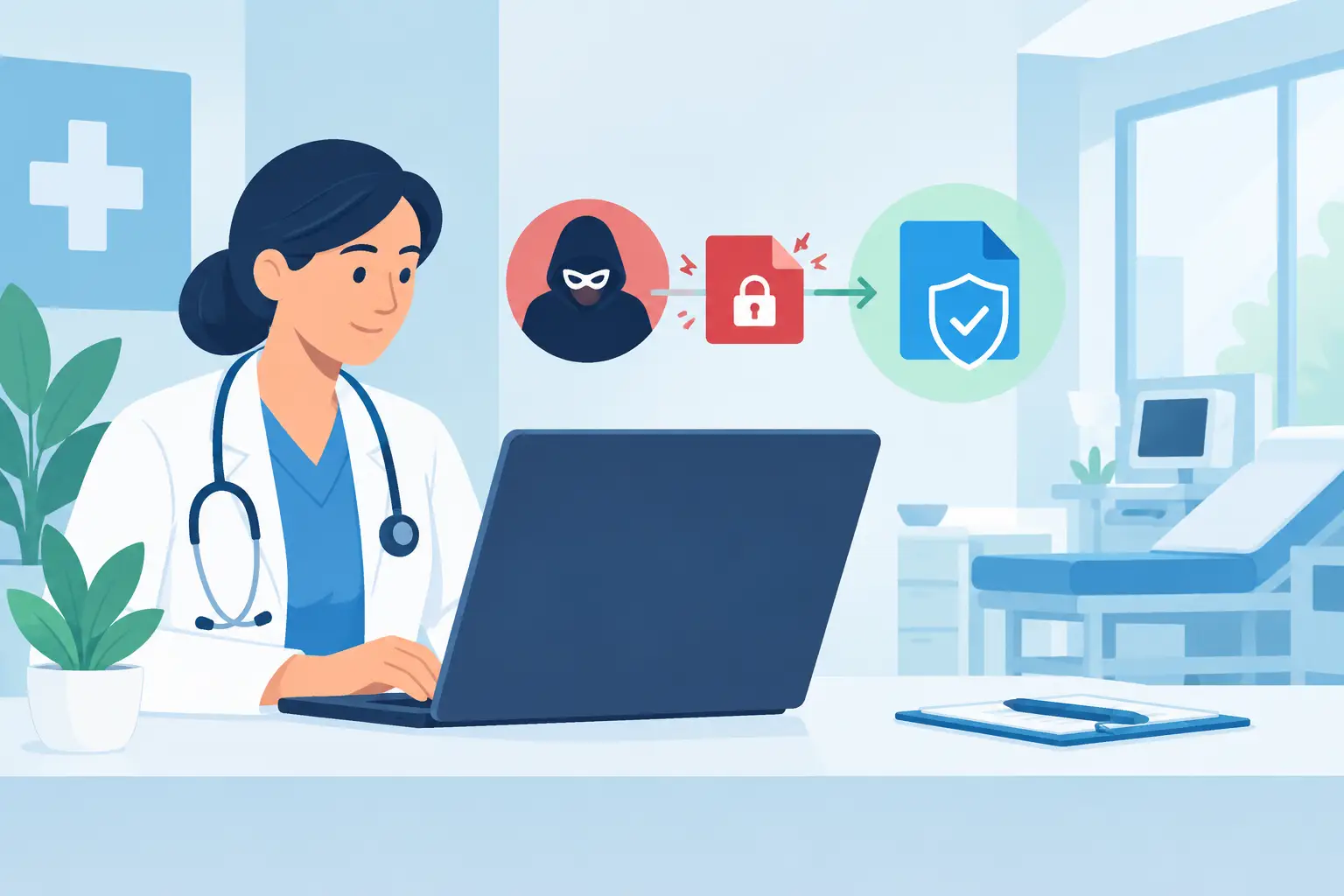
A locked scheduling system at 7:30 a.m. can disrupt far more than office productivity. It can delay patient check-in, interrupt prescription workflows, prevent staff from accessing records, and force difficult decisions about appointments already on the calendar. Effective clinic ransomware recovery is not simply a matter of removing malware. It is a coordinated business-continuity process that protects patient care, preserves evidence, restores trusted systems, and gives staff a clear way to keep operating.
For clinics across Miami and South Florida, the speed of the first few hours matters. So does the quality of the recovery plan that was in place before an attacker gained access.
What Ransomware Can Disrupt Inside a Clinic
Ransomware is malicious software that encrypts files or disables systems until an organization pays a demand. Modern attacks often involve more than encryption. Criminal groups may first copy data, disable backups, steal administrator credentials, and threaten to release sensitive information if payment is not made.
A clinic may feel the impact across its electronic health record platform, practice management software, imaging systems, shared file drives, email, VoIP phones, workstations, and network-connected devices. Even a small outage can create operational problems when staff cannot verify insurance, retrieve consent forms, process payments, or contact patients.
The exact impact depends on how the clinic is built. A cloud-based EHR may remain available from unaffected devices, while local identity services, internet connectivity, or document storage are down. A clinic with a single on-site server may face a longer recovery path than one with segmented systems and regularly tested backups. That is why response decisions should be based on verified facts, not assumptions made under pressure.
The First Hours of Clinic Ransomware Recovery
The first objective is containment. Disconnect affected computers, servers, and network segments from the network as quickly as possible, but avoid immediately powering everything off unless a qualified technician directs it. Abrupt shutdowns can erase volatile evidence and complicate an investigation.
Staff should immediately stop using suspicious systems. They should not attempt to open encrypted files, reuse potentially compromised passwords, connect personal devices, or communicate with attackers. A designated incident lead should document when the issue was discovered, which systems appear affected, what ransomware message was displayed, and what actions have already been taken.
At the same time, protect systems that may still be clean. Disable compromised accounts, revoke active remote-access sessions, isolate backup repositories where possible, and confirm whether critical services are available from a separate environment. This is also the time to engage experienced IT incident-response support, cyber insurance contacts, and legal or compliance advisers as appropriate.
Clear internal communication prevents the response from becoming chaotic. Staff need a practical message: which systems are unavailable, what manual procedures to use, who can approve patient-related decisions, and where to report new symptoms. Patients do not need technical details, but they do need honest, timely updates when appointments, records access, or communications are affected.
Do Not Restore Before You Know the Attack Scope
Restoring a server too early can reinfect the environment or overwrite evidence needed to understand the breach. Before recovery begins, the IT team should determine the likely entry point, identify affected accounts, check for unauthorized remote tools, and review whether attackers had access to sensitive data.
This stage can be uncomfortable because it takes time. Clinic leadership understandably wants systems online immediately. But rushing straight to restoration can turn a one-day outage into a repeating incident. The better approach is to separate clean systems from affected systems, rebuild trust in identity and administrative access, and restore only after the environment is controlled.
For healthcare organizations, this assessment also supports the compliance process. Whether an event qualifies as a reportable breach depends on the facts, including the type of protected health information involved, whether it was accessed or acquired, and the applicable legal requirements. A clinic should work with qualified legal and compliance professionals to evaluate notification obligations rather than treating every ransomware event the same way.
Restore Patient Care in the Right Order
A recovery plan should prioritize clinical and business functions, not simply restore equipment in the order it failed. The goal is to return safe patient operations first, then bring back less urgent services in a controlled sequence.
A typical priority order includes:
- Secure identity systems, administrator accounts, firewalls, and core network services.
- Restore access to the EHR or practice management platform and confirm that patient data is accurate.
- Recover communications, including internet access, secure email, phones, and patient messaging workflows.
- Bring back essential endpoints, printers, document scanning, payment processing, and shared files.
- Restore secondary applications, archived data, reporting tools, and noncritical devices after validation.
Each restored system should be tested before staff resumes normal use. That means confirming user access, checking integrations, reviewing recent data, and scanning systems for indicators of compromise. A server that powers on is not necessarily safe or fully functional. In a clinic, the test also needs to include real workflows, such as checking in a patient, retrieving a chart, sending a prescription request, or processing a referral.
Manual downtime procedures have a role here. Paper intake forms, downtime logs, printed contact lists, and defined call-routing procedures can keep a clinic moving while systems are being rebuilt. They are not a substitute for technology recovery, but they reduce the pressure to bring back systems before they are ready.
Backups Decide How Much Control You Have
The strongest ransomware recovery plans are built around backups that attackers cannot easily reach. A backup stored only on the same network as production servers may be encrypted or deleted during the attack. A backup that has never been tested may fail when the clinic needs it most.
Clinics should maintain multiple backup copies, including an offsite or cloud-based copy and an immutable or otherwise protected copy that cannot be altered by a compromised administrator account. Backup coverage should include more than servers. Critical configurations, cloud data, shared files, line-of-business applications, and key network settings all need a recovery strategy.
Recovery time and recovery point objectives should be practical. A busy specialty clinic may need scheduling and EHR access restored within hours, while a historical archive may tolerate a longer restoration window. Leadership should decide these priorities in advance, with a clear understanding of cost. Faster recovery usually requires more infrastructure, more frequent backups, and more disciplined testing.
Testing is where plans become reliable. A quarterly discussion is useful, but it does not prove that data can be restored. Clinics should periodically test a full restore of critical systems, validate that restored data is usable, and measure how long the process actually takes. The results often reveal missing credentials, undocumented application dependencies, insufficient backup capacity, or unrealistic downtime expectations.
Should a Clinic Pay the Ransom?
There is no universal answer, and this decision should never be made by a single employee responding to a ransom note. Payment does not guarantee decryption, recovery of stolen data, or deletion of copied information. It can also create legal, insurance, and reputational complications.
The decision may involve clinic leadership, cyber insurance representatives, legal counsel, law enforcement, and incident-response specialists. The ability to restore from clean backups gives the clinic far more control and often reduces the pressure created by the attacker’s deadline. Even then, the organization must investigate whether data was accessed or removed and address the underlying security gaps.
Build a Recovery Plan Before the Next Attack
A reliable plan assigns roles before an emergency. Someone must have authority to isolate systems, communicate with staff, approve downtime procedures, contact vendors, and make operational decisions when normal tools are unavailable. Keep those contacts available offline, because the email directory or shared drive may be inaccessible during an attack.
Security controls should support recovery as well as prevention. Multi-factor authentication, managed endpoint protection, network segmentation, timely patching, monitored backups, restricted administrator access, and secure remote-access controls all reduce the chance that one compromised account can affect the entire clinic.
A local technology partner can also make a meaningful difference when every hour affects patients and revenue. CompuSOURCE provides hands-on managed IT support, backup and recovery planning, security infrastructure, and responsive technical assistance for organizations that need a clear owner for critical technology operations.
The most reassuring ransomware response is the one staff can execute without guessing. When your clinic knows who makes decisions, where clean backups reside, how patient care continues during downtime, and how systems will be validated before return to service, an attack becomes a serious disruption rather than a loss of control.
Comments are closed