

A dropped internet connection can stop far more than email. In a Miami office, it can take down cloud applications, VoIP calls, payment terminals, remote access, security cameras, guest WiFi, and communication with customers at the same time. Business internet failover solutions are designed to prevent one carrier outage, damaged cable, or equipment failure from becoming a full operational shutdown.
For businesses that depend on connectivity to serve customers, process transactions, coordinate teams, or host events, a backup connection is not simply an IT upgrade. It is a continuity plan that works automatically when the primary circuit cannot.
What Business Internet Failover Solutions Do
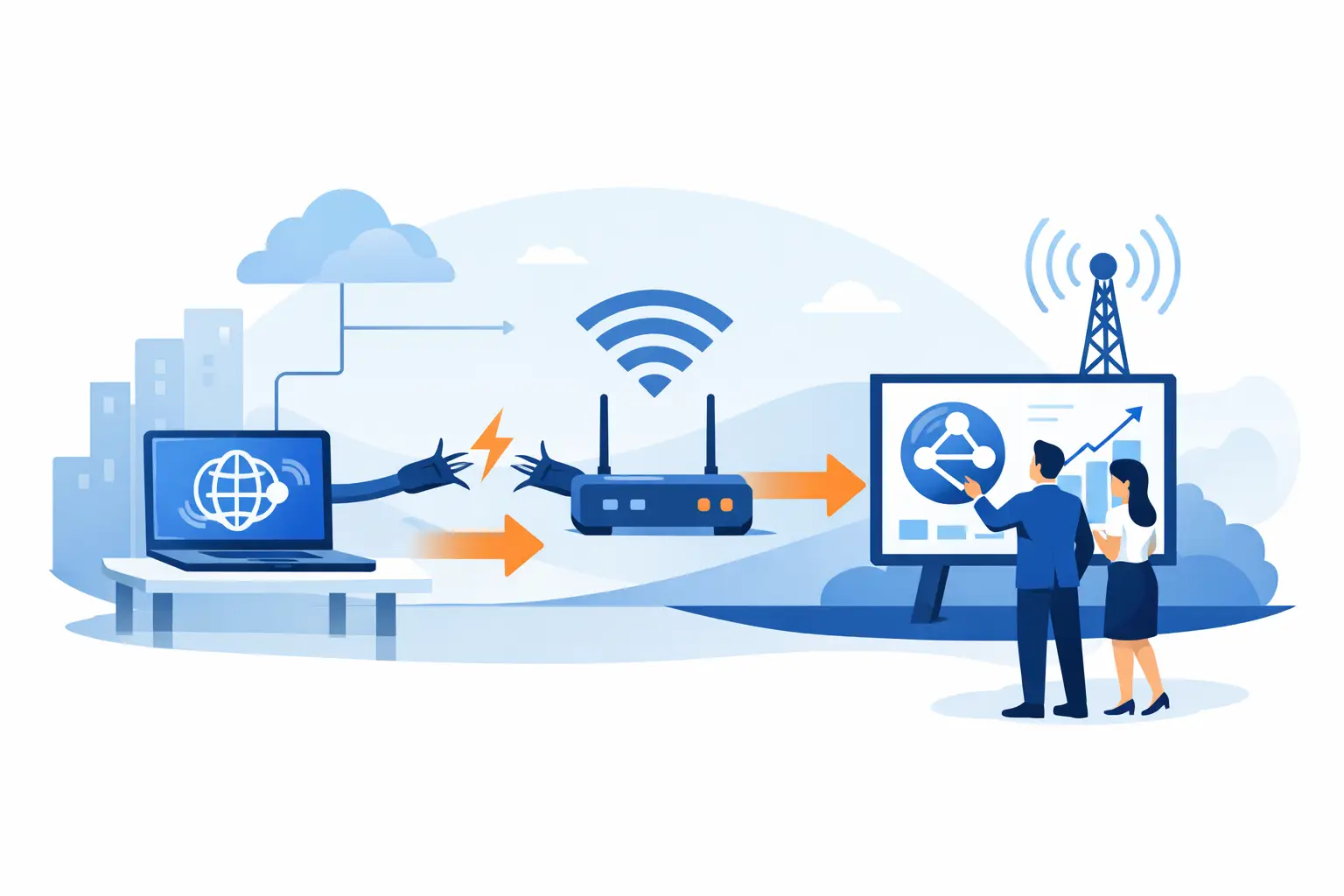
Internet failover is a network setup that switches traffic from a primary internet connection to a secondary connection when the primary service becomes unavailable or unusable. A properly configured firewall, router, or SD-WAN device continuously checks the health of the main circuit. If it detects a failure, it redirects traffic to the backup path.
The best setups do more than wait for a complete outage. A circuit can appear connected while performing too poorly for cloud software, voice calls, or video feeds to work reliably. Health checks can identify excessive packet loss, latency, or DNS failures and move traffic before users are left wondering why every application is slow.
When the primary connection returns and proves stable, the network can switch back automatically. The goal is not to make an outage invisible in every situation. Some active calls, VPN sessions, or uploads may need to reconnect. The goal is to keep the business operating instead of waiting hours for an ISP repair window.
Why One Internet Connection Is a Business Risk
Many organizations assume their carrier connection is reliable enough because it has only failed once or twice. That overlooks the cost of even a short disruption. A 30-minute outage during a busy shift can mean missed calls, delayed orders, unavailable records, frustrated employees, and customers who choose a competitor.
South Florida businesses also face conditions that make planning worthwhile. Construction can damage underground lines. Severe weather can affect local infrastructure. Building equipment can fail, and a single provider may experience an issue that has nothing to do with your office. Event venues have an additional challenge: temporary networks can face sudden demand, interference, and venue-specific connectivity limitations.
A failover plan gives operations leaders a practical answer to a simple question: if the main circuit fails at 10:30 a.m. on a weekday, what will still work?
Choosing the Right Backup Connection
The right secondary connection depends on what must stay online, how much bandwidth those systems require, and how long the business can operate on backup service. Not every organization needs two identical fiber circuits. In fact, a second connection from the same provider using the same physical route may offer less protection than it appears to provide.
Secondary wired internet
A second cable, fiber, or fixed wireless circuit can provide strong capacity for offices with many users, cloud systems, and high-quality voice traffic. It is often the right choice for organizations where internet access is central to daily operations.
The key question is path diversity. If both circuits enter through the same conduit or rely on the same upstream infrastructure, a physical issue may affect both. A qualified provider should review how each service reaches the building, not just compare monthly bandwidth numbers.
Cellular 4G or 5G failover
Cellular failover is a popular option because it can be deployed quickly and operates independently from a wired circuit. It is well suited to keeping essential cloud applications, VoIP service, email, payment processing, and remote access available during a primary outage.
Capacity and consistency vary by carrier signal, congestion, location, and data plan. A cellular connection may not be the best choice for a full office running large backups, high-definition video, and dozens of active users for an extended period. It can be an excellent continuity layer when configured around priority business functions.
Fixed wireless and satellite options
Fixed wireless can provide a valuable alternative where wired options are limited or where diversity is a priority. Satellite connectivity may also help in specific locations, temporary sites, or emergency situations. Both require a realistic assessment of performance, installation requirements, weather exposure, and application needs.
The right answer is rarely a one-size-fits-all package. A medical office protecting access to cloud records has different needs than a warehouse, law firm, retail location, or a large public event with hundreds of guests connecting at once.
Build Failover Around What Must Continue Working
A backup circuit has limited value if the network does not know which traffic matters most. During an outage, business-critical services should take priority over nonessential activity.
For many organizations, that means protecting phone systems, payment terminals, key cloud platforms, VPN access, security monitoring, and essential employee communication. Guest WiFi, streaming media, large software downloads, and personal device use may need to be restricted while the backup link is active.
A thoughtful configuration considers four areas:
- The applications and devices that must remain available during an outage
- The bandwidth required for those functions under normal working conditions
- The amount of backup data the business can use without unexpected overage charges
- The security rules, VPN policies, and phone system settings that must continue to function on the secondary connection
This planning matters because failover changes the path traffic takes, not the need for secure access. Firewalls, content filtering, network segmentation, and remote-access controls should remain in effect whether the business is on its main circuit or its backup connection.
Failover Is More Than a Backup Modem
Buying a cellular modem and leaving it in a closet is not a failover strategy. The equipment must be compatible with the firewall and network design. The backup service must be activated, provisioned, and placed where it receives usable signal. It also needs testing under realistic conditions.
Testing should confirm that the network detects the outage, switches traffic correctly, maintains required security policies, and restores the primary route once service returns. It should also verify what happens to VoIP calls, cloud applications, surveillance access, and remote users. The answer may differ by application, which is why testing cannot be skipped.
Monitoring is equally important. Without proactive alerts, a business may not know the primary connection failed until employees begin reporting issues. It may also fail to notice that the backup circuit has reached a data limit, lost signal, or stopped communicating with the firewall.
For organizations without internal IT staff, managed monitoring removes the burden of checking equipment status and coordinating with carriers during an outage. CompuSOURCE can design and support failover configurations alongside managed IT, VoIP, network, and connectivity services, giving Miami-area businesses one accountable team when a critical system needs attention.
Common Failover Gaps That Create Problems
The most common mistake is choosing two connections that share the same point of failure. Two plans from the same carrier may be convenient, but they may also depend on the same local infrastructure. Carrier diversity and route diversity are worth discussing before signing a contract.
Another issue is underestimating bandwidth. A backup link that supports a few users may become unusable when every workstation, phone, camera, and guest device begins using it at once. Traffic policies should be set in advance, not after the main circuit drops.
Businesses also overlook power. If an outage includes a building power issue, internet equipment, switches, access points, and VoIP hardware need battery backup or generator support. Failover cannot protect services when the network hardware itself has no power.
Finally, configuration changes can quietly break a working design. New firewall rules, phone system updates, added applications, or office expansions should trigger a review of the failover plan. Business continuity is not a set-it-and-forget-it project.
A Practical Way to Get Started
Begin with the cost of downtime rather than the price of a second circuit. Identify the systems that cannot be unavailable, the number of people who need access, and the maximum downtime the business can tolerate. Then compare that risk to the cost of a backup service, managed configuration, and ongoing monitoring.
Ask prospective providers how they test failover, whether they can coordinate with multiple carriers, how they monitor circuit health, and who answers when service fails after hours. The answers should be specific. “We provide backup internet” is not the same as a documented plan with defined priorities, alerts, and support responsibilities.
A dependable failover design gives your team room to keep working while the primary carrier resolves the problem. The next time a circuit goes down, the best outcome is not a scramble for a hotspot. It is a business that keeps serving customers while the network quietly takes the alternate route.
Comments are closed