

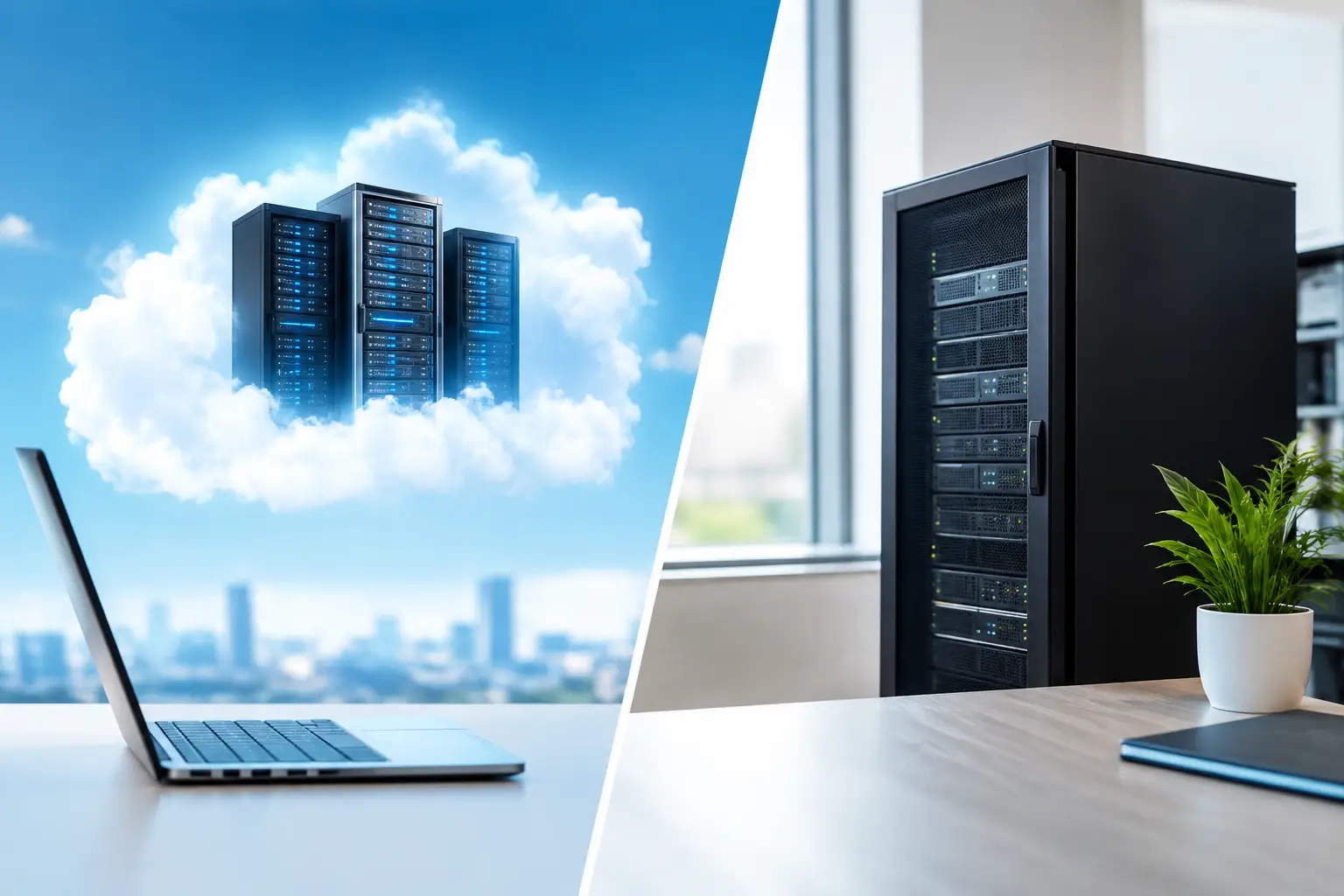
A server decision often becomes urgent at the worst possible moment: the office loses access to files, a line-of-business application slows down, or a storm exposes a gap in the recovery plan. For South Florida businesses, cloud servers vs local servers is not simply a technical preference. It affects how quickly your team can work, how well you recover from an interruption, and who is responsible when something fails.
The right answer depends on your applications, compliance needs, internet reliability, budget, and tolerance for downtime. Many organizations also find that a hybrid approach gives them the control they need without making their operations dependent on a single location.
Cloud Servers vs Local Servers: The Core Difference
A local server, also called an on-premises server, is physical equipment installed at your office, facility, or data room. Your business owns or leases the hardware, and your team or IT provider manages the network, storage, updates, backups, power protection, and physical security around it.
A cloud server runs in a provider-operated data center and is accessed through an internet connection. Rather than housing the equipment in your building, you use computing resources delivered remotely. Depending on the service, the provider may maintain the physical hardware while your business or IT partner manages the operating system, applications, users, and data.
That distinction has practical consequences. A local server can keep certain systems running even when the internet is down. A cloud server can make it easier for authorized employees to access business resources from multiple locations. Neither option automatically delivers better security, lower cost, or stronger performance. The outcome depends on how the environment is designed and supported.
When Local Servers Make Business Sense
Local servers remain a strong choice for organizations that need fast access to large files, use specialized applications, or require systems to continue working within the facility during an internet interruption. A commercial operation with high-resolution video surveillance, for example, may need substantial local storage and immediate access to footage. Some manufacturing, healthcare, engineering, and financial applications also perform best when the server is close to the users and equipment relying on it.
A local server gives your organization direct control over the hardware and its configuration. You decide when to replace equipment, how much storage to add, and how your network is structured. For businesses with consistent, predictable workloads, that control can be valuable.
There are trade-offs. The upfront investment can be significant, especially once you account for server hardware, firewalls, battery backup systems, cooling, licensing, backup storage, and redundant internet service. Hardware eventually reaches end of life. A server that was adequate five years ago may not meet current performance, security, or recovery requirements.
Physical location is another consideration. If the server sits in the same building as your staff, a power issue, water intrusion, theft, fire, or hurricane-related disruption can affect both your operations and your primary data. A local server needs a tested offsite backup and recovery plan. Having backups is not enough if they have never been restored under real conditions.
Where Cloud Servers Deliver an Advantage
Cloud servers are often a practical fit for businesses with remote staff, multiple offices, changing capacity needs, or limited room to maintain a proper server environment. Teams can access approved applications and files without relying on a single office as the center of operations. If a location becomes temporarily inaccessible, employees may be able to continue working from another site or home, provided their internet connection and access controls are in place.
Cloud infrastructure can also reduce the burden of maintaining aging physical equipment. Instead of planning a major hardware replacement every few years, organizations can adjust resources as requirements change. This can be helpful for growing businesses, seasonal operations, and projects that need additional capacity without a long procurement cycle.
However, cloud services are not hands-off. Performance depends on the quality and redundancy of your internet connection, the architecture of the hosted environment, user permissions, backup policies, and vendor responsibilities. A basic cloud subscription does not automatically include a complete disaster recovery strategy, advanced security monitoring, or support for every business application.
Costs also need careful review. Monthly cloud spending may be easier to budget than a large capital expense, but it can rise as storage, computing power, retention periods, and user counts increase. Egress charges, licensing, support tiers, and backup options can add up. The question is not whether cloud is cheaper in every situation. It is whether the operating model produces better value for your actual needs.
Compare What Matters During an Outage
When evaluating server options, start with the business impact of an interruption. Ask what your team must be able to access, how long operations can continue without it, and how quickly data must be restored. These answers are more useful than choosing a platform based on general claims about convenience or price.
Uptime and connectivity
A local server can remain available on the internal network if the internet fails, but only if the office has power and the local network is functioning. Cloud systems depend on internet connectivity, making reliable business-grade service, properly configured network equipment, and backup connectivity especially important.
For a Miami business, the conversation should include storm readiness. Battery backup protects against short power events, while generators or alternate work locations may be necessary for longer disruptions. Cloud access can support continuity when a facility is unavailable, but a cloud-first model should be paired with redundant connectivity wherever practical.
Security and control
Cloud providers operate highly protected data centers, but security is shared. The provider may secure the infrastructure, while your organization remains responsible for user access, passwords, multifactor authentication, endpoint protection, data classifications, and application settings.
With a local server, your business has more direct control, but also more direct responsibility. You need timely patching, firewall management, encrypted backups, physical safeguards, and continuous monitoring. An unpatched local server exposed to the internet creates a serious risk regardless of how expensive the hardware was.
The better question is not, “Which is more secure?” It is, “Which environment can we manage correctly and consistently?” A well-supported local server can be highly secure. So can a properly configured cloud environment. Poor management creates risk in both.
Performance and application compatibility
Local servers typically provide low-latency access for users in the same facility. This can benefit large design files, databases, video systems, and older applications that were never designed for cloud hosting. Cloud servers can perform very well too, but results depend on the application, internet speed, latency, and the way remote access is configured.
Before moving a critical application, test it with real users and real workloads. A successful email migration does not prove that accounting, scheduling, surveillance, or production software will perform as expected in a hosted environment.
The Hybrid Model Is Often the Practical Choice
Many small and mid-sized businesses do not need to choose one model exclusively. A hybrid design can keep performance-sensitive systems and local services on-site while placing backups, collaboration tools, remote access, and disaster recovery resources in the cloud.
For example, a business may retain a local server for a specialized database or video recording workload, replicate essential data to an offsite environment, and use cloud-based productivity and phone tools to support staff working from different locations. If the office is temporarily unavailable, employees can still communicate and access the resources designed for remote continuity.
Hybrid environments require disciplined planning. Data must be synchronized correctly, backups must be monitored, and staff need clear procedures for an outage. Without that oversight, a hybrid setup can become fragmented and difficult to support. With the right design, it can provide an effective balance of performance, flexibility, and recovery protection.
Build the Decision Around Business Requirements
Before purchasing hardware or signing a cloud agreement, document the applications you use, the data they contain, and the impact of downtime. Identify who needs access from outside the office, what regulations or customer commitments apply, and how quickly each system must be restored after a disruption.
It also helps to define ownership. Who monitors alerts after hours? Who confirms backups completed successfully? Who applies security updates? Who answers when an employee cannot access a critical system? These operational details determine whether your server environment supports the business or becomes another source of uncertainty.
CompuSOURCE helps South Florida organizations assess these decisions from an operational standpoint, including network readiness, server performance, backup and recovery, cybersecurity, and ongoing support requirements. The goal is not to push every workload into the cloud or keep every workload on-site. It is to create an environment your team can depend on.
A server strategy should give your business a clear path forward when equipment fails, connectivity drops, or your team needs to work from somewhere else. Choose the model that supports that reality, then make sure it is monitored, protected, and tested before you need it.
Comments are closed