

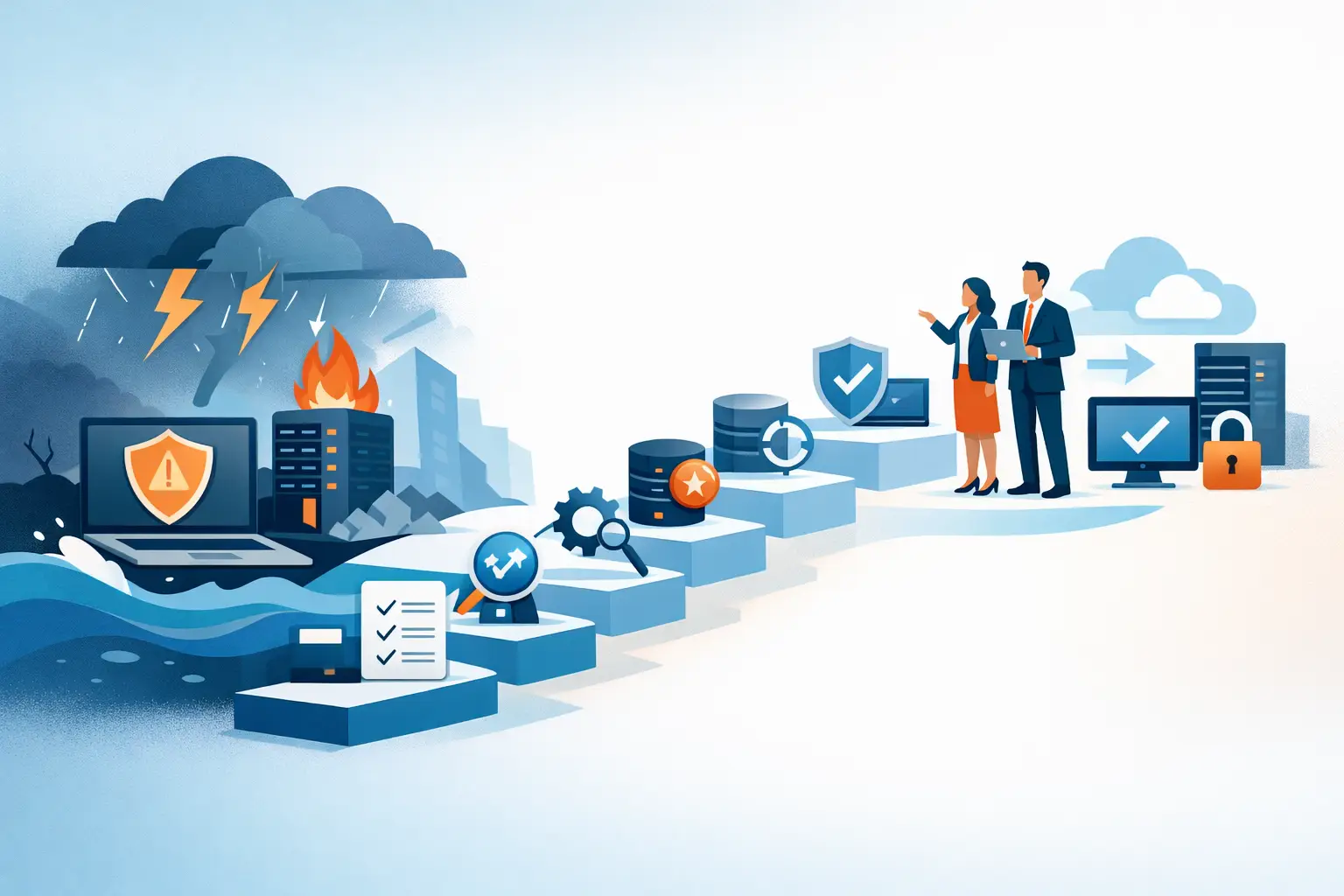
At 2:15 a.m., a failed server, ransomware alert, or power outage does not care whether your business opens at 8:00. By morning, employees may be unable to access files, phones may be down, security cameras may be offline, and customers may be waiting for answers. A disaster recovery plan for business IT gives your organization a clear, tested way to restore the systems that keep work moving.
For Miami and South Florida businesses, the risk is not theoretical. Hurricanes, flooding, utility interruptions, construction damage, hardware failure, and cyberattacks can all interrupt operations. The organizations that recover fastest are not necessarily the ones with the most technology. They are the ones that have decided what matters most, where their data is protected, who takes action, and how recovery will be verified.
What a Disaster Recovery Plan for Business IT Should Do
A disaster recovery plan is more than a backup policy. Backups protect copies of data. Disaster recovery defines how the business will restore data, applications, networks, communications, and access after an outage.
It should answer practical questions: Which systems must be restored first? How long can the business operate without email, phones, accounting software, or remote access? Who is authorized to make recovery decisions? How will employees communicate if normal systems are unavailable?
The plan does not need to be a hundred-page document that no one opens during an emergency. For a small or mid-sized business, a concise plan with accurate technical details, assigned responsibilities, and tested recovery procedures is far more valuable. It should also work for the disruption you are most likely to face, not just a major storm. A failed network switch or deleted file can be just as damaging when it stops a busy workday.
1. Identify the Systems That Cannot Wait
Start with a business impact review. List the technology your teams depend on to serve customers, take payments, schedule work, communicate, protect facilities, and maintain records. Then rank those systems based on the impact of downtime.
For one business, the top priority may be a cloud-based accounting platform and shared file storage. For another, it may be a VoIP phone system, point-of-sale equipment, surveillance recording, or line-of-business software hosted on a local server. An event company may place internet connectivity and WiFi management at the top of the list.
Assign a realistic recovery priority to each system. Critical services should be restored first, followed by systems that can be unavailable for a day or two without causing major financial or operational damage. This prevents a common mistake: treating every application as equally urgent and delaying the recovery of what actually keeps the business running.
2. Set Recovery Time and Data Loss Targets
Two numbers make recovery planning more concrete: recovery time objective and recovery point objective.
The recovery time objective is the maximum acceptable downtime for a system. If your phone system has a four-hour recovery time objective, the plan must provide a path to restore calling capability within four hours. The recovery point objective identifies how much data the business can afford to lose. If it is four hours, your backup and replication processes must preserve data at least every four hours.
These targets involve trade-offs. Faster recovery and less allowable data loss generally require more frequent backups, additional infrastructure, and closer monitoring. A company may reasonably accept overnight recovery for archived files, while accepting only minutes of data loss for customer transactions or active project records.
The right targets are business decisions supported by technical guidance. Ask department leaders what a day without each system would cost in missed revenue, overtime, customer frustration, compliance exposure, or operational delays. Those answers should shape the investment.
3. Protect Data With More Than One Copy
A backup sitting on the same server or in the same office is not a recovery strategy. Fire, theft, flooding, ransomware, and hardware failure can affect both the original data and the backup at the same time.
Use a layered approach that includes local recovery for speed and an offsite or cloud-based copy for protection from a site-level incident. Backup data should be encrypted, monitored for successful completion, and protected from unauthorized changes. For many organizations, an immutable backup copy is also worth considering because it cannot be easily altered or erased by ransomware.
Just as important, confirm that backups contain what you expect. Files alone may not be enough. A complete recovery may require server configurations, application databases, user permissions, network settings, virtual machines, and phone system configurations. Your plan should document exactly what is backed up and what must be rebuilt separately.
4. Plan for Communications Before the Emergency
When normal email, internet, or phone services are disrupted, employees and customers need to know where to get reliable information. Decide who communicates internally, who updates customers, and what alternate methods will be used.
For example, a business may designate a mobile group messaging channel for staff updates, publish a temporary customer service number, and establish a process to reroute calls if the primary office is inaccessible. If employees work remotely during an outage, they need clear instructions for securely accessing approved systems and avoiding unapproved workarounds.
This is especially important for businesses that rely on incoming calls for appointments, dispatch, support requests, or sales. A technical recovery effort is only part of the response. Customers need confidence that your business is available and handling the situation.
5. Document Roles, Vendors, and Recovery Procedures
During an outage, people should not be searching old emails for warranty details, software credentials, or a vendor support number. Keep a protected, current record of key technical and business contacts, including internet providers, phone vendors, cloud application providers, hardware support contacts, insurance contacts, and internal decision-makers.
Your plan should also name a recovery lead and a backup lead. Define who can authorize emergency purchases, who communicates with leadership, and who makes decisions if a building cannot be accessed. Include an escalation path for after-hours incidents.
Technical procedures should be specific enough for the responsible team or IT partner to act quickly. That includes the order for restoring systems, where backups are stored, how to access recovery accounts, how to validate restored applications, and how to document actions taken. Sensitive credentials should be stored securely, not printed in an unprotected binder.
6. Account for Your Location and Physical Infrastructure
A cloud application can reduce certain risks, but it does not eliminate the need for local planning. Your office still depends on power, internet connectivity, network equipment, employee devices, and physical access. Commercial surveillance, access control, printers, on-premises servers, and desk phones may all need separate recovery steps.
For South Florida organizations, prepare for extended weather-related disruptions. Determine whether critical equipment has battery backup and surge protection, whether network closets are protected from water exposure, and whether a secondary work location is available. If your business requires continuous connectivity, evaluate options such as redundant internet circuits, cellular failover, or temporary connectivity solutions.
The right approach depends on the cost of downtime. A professional office may be able to work from home for a day. A healthcare-adjacent provider, call-heavy business, or operations center may need much faster alternatives. Planning should reflect the realities of your operation rather than a generic checklist.
7. Test the Plan and Improve It
An untested recovery plan is an assumption. Testing reveals missing access permissions, incomplete backups, outdated contact lists, unclear responsibilities, and recovery times that looked acceptable on paper but fail in practice.
Start with a tabletop exercise. Walk leadership and key employees through a scenario such as ransomware, a hurricane-related office closure, or a server failure. Discuss who does what, how the team communicates, and which systems return first. Then test technical recovery procedures in a controlled manner, including restoring selected files, applications, and backups.
Review the plan at least annually and after any meaningful change to your environment. New cloud tools, office moves, additional locations, new phone systems, staff turnover, and changes in vendors can all create gaps. Keep records of each test, what failed, and what was corrected.
A dependable IT partner can help manage this process by monitoring backups, validating recovery capability, maintaining documentation, and providing responsive support when an incident occurs. For businesses that do not have an internal IT team, CompuSOURCE can provide the hands-on planning and ongoing oversight needed to keep recovery readiness from becoming another unfinished internal project.
The best time to make recovery decisions is while your systems are working and your team has time to think clearly. Build the plan, test it against realistic disruptions, and give your business a practical path back to operation when the unexpected happens.
Comments are closed