

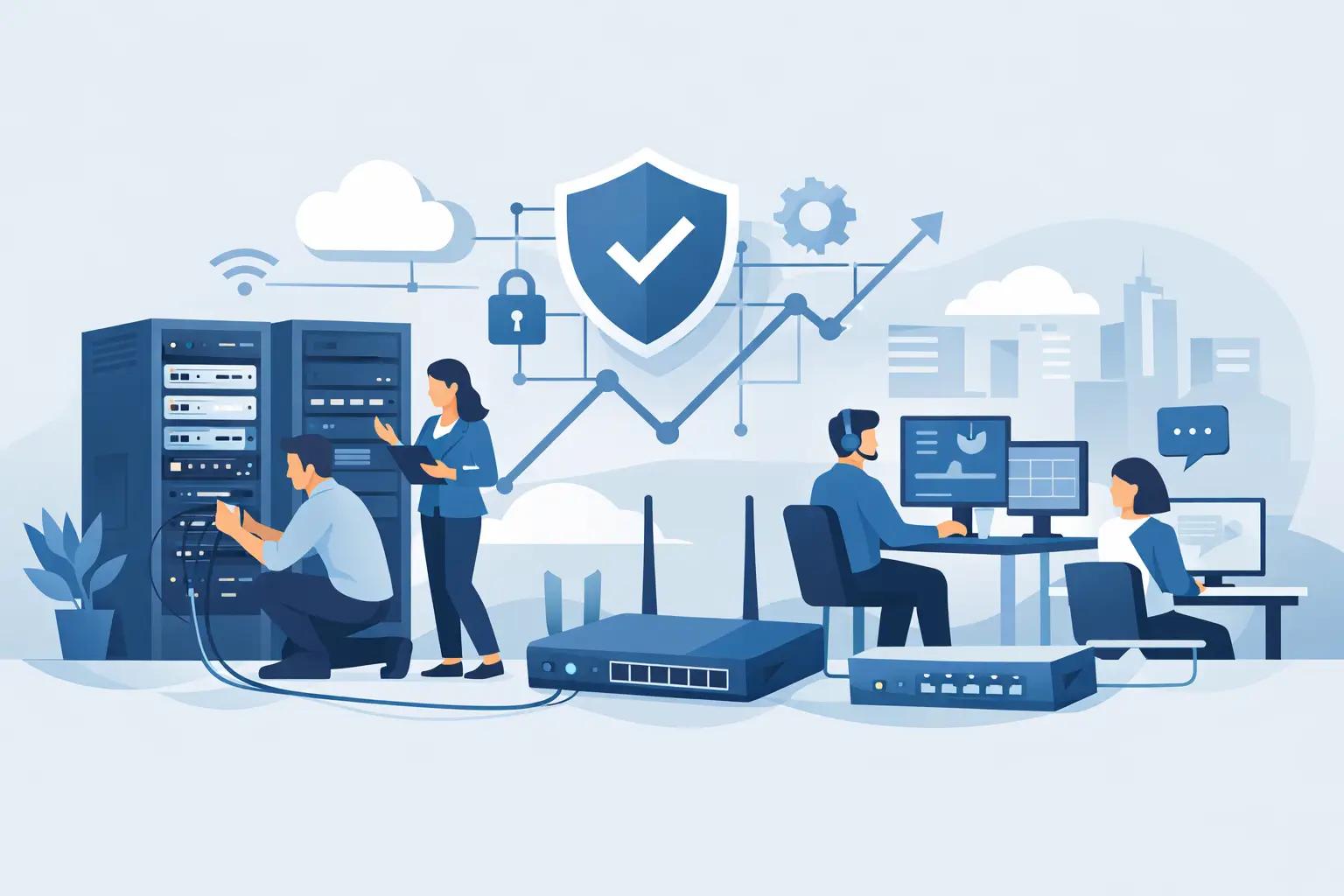
A new office should not open with employees hunting for WiFi passwords, phones that cannot place calls, or cameras that drop offline after dark. Business network setup services create the working foundation behind daily operations: the connections that support staff, customers, communication, security, and cloud applications from the first day forward.
For Miami and South Florida organizations, that foundation also has to account for fast-paced operations, changing workspaces, hurricane-season continuity planning, and a growing mix of connected devices. A network that merely works on installation day is not enough. It needs to be designed for the way the business operates next month, next year, and during an unexpected disruption.
What Business Network Setup Services Should Include
A proper business network setup starts before anyone runs a cable or installs a wireless access point. The provider should learn how your business uses technology, who needs access, where critical equipment sits, and what cannot go offline. An accounting office, medical practice, warehouse, restaurant, and event venue may all need internet access, but their network priorities are very different.
The assessment should account for staff count, floor plan, remote access needs, cloud applications, VoIP phones, printers, surveillance cameras, guest WiFi, and future expansion. It should also identify the internet connections available at the location and whether a backup connection is warranted. For many businesses, a second connection is a practical continuity measure rather than an unnecessary expense.
From there, the work should result in a clear plan for the network, not a collection of individual devices. That plan typically includes the firewall, switches, wireless access points, structured cabling, network rack, battery backup, and the configuration needed to keep traffic organized and protected. When phones, cameras, guest devices, and employee systems share a single poorly configured network, one problem can quickly affect everything else.
Design the Network Around How Work Gets Done
The right design balances performance, security, budget, and room to grow. Buying the least expensive hardware may lower the initial project cost, but it can lead to short WiFi range, limited capacity, inconsistent support, and an earlier replacement cycle. On the other hand, not every small office needs enterprise equipment with features it will never use. The best choice depends on the number of users, connected devices, applications, and business risk.
Wireless coverage deserves particular attention. A signal test near the front door does not tell you whether WiFi will work in conference rooms, stockrooms, exterior work areas, or the far end of a warehouse. Building materials, elevator shafts, metal shelving, neighboring networks, and dense device usage can all affect performance. A thoughtful site review helps determine access point placement before coverage complaints become a daily issue.
Network segmentation is another essential design decision. It separates different types of traffic so that a guest using WiFi is not on the same network as company workstations, point-of-sale systems, or security cameras. Separating these environments improves control and can limit the spread of a security incident. It also makes troubleshooting faster because technicians can isolate a problem without disrupting the entire operation.
For organizations using hosted or on-premises business phones, the network should be configured to prioritize voice traffic. Calls should remain clear even when staff members are uploading files, joining video meetings, or accessing cloud applications. This is especially relevant for customer-facing teams where a dropped or distorted call reflects directly on the business.
Installation Is More Than Connecting Equipment
A professional installation brings the design to life in an organized, serviceable way. Cables should be labeled, terminated correctly, and routed with future maintenance in mind. Network equipment should be mounted securely, protected by appropriate power backup, and documented so the business is not left guessing which cable, switch port, or device serves a particular area.
A complete deployment commonly addresses four connected areas:
- Internet handoff, firewall configuration, and secure remote access
- Wired connections for workstations, phones, printers, servers, and cameras
- Business WiFi for employees, guests, and approved mobile devices
- Power protection, equipment organization, labeling, and network documentation
Testing matters as much as installation. Technicians should verify wired and wireless performance, check device connectivity, test VoIP call quality where applicable, confirm camera access, and validate that guest WiFi is separated from internal business systems. If the location has a backup internet circuit, failover should be tested rather than assumed.
For a move, renovation, or new location, timing is often the hardest part. Internet providers, construction schedules, furniture delivery, phone activation, and staff onboarding all have to align. Coordinating the network project early reduces the chance that a completed office is waiting on a critical connection. A hands-on technology partner can also coordinate the details across internet, phones, WiFi, and security infrastructure instead of leaving your team to manage several vendors.
Security Must Be Built Into the First Configuration
Network security is not something to add after an incident. The initial setup should include a properly configured business firewall, secure administrative credentials, current firmware, protected WiFi settings, and user access rules that match actual job responsibilities. Default passwords, open guest networks, and outdated equipment create avoidable exposure.
Security also depends on visibility. Businesses need to know what is connected to their network and whether unfamiliar devices appear. Managed monitoring can identify performance issues, equipment alerts, and certain security concerns before they become a larger interruption. That proactive oversight is particularly valuable for companies without an internal IT department watching the environment throughout the day.
Backup and recovery planning belongs in the same conversation. A network may be operating normally, but a failed server, accidental deletion, ransomware event, or power issue can still interrupt access to business data. The network should support reliable backup processes and provide the access controls needed to recover systems without creating additional risk.
Plan for Continuity, Not Just Normal Conditions
South Florida businesses know that internet and power disruptions are not theoretical. A well-planned network considers what happens when the primary connection fails, a power outage lasts longer than expected, or staff need to work from another location. The answer may involve backup internet, battery backup, cloud-based applications, remote-access tools, and documented recovery procedures.
The right level of redundancy depends on the cost of downtime. A small office that can pause for a few hours may make different choices than a dispatch operation, healthcare provider, retail location, or business that relies on continuous phone access. The goal is not to overspend on every available safeguard. It is to make informed decisions about the interruptions your business can and cannot afford.
Support After Installation Protects Your Investment
A network is not a set-it-and-forget-it project. Software updates, new employees, office changes, additional cameras, cloud migrations, and new phone requirements all affect the environment over time. Without ongoing maintenance, a well-installed network can gradually become harder to manage and less secure.
Documentation and ownership are critical here. Your provider should be able to explain the network in business terms, retain accurate records, and respond when an issue affects operations. That includes knowing who to call when a phone system, internet connection, wireless network, or security camera needs attention. One accountable technology partner reduces finger-pointing between separate vendors.
CompuSOURCE supports South Florida organizations with network planning, installation, managed support, business communications, connectivity, and security infrastructure. That broader service coverage is useful when the network must support more than computers, including VoIP phones, event WiFi, surveillance systems, backups, and the daily tools teams rely on to serve customers.
Choosing Business Network Setup Services With Confidence
When evaluating providers, look beyond the equipment quote. Ask how the provider assesses coverage, handles security, documents the environment, tests failover, and supports the network after installation. Ask whether they can work with your internet provider, phone system, camera platform, and existing hardware. A provider that only installs devices may leave you with a network that works initially but no clear plan for long-term responsibility.
Local responsiveness also matters. Remote support resolves many issues, but some situations require an onsite technician who can inspect cabling, replace equipment, coordinate with a building, or troubleshoot a connection at the source. For Miami businesses, a local team that understands the area and can respond when operations are affected provides meaningful peace of mind.
The most useful network setup is one your employees barely have to think about. When calls are clear, WiFi reaches the places people work, systems stay protected, and help is available when something changes, technology stops being a daily distraction and becomes dependable support for the business you are building.
Comments are closed