

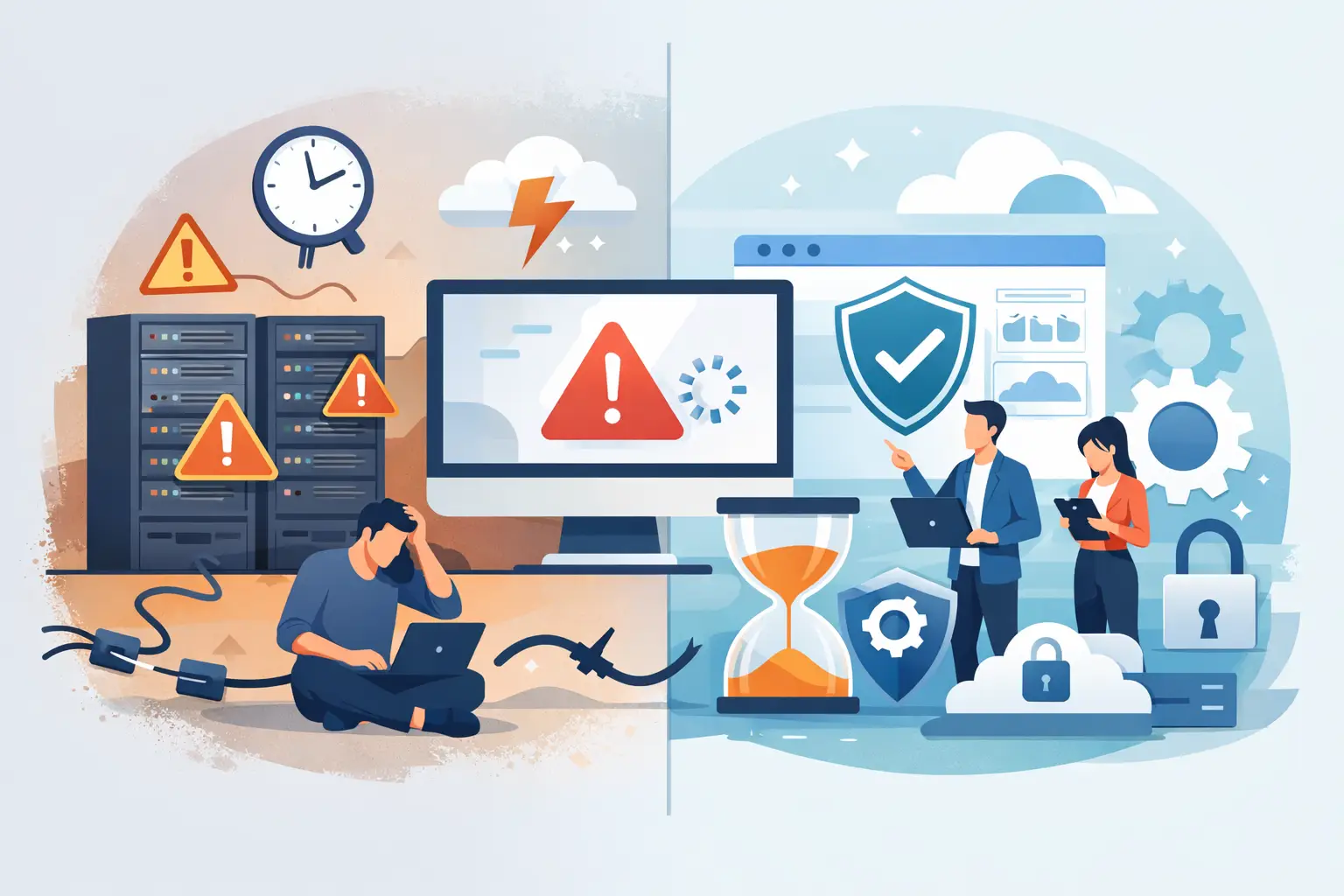
A stalled point-of-sale system, an office without phones, or a security camera network that goes offline can interrupt far more than a few employee tasks. It can delay revenue, frustrate customers, expose data, and leave your team scrambling for answers. Learning how to reduce business IT downtime starts with treating technology as a business-critical operation, not something to address only after it fails.
For Miami and South Florida businesses, the challenge can be even greater. Severe weather, power fluctuations, connectivity interruptions, aging hardware, and scattered technology vendors all create opportunities for an avoidable outage. The right approach combines prevention, preparation, and fast response when an incident does occur.
How to Reduce Business IT Downtime Before It Starts
The most expensive downtime is usually the downtime that could have been prevented. A server rarely fails without warning, and a backup is not truly dependable until someone confirms that data can be restored. Reducing outages requires visibility into the systems your business depends on every day.
That begins with identifying what must stay available. For a professional office, that may include internet access, email, cloud applications, file storage, and VoIP phones. For a retail or hospitality location, payment systems and guest WiFi may be the priority. A commercial facility may also need continuous access to video surveillance, access control, and remote monitoring.
Once those systems are identified, assign them a business impact level. Ask a practical question: if this system stopped working for one hour, what would it cost us in lost sales, labor, customer confidence, or compliance exposure? The answer helps determine where to invest first. Not every device needs the same level of protection, but every critical service needs a clear plan.
Monitor systems before users report a problem
Employees should not be your first line of monitoring. By the time someone reports that files are unavailable or calls are dropping, performance may have been degrading for hours.
Proactive monitoring can identify warning signs such as low disk space, repeated server errors, failed backups, unstable internet connections, unusual network activity, and hardware components nearing failure. It gives technicians an opportunity to correct issues during a scheduled maintenance window instead of during a busy workday.
Monitoring is especially valuable for organizations with multiple locations, remote users, cloud applications, or equipment that must operate after business hours. It replaces guesswork with real-time information and provides a clearer path to resolving the actual cause of an issue.
Keep maintenance planned, not disruptive
Software updates, security patches, firmware upgrades, and hardware refreshes are necessary, but they must be managed carefully. Applying every update immediately can create compatibility issues. Delaying every update, however, leaves systems exposed to security and reliability risks.
The right balance depends on the system. Critical security patches may need rapid action, while major operating system changes should be reviewed, tested, and scheduled. A documented maintenance calendar prevents updates from becoming an afterthought and helps avoid disruption during peak operating hours.
Aging equipment deserves the same attention. A five-year-old firewall, server, switch, or wireless access point may still function, but its failure risk and support limitations increase over time. Replacing infrastructure on a planned lifecycle is typically less costly than making emergency purchases during an outage.
Protect the Connections That Keep Work Moving
Many businesses think of downtime as a server problem when the real issue is connectivity. If your internet connection fails, cloud applications, phones, payment terminals, remote access, and guest WiFi may all stop working at once.
A dependable network starts with business-grade equipment that is properly configured, secured, and sized for the number of users and devices on the network. Consumer-grade routers and poorly placed WiFi equipment may be acceptable for a small home environment, but they create unnecessary risk in a commercial setting.
For systems that cannot tolerate an internet outage, consider a secondary connection or cellular failover. This does not mean every business needs duplicate service at every location. It means the protection should match the operational impact. A medical office, busy retail operation, event venue, or company dependent on cloud phone service may have a strong case for automatic failover. A smaller office with limited online dependency may choose a more modest contingency plan.
Power protection matters as well. Uninterruptible power supplies can keep networking equipment and essential systems running through short outages and provide time for an orderly shutdown during longer events. They are not a substitute for backup power, but they can prevent abrupt failures that damage equipment or corrupt data.
Make Backup and Recovery a Proven Process
Backups reduce the damage caused by hardware failure, ransomware, accidental deletion, and corrupted files. But simply seeing a successful backup notification is not enough. A backup that cannot be restored when needed is not a recovery strategy.
Businesses should maintain backups that are automated, monitored, protected from unauthorized changes, and stored separately from the primary production environment. Keeping an offsite or cloud-based copy is essential because a local backup can be affected by theft, fire, flooding, or a ransomware attack that reaches connected storage.
Recovery objectives should be defined in business terms. Recovery point objective refers to how much data loss the business can accept. Recovery time objective refers to how long a system can be unavailable. A company that processes transactions all day may need frequent backups and rapid restoration. A less critical archive may tolerate a longer recovery window.
Just as important, schedule recovery testing. Restore a sample of files, a virtual server, or a critical application at regular intervals. Testing reveals whether the backup is complete, whether access credentials are available, and whether the recovery process meets the time expectations set by leadership. It is far better to find a gap during a controlled test than during an emergency.
Reduce Vendor Gaps and Communication Failures
Downtime can last longer when several vendors point to one another. The internet provider blames the firewall, the phone provider blames the network, and the software vendor says the issue is outside its scope. Meanwhile, your employees and customers are still waiting.
Clear ownership is one of the most practical ways to shorten disruptions. Maintain current records for your internet circuits, network equipment, phone systems, cloud applications, licensing, warranties, and vendor contacts. Document who has authority to make service decisions and who should be contacted after hours.
Where possible, work with a technology partner that can take ownership of the environment rather than merely responding to isolated tickets. A full-service provider can coordinate network support, business communications, backup and recovery, cybersecurity, and onsite needs with a single view of the business. For organizations across South Florida, CompuSOURCE provides that hands-on accountability alongside proactive support and 24/7 emergency technical assistance.
Create an Incident Plan People Can Actually Use
Even well-managed environments experience outages. The goal is not to promise that nothing will ever fail. The goal is to limit the impact, restore operations quickly, and communicate clearly while the issue is being resolved.
Your incident plan does not need to be a large binder that no one reads. It should clearly state who declares an incident, who contacts technical support, who communicates with staff and customers, and what workarounds are available. Include basic steps for common disruptions such as internet loss, phone outages, ransomware concerns, power interruptions, and unavailable cloud applications.
For example, if phones are unavailable, can calls be forwarded to mobile devices? If the internet is down, can essential transactions be processed through a backup connection? If a file server is unavailable, does the team know where to access approved recovery copies? These decisions should be made before a stressful event.
Run short tabletop exercises at least once or twice a year. Walk through a realistic scenario with the people responsible for operations, communications, and IT. The exercise often exposes missing contact information, unclear authority, or procedures that sound good on paper but do not work in practice.
Measure Downtime and Improve After Each Incident
Every outage should produce useful information. Record when the issue began, which services were affected, what caused it, how long recovery took, and what actions prevented or delayed resolution. This creates a pattern over time.
If repeated outages stem from a single aging switch, unstable internet circuit, unsupported application, or lack of user training, the business can address the root cause instead of treating each event as unrelated. A short post-incident review also helps leadership make smarter technology decisions based on business impact rather than assumptions.
Downtime prevention is not a one-time project. It is an operating discipline built through monitoring, maintenance, tested recovery, dependable connectivity, and accountable support. The next outage will always be easier to manage when your team already knows what matters most, who owns the response, and how work can continue.
Comments are closed